Test instrument window – Seaward PATGuard 3 User Manual
Page 119
Advertising
PATGuard 3
119 / 153
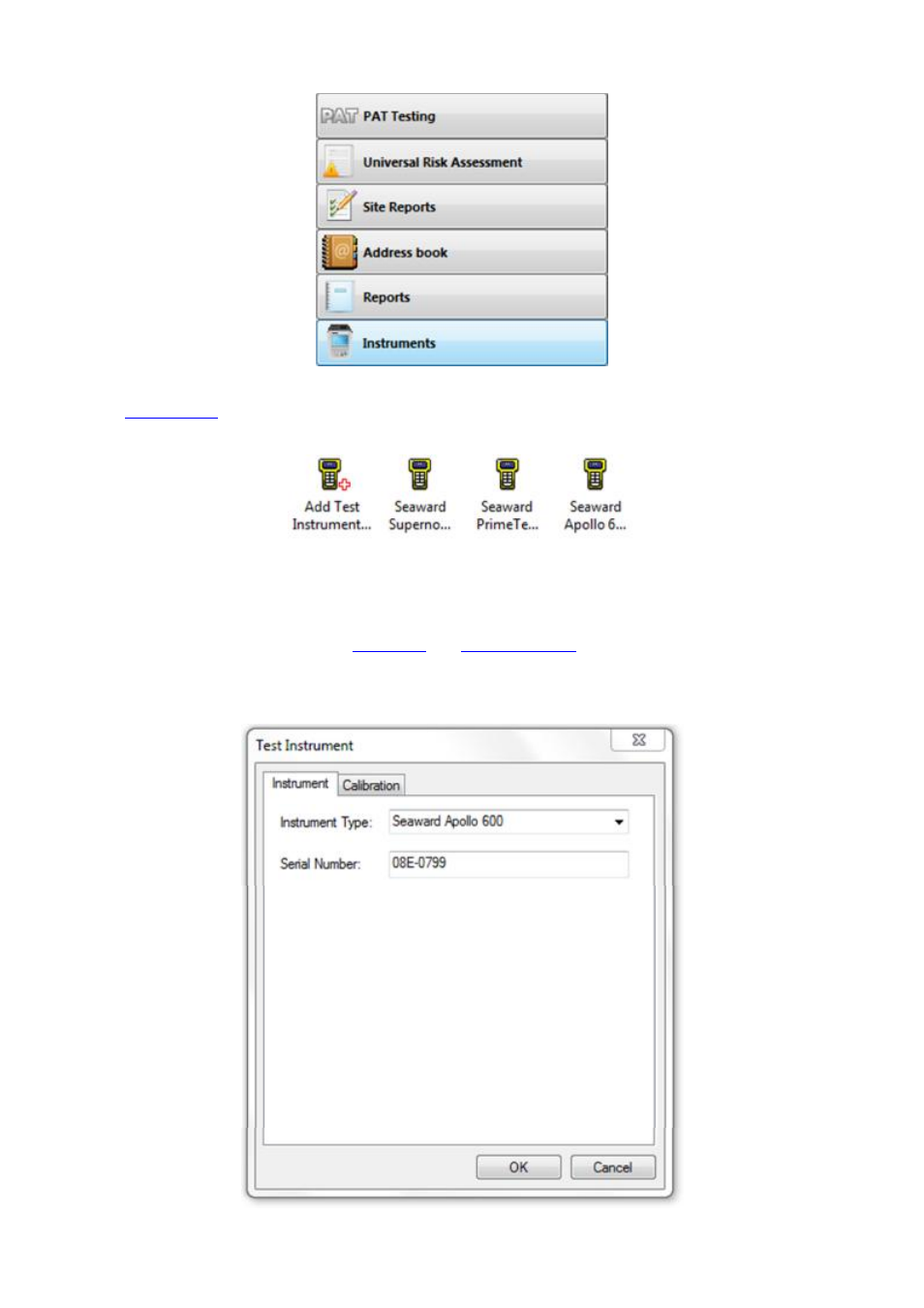
Navigation Pane - Instruments
The
Main Window
will now show the currently configured Test Instruments. Click on Add Test
Instrument... in the Main Window to open the Test Instrument window to add a new Test Instrument.
Main Window - All Instruments
Test Instrument window
The Test Instrument window allows you to view, add or amend the details of a Test Instrument, including
Instrument Type, Serial Number, and
Calibration
and
Communications
settings.
The Instrument tab in the Test Instrument window allows you to select the Instrument Type and enter the
Serial Number.
Advertising