Teo E911 Response System Installation User Manual
Page 30
Advertising
Teo E911 Response Server 9145 Installation Instructions
Page 30
13-280133 Rev. C
4.
Connect the 9145 to your LAN (page 19).
5.
Turn on the power (page 9).
6.
When the logon screen appears, logon to the local Administrator account.
User name: Teo
Password: TEO911 (must be uppercase)
Be sure to change the default Administrator account password. (Control
Panel
→
User Accounts). Record the new password for future reference.
7.
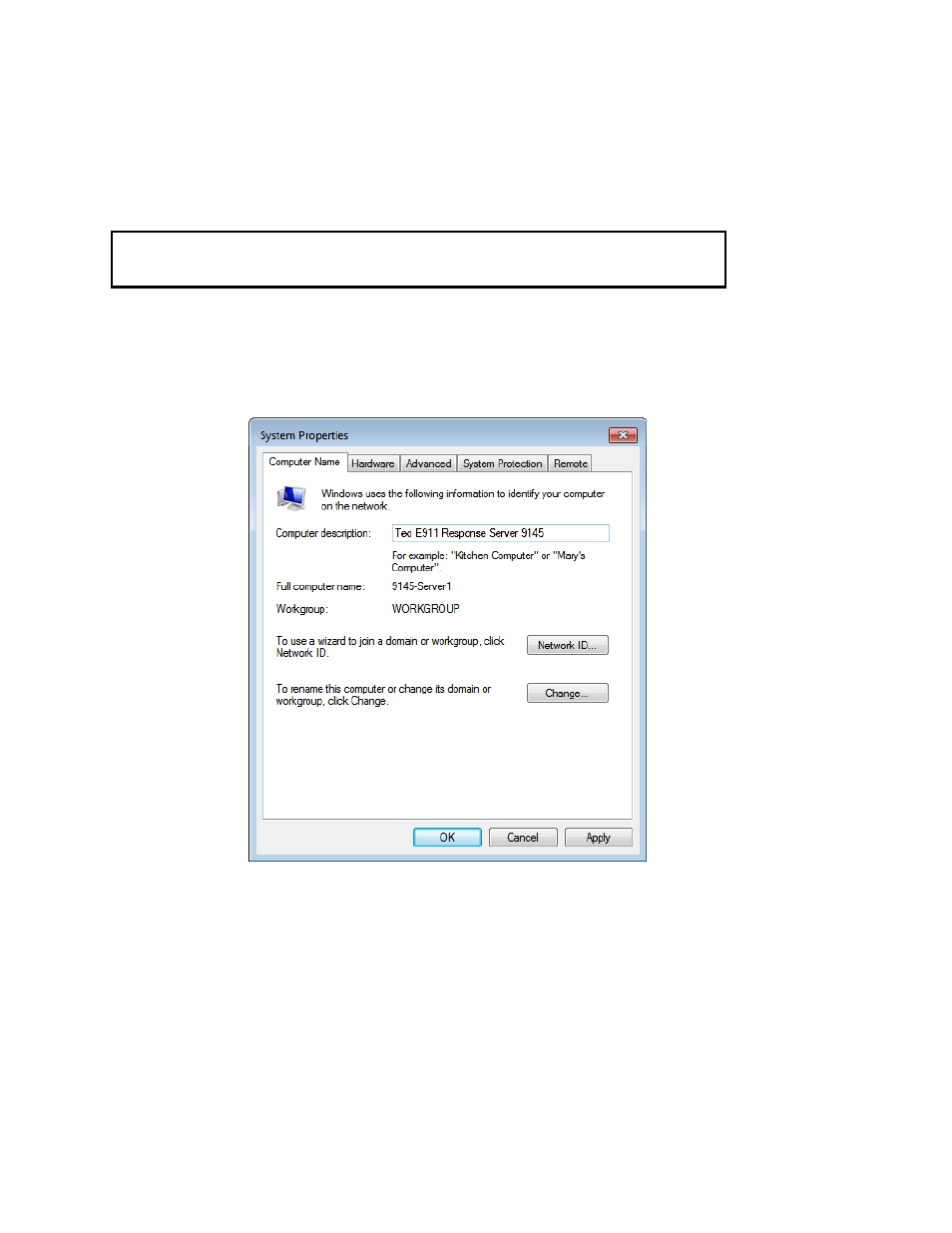
Open the System Properties control panel (Control Panel
→
System).
8.
In the Computer name, domain, and workgroup settings section, click Change
settings.
9.
Click the Computer Name tab.
10.
Enter a description of this server in the Computer description: field.
11.
Click Change....
Advertising