1 automatic analysis – SMA Sunny Data Control V.4.2 User Manual
Page 122
Advertising
Managing Data and Saving Data Locally
SMA
Technologie AG
Page 122
SDC-TEN080642
User Manual
11.8. 1 Automatic Analysis
The automatic analysis is started in Sunny Data Control. Excel opens automatically with
the macro which has been specially written for the analysis.
1.
Click on the "Show" icon.
2.
Select "Excel files", or the CSV type which you have created for saving
CSV files (see section 11. 3 „Saving Data in CSV Format” (page 94)).
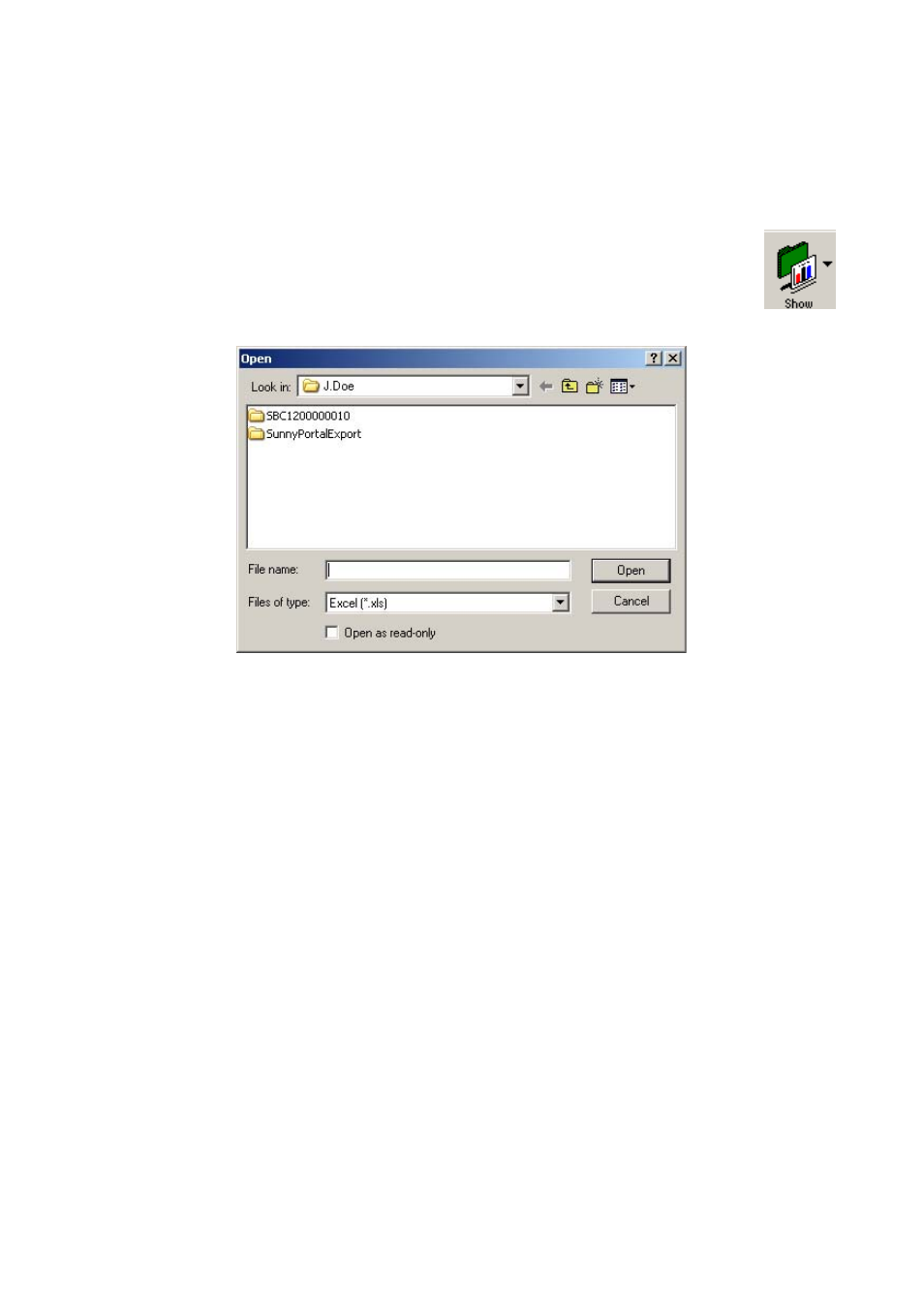
The window shown below opens.
3.
Select the desired plant. By default, the current plant is always displayed (here:
Mustermann Plant).
4.
Open the directory of the desired device, and open the Excel file which contains
the data you wish to analyze.
Example (Excel files)
Advertising