Solare Datensysteme Solar-Log User Manual
Page 71
71
Installation
Alternatively, the Solar-Log™ can also be accessed as follows:
IP address from an automatic IP range
•
Start web browser
•
Enter http://169.254.wx.yz in the address bar and press the ENTER key.
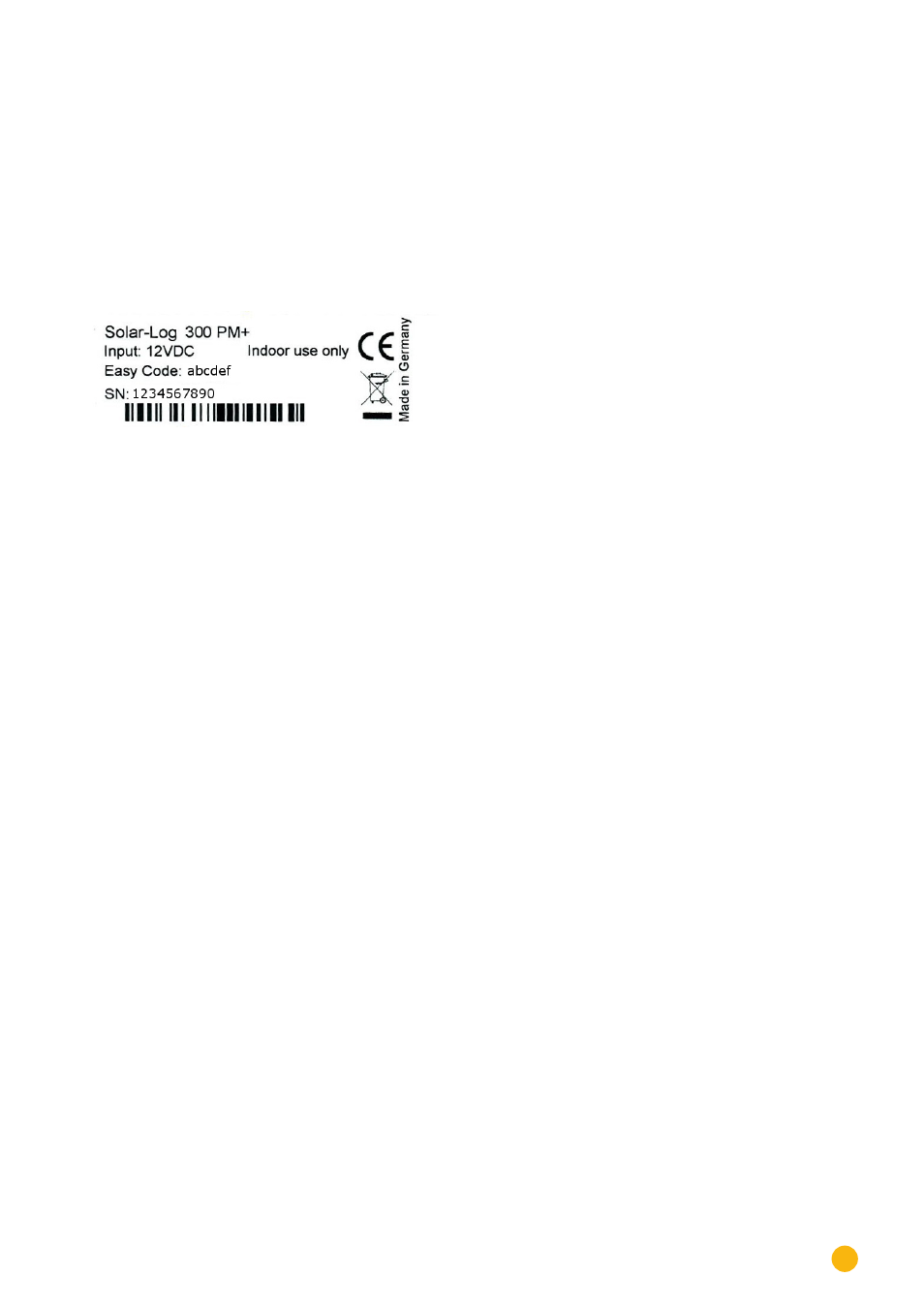
Here wxyz stands for the last 4 digits from serial number of the
Solar-Log™. The serial number is printed on the model tag.
Fig.: Solar-Log™ model tag
The main menu of the Solar-Log™ is displayed.
IP address that was entered during the initial configuration
•
Start the web browser
•
Enter IP address from the
Initial Configuration
in the address bar and press the ENTER key.
•
The main menu of the Solar-Log™ is displayed.
Device URL when there are several Solar-Log™ devices on the network
•
Start the web browser
•
Enter http://solar-log-wxyz in the address bar and press the ENTER key
Here wxyz stands for the last 4 digits from serial number of the Solar-Log™.
The serial number is printed on the model tag.
•
The main menu of the Solar-Log™ is displayed.