10
5.
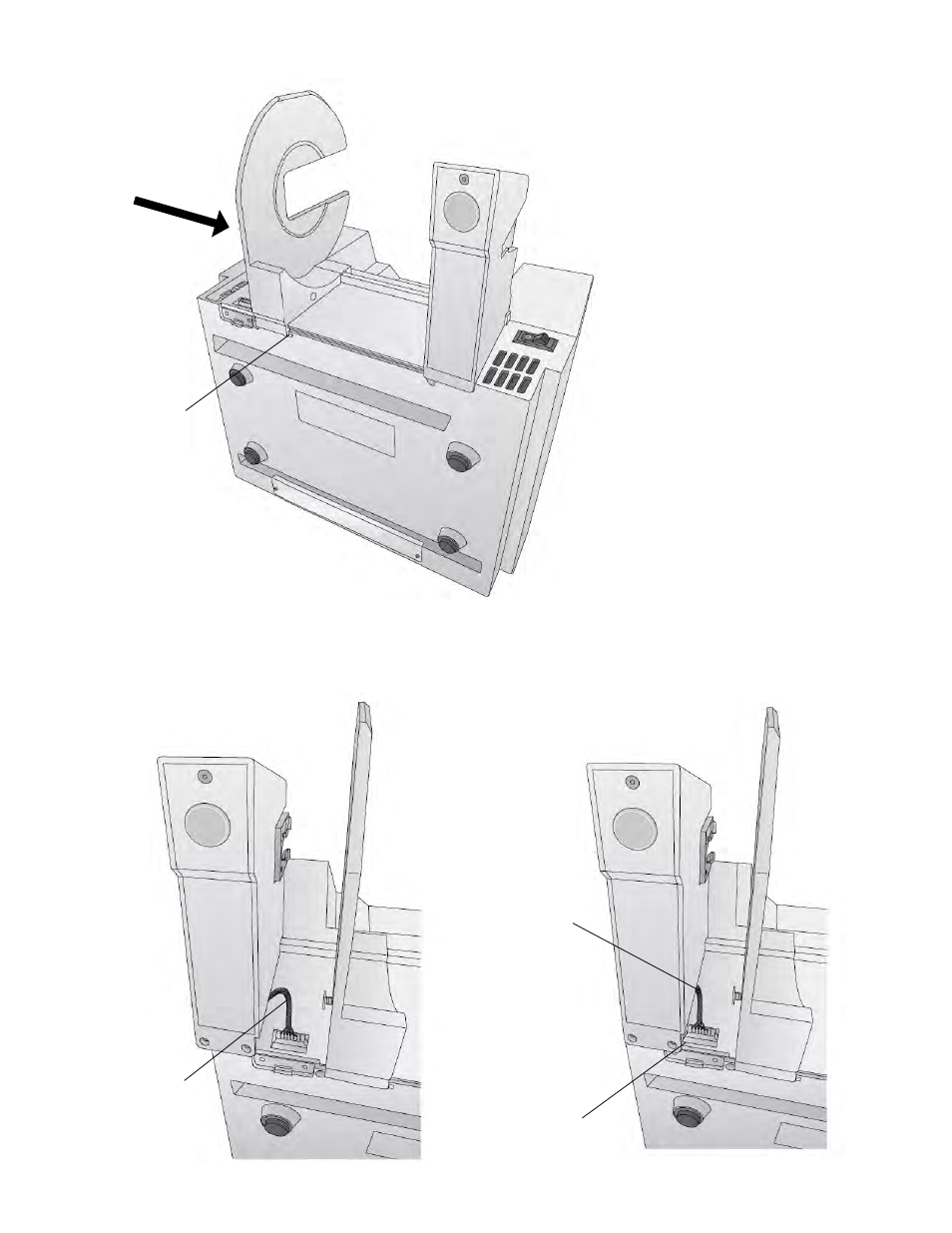
Slide the Guide to the stop.
6.
Locate the remaining roll holder with the protruding wire. Connect the wire to the port on
the printer. Tuck the wire inside the cavity.
Stop
Wire
Push the wire
into the cavity
as you move the
holder closer to
the notch
Notch