Primera LX610 Color Label Printer with Plotter & Cutter User Manual
Page 74
Advertising
74
16.
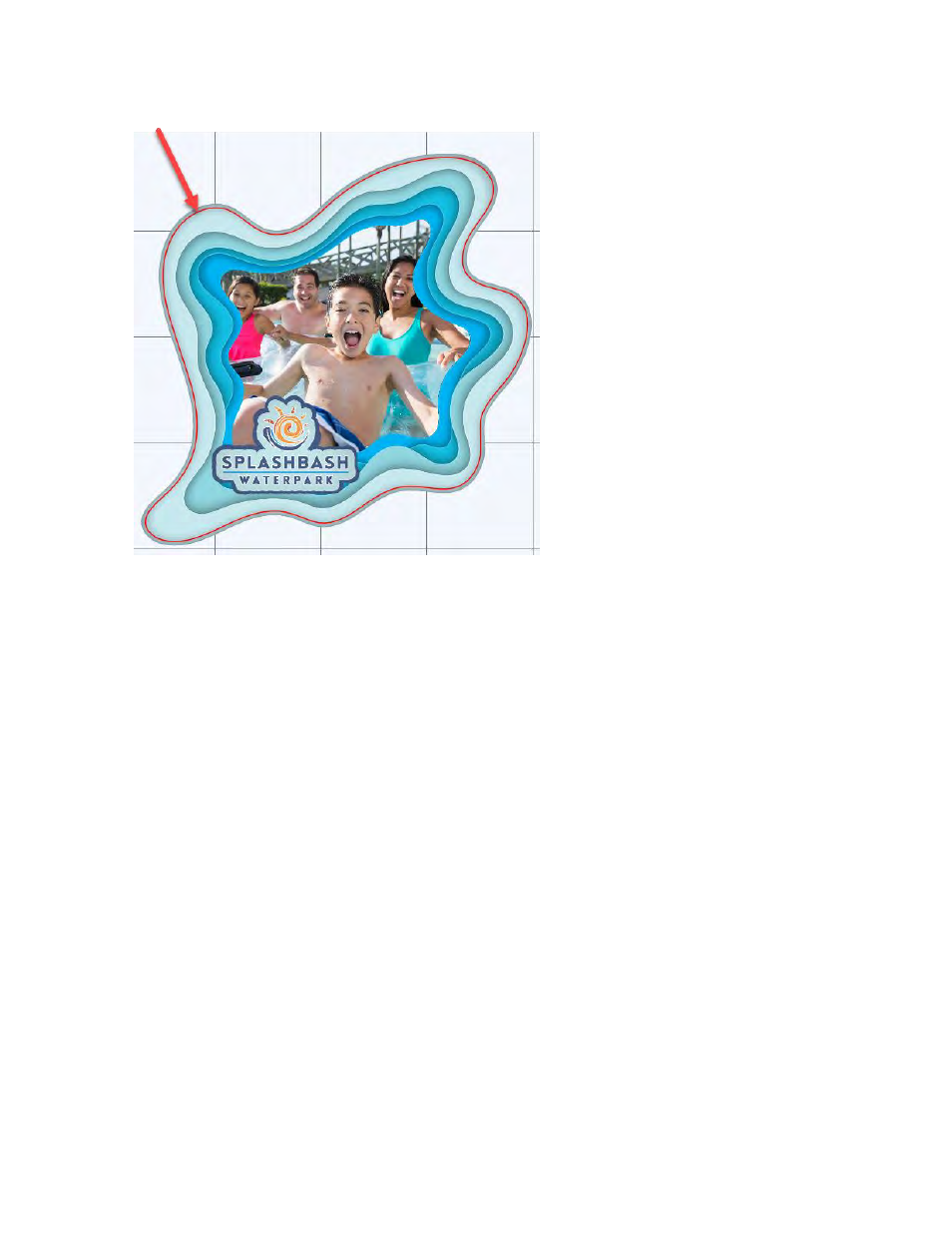
Click OK to change the Offset. The new cut line will appear.
17.
To print go to the File Menu and choose Print or click the Print Icon on the shortcut bar. The
print dialog will appear. Make sure Print+Cut is selected. Click the Properties button to
access the printer settings such as Print Quality, Saturation and Color Matching. For a full
explanation of printer driver settings see section 5F.
Note:
Before printing we recommend
clicking the print Preview Button
described in section 4H
Advertising