Primera LX610 Color Label Printer with Plotter & Cutter User Manual
Page 70
Advertising
70
10.
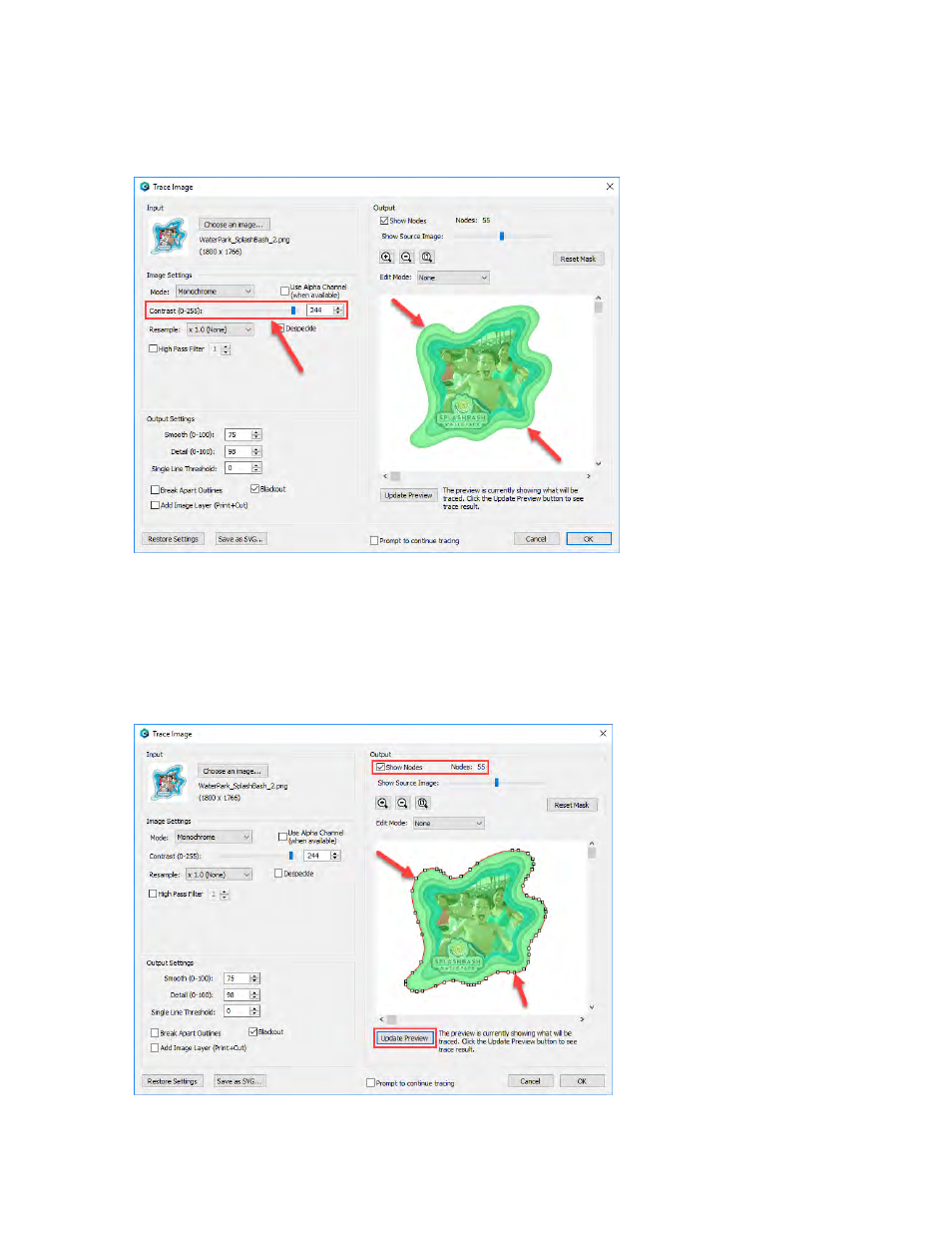
There are many options available in the Trace Image window. However, the most important
option is the Contrast. You should adjust the contrast until the preview shows a single green
highlighted image in the shape you would like to cut.
11.
Click Update Preview to show the cut lines and the number of points/nodes in your cut file
(if you check Show Nodes). These nodes are the points on your image to which the knife will
travel to cut the label. Don’t worry if your cut line isn’t exactly in the ri
ght position or size.
We’ll adjust that later.
At this point you are just looking for smooth lines that represent the
correct shape.
Advertising