Section 5: printing only to pre die-cut labels, 5a using bartender for pre die-cut printing – Primera LX610 Color Label Printer with Plotter & Cutter User Manual
Page 82
Advertising
82
Section 5: Printing only to Pre Die-Cut labels
If you don’t need to cut custom shapes, the LX610 is an extremely capable Pre Die
-Cut Label printer.
While PTCreate can print only to the LX610 other dedicated printing programs offer some
advantages.
5A Using BarTender for Pre Die-Cut Printing
Primera recommends BarTender for printing only. A fully functional Free Edition can be
downloaded from the BarTender website.
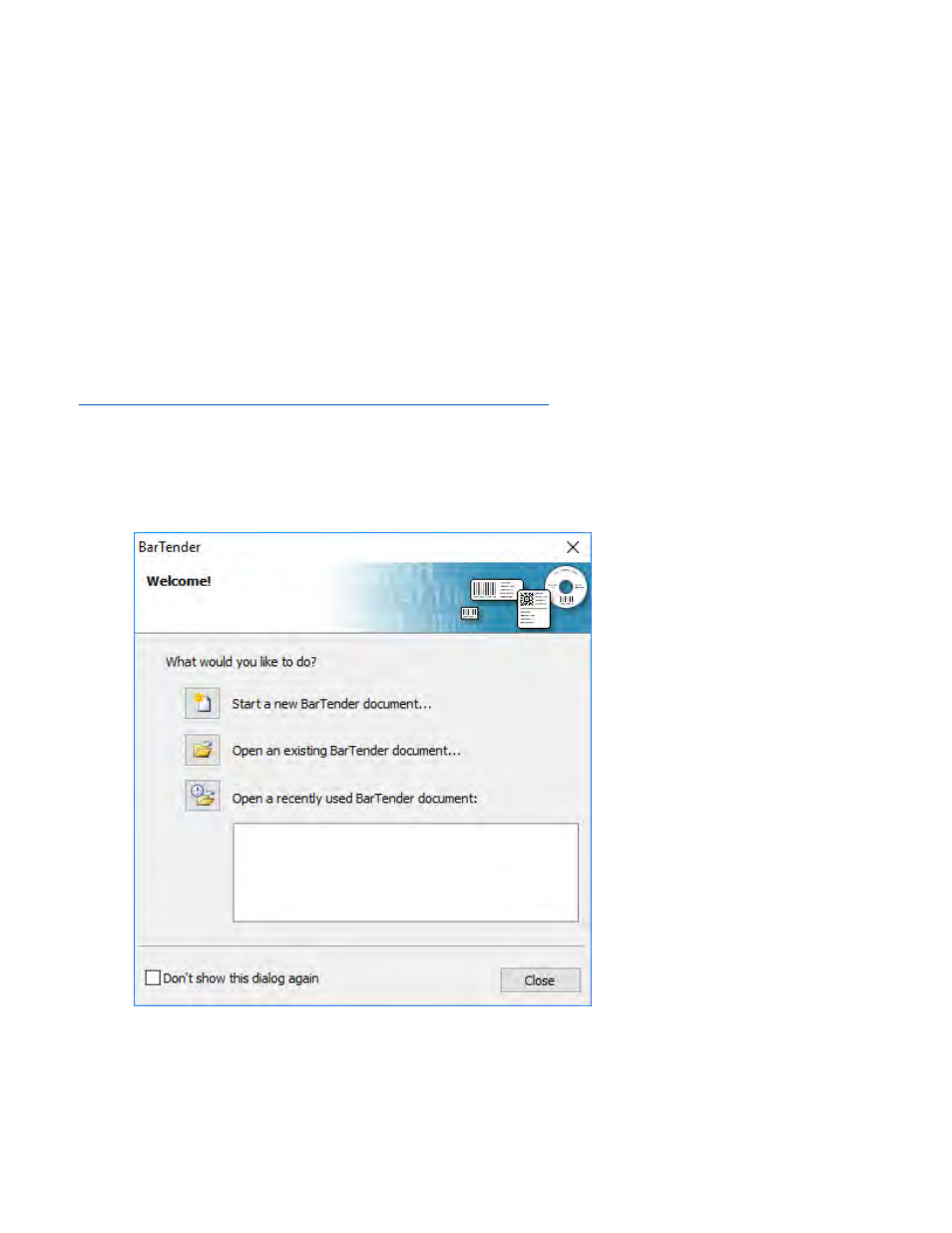
When you open BarTender you will be given the choice to select an existing label or create a new
one using a wizard. Use the following instructions as a guide through the wizard setup process.
1.
Choose "Start a new BarTender document..."
Advertising