Manually adjusting the sensor, Als 380 – Avery Dennison ALS 380 User Manual
Page 60
58
4.4 S
ETTINGS
IN
THE
EXTENDED
MENU
ALS
380
Manually adjusting the sensor.
In the extended menu:
➔
Call up the CONT function.
➔
Insert the backing material without a label under the
photoelectric sensor.
➔
Press the PRIOR key until the yellow LED on the
photoelectric sensor [61A] illuminates.
➔
Press the NEXT key in stages until the yellow LED
extinguishes again.
➔
Make note of the value displayed when the LED ex-
tinguishes: Value of the backing material.
➔
Insert the backing material with a label under the
photoelectric sensor.
– The LED illuminates.
➔
Press the NEXT key until the LED extinguishes.
➔
Make note of the value displayed when the LED ex-
tinguishes: Value of the label.
If the LED does not extinguish even at the lowest
value 1:
➔
Write down 1 as the value of the label.
➔
Calculating the setting value for CONT:
➔
Enter the calculated setting value using the NEXT or
PRIOR key.
➔
Save the value using the ENTER key and exit the
CONT function.
Test the setting:
➔
Pull the label ribbon through under the label stop
sensor.
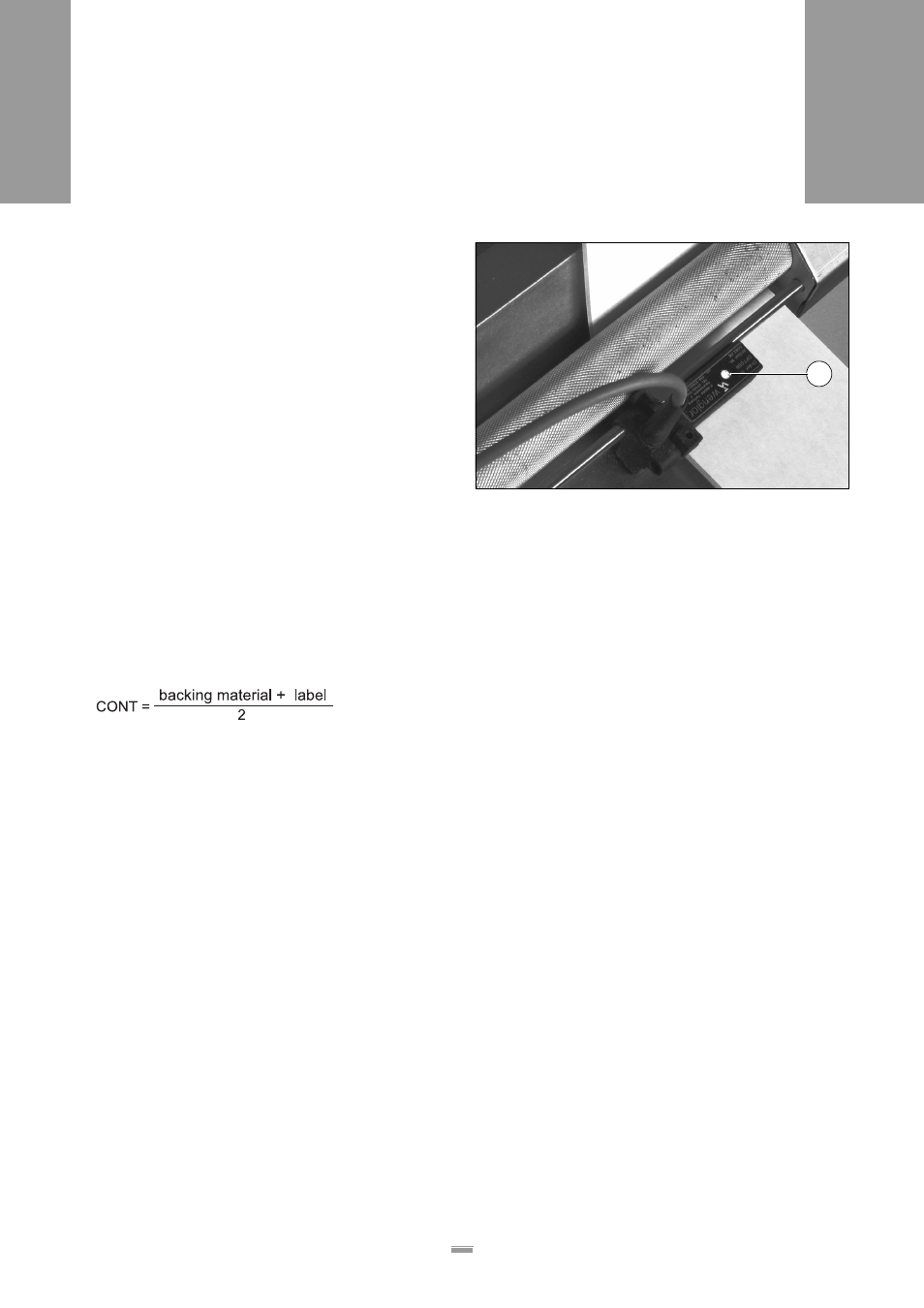
– The LED illuminates, if a label is under the photoe-
lectric sensor [61].
– The LED does not illuminate if only backing material
is under the photoelectric sensor.
[61] Backing material with a label under the label stop sensor;
LED (A) illuminates.
A