5 igmp snooping status – PLANET WGSD-10020 User Manual
Page 161
Advertising
User’s Manual of WGSD-10020 Series
161
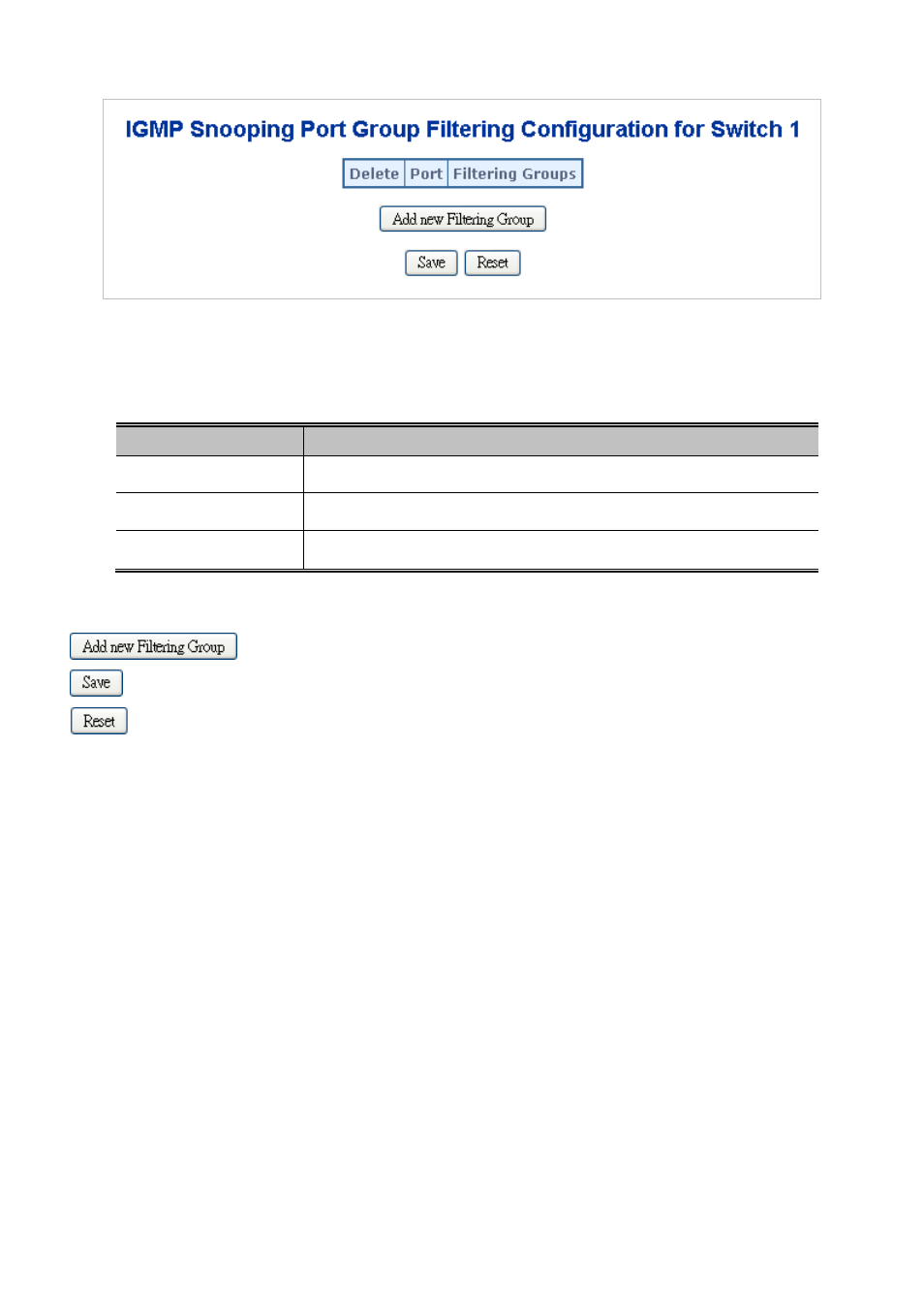
Figure 4-8-7 IGMP Snooping Port Group Filtering Configuration page screenshot
The page includes the following fields:
Object
Description
•
Delete
Check to delete the entry. It will be deleted during the next save.
•
Port
The logical port for the settings.
•
Filtering Group
The IP Multicast Group that will be filtered.
Buttons
: Click to add a new entry to the Group Filtering table.
: Click to save changes.
: Click to undo any changes made locally and revert to previously saved values.
4.8.5 IGMP Snooping Status
This page provides IGMP Snooping status. The IGMP Snooping Status screen in
Figure 4-8-8
appears.
Advertising
This manual is related to the following products: