11 qos control list – PLANET WGSD-10020 User Manual
Page 191
User’s Manual of WGSD-10020 Series
191
4.9.11 QoS Control List
This page shows the QoS Control List, which is made up of t. Each row describes a QCE that is defined. The
maximum number of QCEs is 256 on each switch.
Click on the lowest plus sign to add a new QCE to the list.
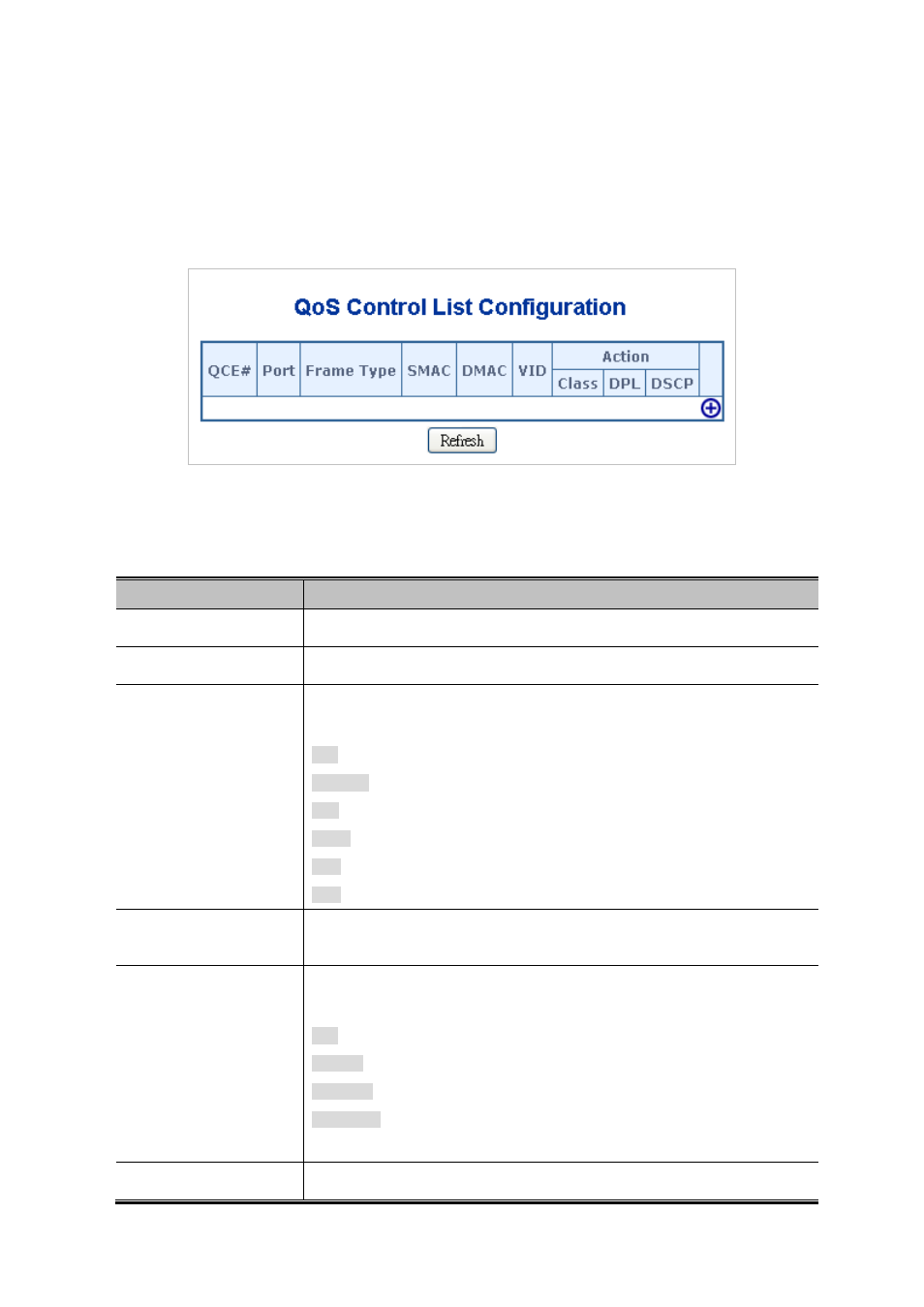
The QoS Control List screen in
Figure 4-9-13
appears.
Figure 4-9-13 QoS Control List Configuration page screenshot
The page includes the following fields:
Object
Description
•
QCE#
Indicates the index of QCE.
•
Port
Indicates the list of ports configured with the QCE.
•
Frame Type
Indicates the type of frame to look for incomming frames. Possible frame types
are:
Any: The QCE will match all frame type.
Ethernet: Only Ethernet frames (with Ether Type 0x600-0xFFFF) are allowed.
LLC: Onl frames are allowed.
SNAP: Onlrames are allowed.
IPv4: The QCE will match only IPV4 frames.
IPv6: The QCE will match only IPV6 frames.
•
SMAC
Displays the OUI field of Source MAC address, i.e. first three octet (byte) of MAC
address.
•
DMAC
Specify the type of Destination MAC addresses for incoming frame. Possible
values are:
Any: All types of Destination MAC addresses are allowed.
Unicast: Only Unicast MAC addresses are allowed.
Multicast: Only Multicast MAC addresses are allowed.
Broadcast: Only Broadcast MAC addresses are allowedd.
The default value is 'Any'.
•
VID
Indicates, either a specific VID or range of VIDs. VID can be in the