PLANET WGSD-10020 User Manual
Page 184
User’s Manual of WGSD-10020 Series
184
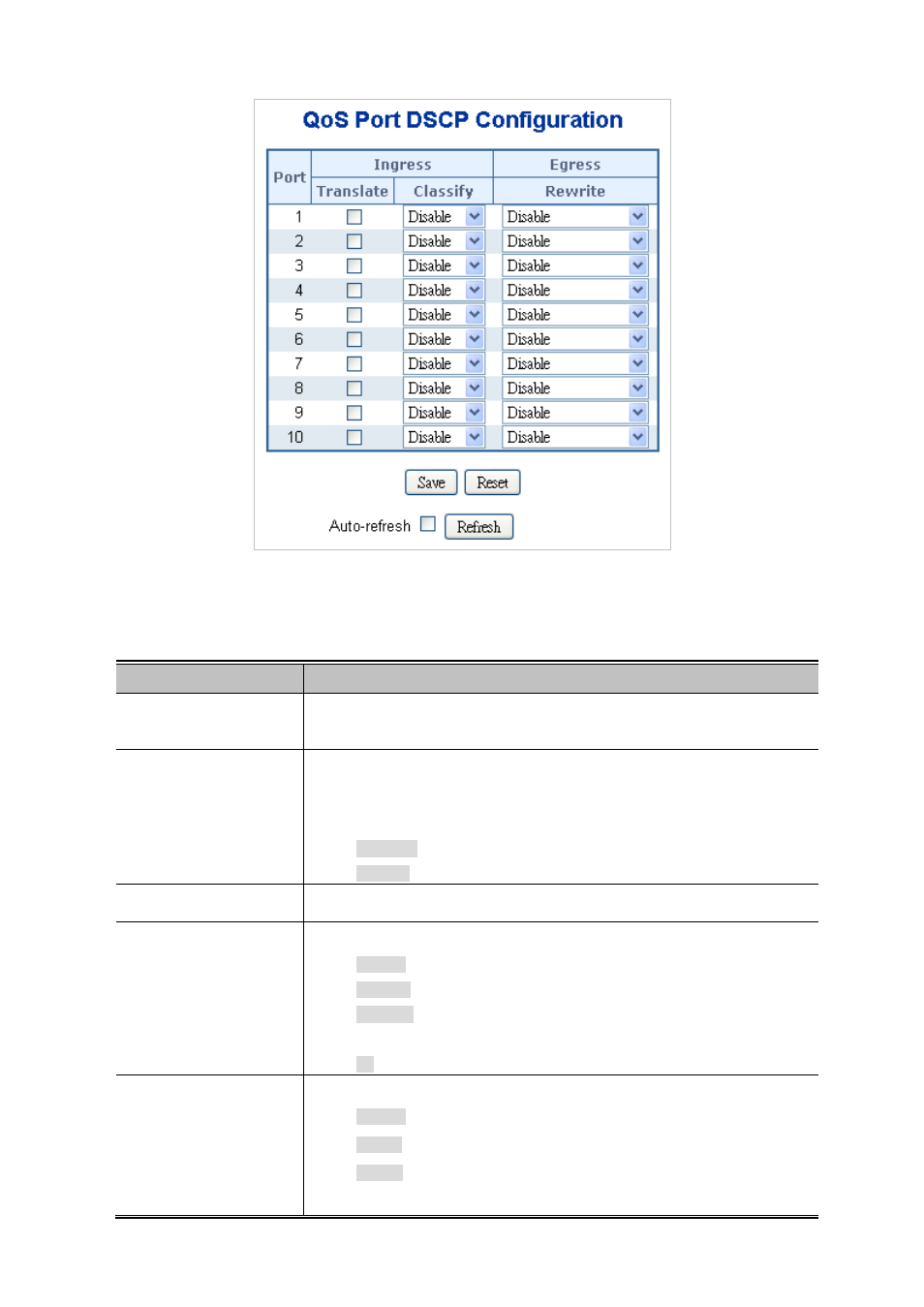
Figure 4-9-9 QoS Port DSCP Configuration page screenshot
The page includes the following fields:
Object
Description
•
Port
The Port coulmn shows the list of ports for which you can configure dscp ingress
and egress settings.
•
Ingress
In Ingress settings you can change ingress translation and classification settings
for individual ports.
There are two configuration parameters available in Ingress:
Translate
Classify
•
Translate
To Enable the Ingress Translation click the checkbox.
•
Classify
Classification for a port have 4 different values.
Disable: No Ingress DSCP Classification.
DSCP=0: Classify if incoming (or translated if enabled) DSCP is 0.
Selected: Classify only selected DSCP for which classification is enabled
as specified in DSCP Translation window for the specific DSCP.
All: Classify all DSCP.
•
Egress
Port Egress Rewriting can be one of -
Disable: No Egress rewrite.
Enable: Rewrite enable without remapped.
Remap: DSCP from analyzer is remapped and frame is remarked with
remapped DSCP value.