PLANET WGSD-10020 User Manual
Page 281
User’s Manual of WGSD-10020 Series
281
The "
Start from port address", "VLAN", "IP address" and "IP mask" input fields allow the user to select the starting point in the
Dynamic IP Source Guard Table. Clicking the “
Refresh” button will update the displayed table starting from that or the closest
next Dynamic IP Source Guard Table match. In addition, the two input fields will - upon a “
Refresh” button click - assume the
value of the first displayed entry, allowing for continuous refresh with the same start address.
The “
>>
” will use the last entry of the currently displayed as a basis for the next lookup. When the end is reached the text "No
more entries" is shown in the displayed table. Use the “
|<<
” button to start over.
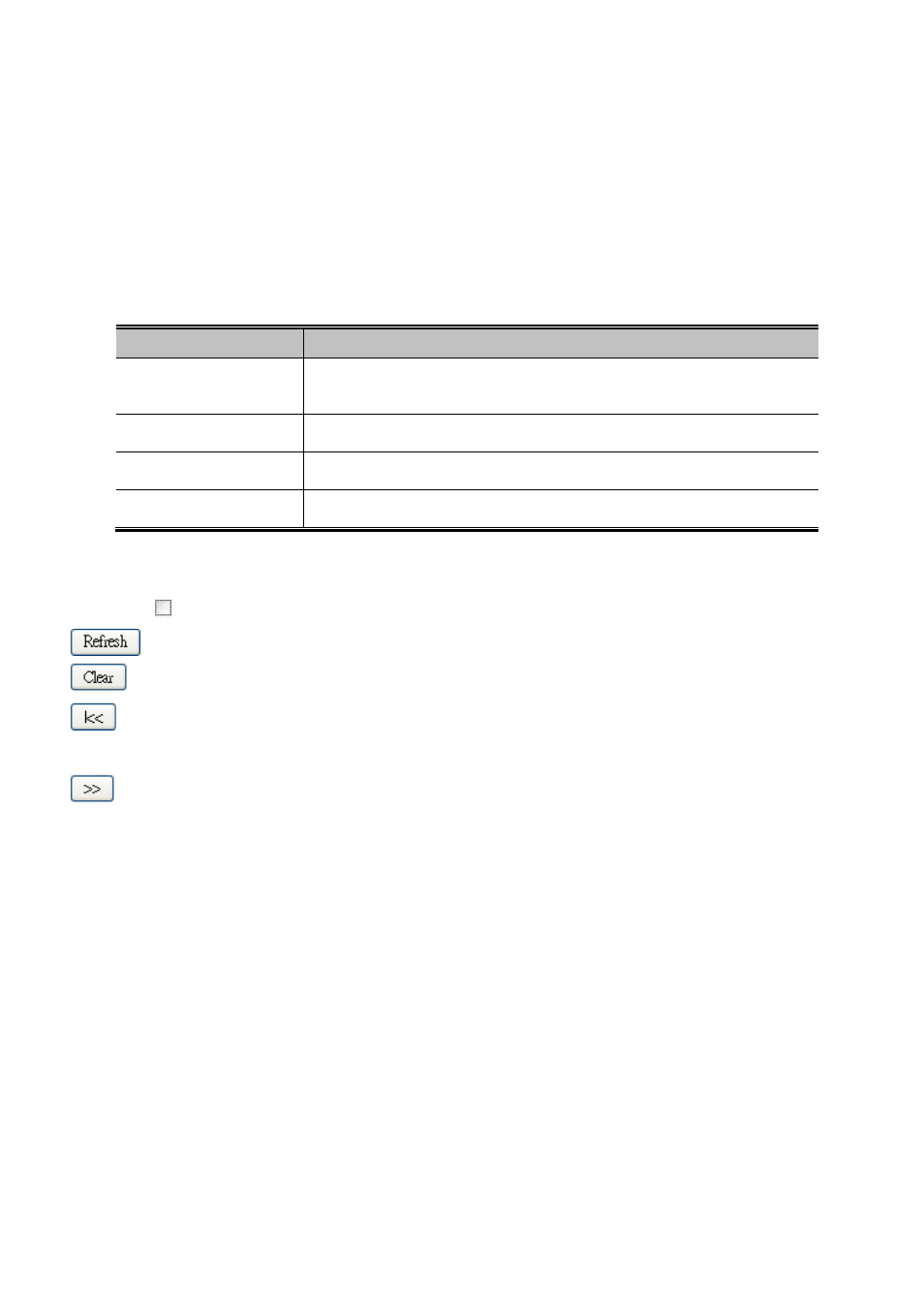
The page includes the following fields:
Object
Description
•
Port
The port number for which the status applies. Click the port number to see the
status for this particular port.
•
VLAN ID
The VLAN ID of the entry.
•
MAC address
The MAC address of the entry.
•
IP Address
The IP address of the entry.
Buttons
Auto-refresh
: Check this box to enable an automatic refresh of the page at regular intervals.
: Refreshes the displayed table starting from the "Start from MAC address" and "VLAN" input fields.
: Flushes all dynamic entries.
:
Updates the table starting from the first entry in the MAC Table, i.e. the entry with the lowest VLAN ID and MAC
address.
: Updates the table, starting with the entry after the last entry currently displayed.