4 https – PLANET WGSD-10020 User Manual
Page 264
User’s Manual of WGSD-10020 Series
264
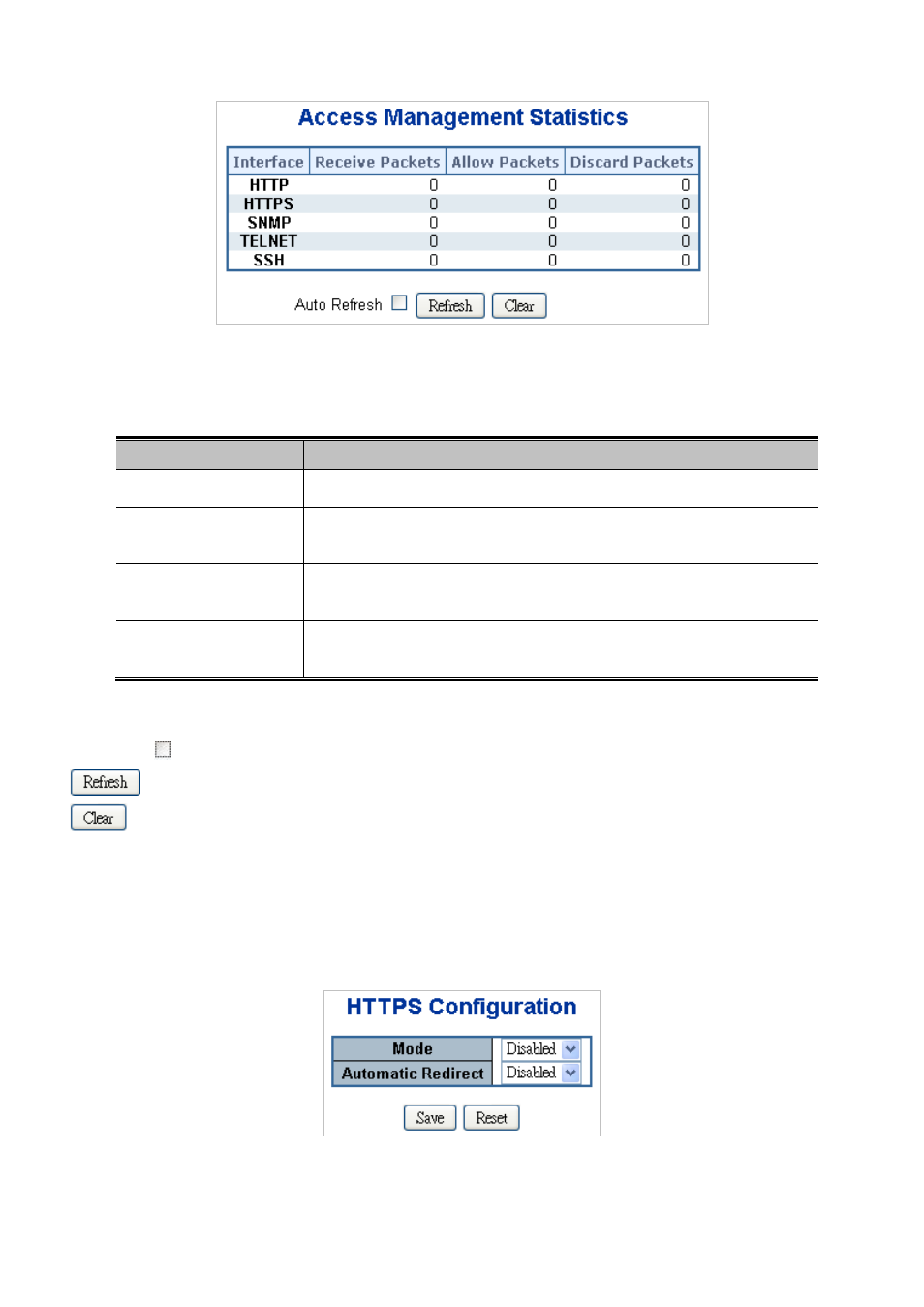
Figure 4-12-3 Access Management Statistics Overview page screenshot
The page includes the following fields:
Object
Description
•
Interface
The interface that allowed remote host can access the switch.
•
Receive Packets
The received packets number from the interface under access management
mode is enabled.
•
Allow Packets
The allowed packets number from the interface under access management
mode is enabled.
•
Discard Packets
The discarded packets number from the interface under access management
mode is enabled.
Buttons
Auto-refresh
: Check this box to enable an automatic refresh of the page at regular intervals.
: Click to refresh the page immediately.
: Clear all statistics.
4.12.4 HTTPs
Configure HTTPS on this page. The HTTPS Configuration screen in
Figure 4-12-4
appears.
Figure 4-12-4 HTTPS Configuration screen page screenshot