15 mvr status – PLANET WGSD-10020 User Manual
Page 173
User’s Manual of WGSD-10020 Series
173
•
Type
Specify the MVR port type on the port.
•
Immediate Leave
Enable the fast leave on the port.
Buttons
: Click to save changes.
: Click to undo any changes made locally and revert to previously saved values.
4.8.15 MVR Status
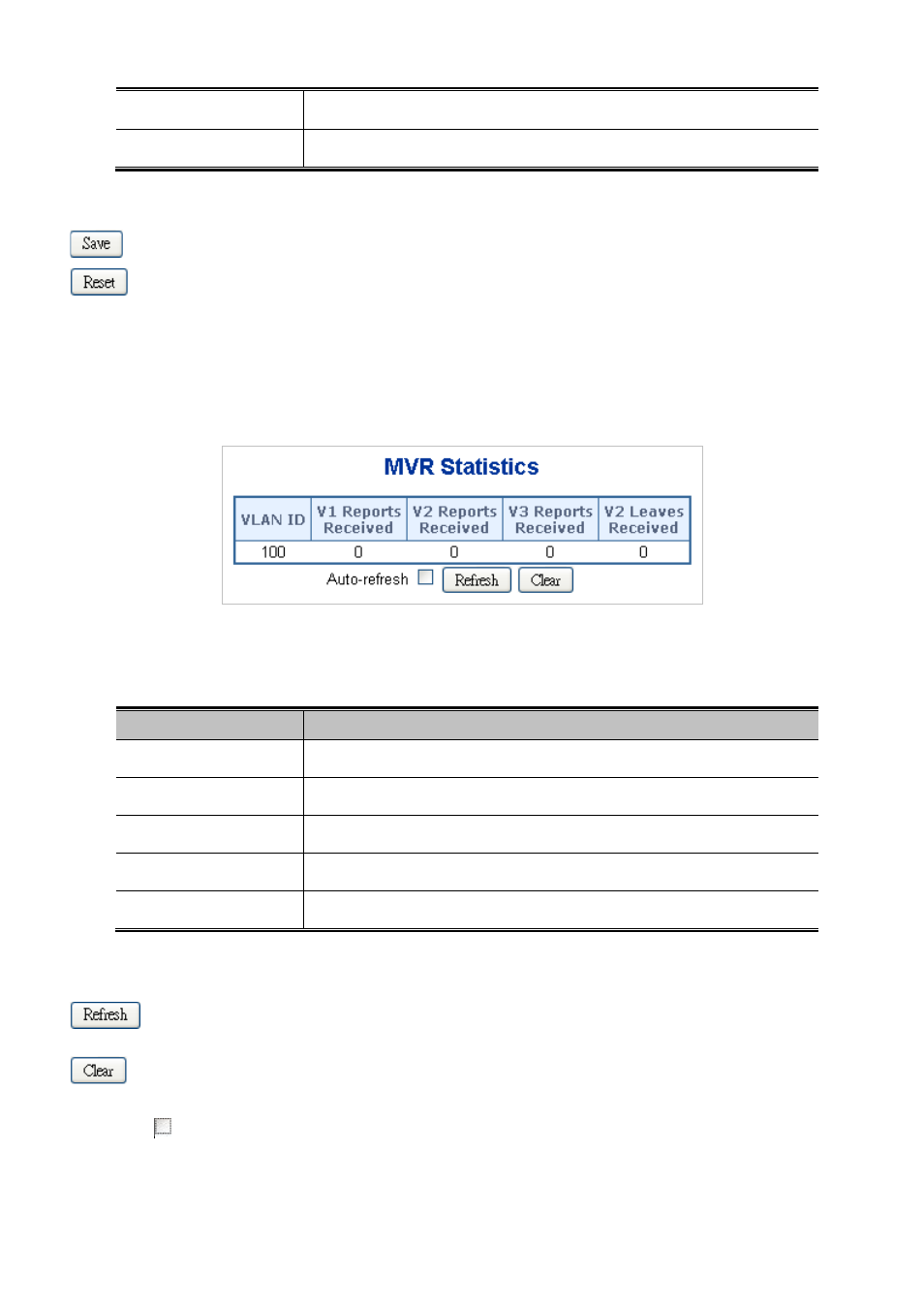
This page provides MVR status. The MVR Status screen in
Figure 4-8-18
appears.
Figure 4-8-18 MVR Status page screenshot
The page includes the following fields:
Object
Description
•
Group
The Multicast VLAN ID.
•
V1 Reports Received
The number of Received V1 Reports.
•
V2 Reports Received
The number of Received V2 Reports.
•
V3 Reports Received
The number of Received V3 Reports.
•
V2 Leave Received
The number of Received V2 Leaves.
Buttons
: Click to refresh the page immediately.
: Clears all Statistics counters.
Auto-refresh
: Check this box to enable an automatic refresh of the page at regular intervals.