Using speedlite bracket sb-e2 (sold separately) – Canon PowerShot SX60 HS User Manual
Page 162
162
Before Use
Basic Guide
Advanced Guide
1
Camera Basics
2
Auto Mode /
Hybrid Auto Mode
3
Other Shooting Modes
5
Tv, Av, M, C1, and C2 Mode
6
Playback Mode
7
Wi-Fi Functions
8
Setting Menu
9
Accessories
10
Appendix
Index
4
P Mode
●
Settings for the built-in flash cannot be configured while a
Speedlite EX series flash is attached, because that setting screen
is no longer accessible.
●
You can also access the setting screen by pressing the [ ] button
for at least one second.
●
Flash settings in [
] shooting mode can be configured just as
they are in [ ] mode.
●
600EX-RT/580EX II only: [Flash Control] is not available if the
external flash has been set up for stroboscopic flash.
●
320EX only: Auto LED lighting is only available in low-light movie
recording or in Movie mode. In this case, the [ ] icon is shown.
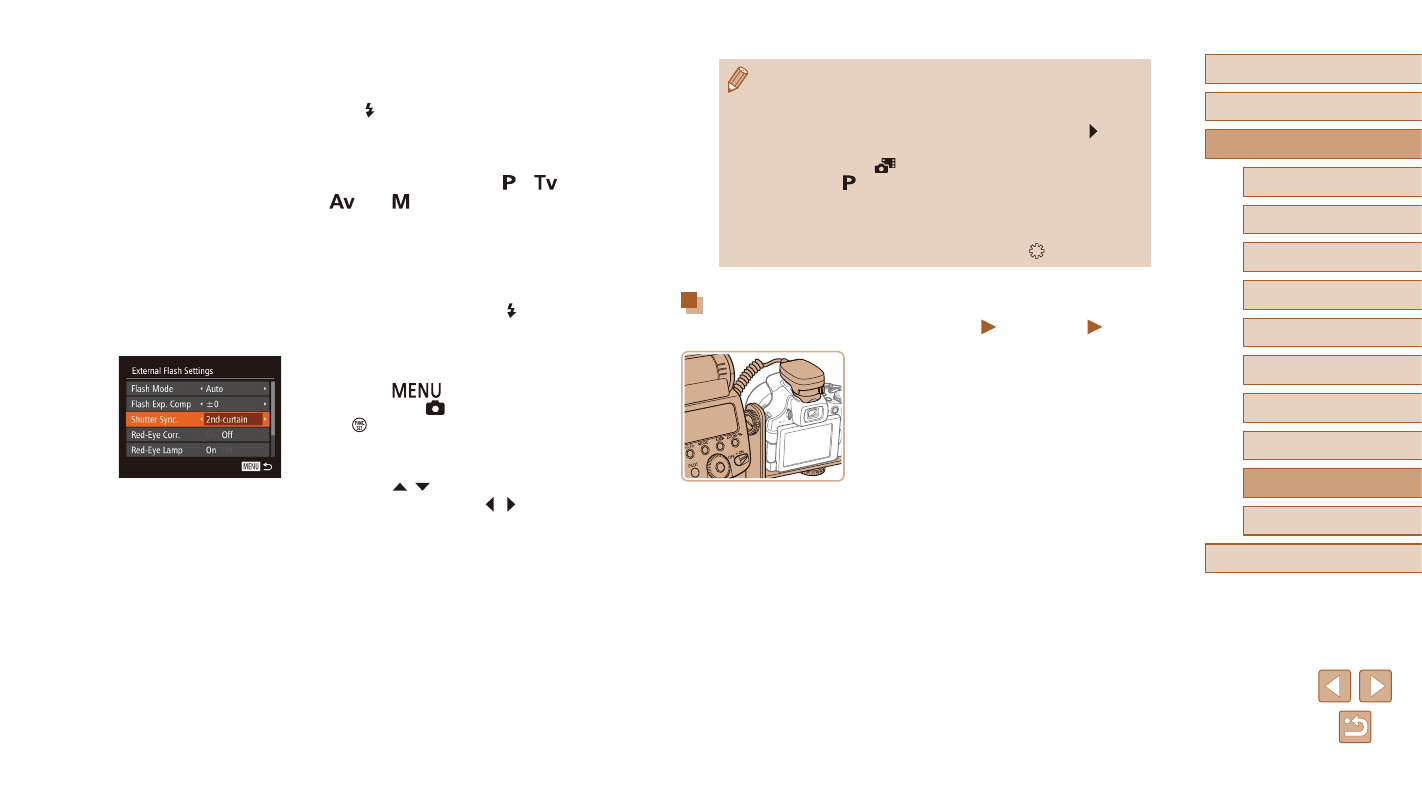
Using Speedlite Bracket SB-E2 (Sold Separately)
Still Images
Movies
●
Using the optional Speedlite Bracket SB-E2
can help prevent unnatural shadows next
to subjects during vertical shooting.
●
To keep the LCD screen out of the way
of the bracket, use the screen closed and
facing outward.
2
Turn the flash on, and then turn the
camera on.
●
A red [ ] icon is now displayed.
●
The flash pilot lamp will light up when the
flash is ready.
3
Choose shooting mode [ ], [
],
[
], or [ ].
●
Flash settings can only be configured in
these modes. In other modes, the flash
is adjusted and fired automatically, as
needed.
4
Set the white balance to [ ]
5
Configure the external flash.
●
Press the [
] button, choose [Flash
Control] on the [ ] tab, and then press
the [ ] button.
●
Options already set on the flash itself are
displayed.
●
Press the [ ][ ] buttons to choose an
item, and then press the [ ][ ] buttons to
adjust the setting.
●
Available items vary depending on the
shooting mode and the flash attached