Continuous shooting, Image display during playback, 46) and when – Canon PowerShot SX60 HS User Manual
Page 46
46
Before Use
Basic Guide
Advanced Guide
1
Camera Basics
2
Auto Mode /
Hybrid Auto Mode
3
Other Shooting Modes
5
Tv, Av, M, C1, and C2 Mode
6
Playback Mode
7
Wi-Fi Functions
8
Setting Menu
9
Accessories
10
Appendix
Index
4
P Mode
Image Display during Playback
Each set of images shot continuously is managed as a single group,
and only the first image in that group will be displayed. To indicate that
the image is part of a group, [
] is displayed in the upper left of the
screen.
●
If you erase a grouped image (= 112), all images in the group
are also erased. Be careful when erasing images.
●
Grouped images can be played back individually (= 107) and
ungrouped (= 107).
●
Protecting (= 110) a grouped image will protect all images in
the group.
●
Grouped images can be viewed individually when played back
using Image Search (= 105) or Smart Shuffle (= 110). In this
case, images are temporarily ungrouped.
●
The following actions are not available for grouped images:
editing Face ID information (= 107), magnifying (= 108),
tagging as favorites (= 115), editing (= 116), printing
(= 166), setting up individual image printing (= 171), or
adding to a photobook (= 172). To do these things, either
view grouped images individually (= 107) or cancel grouping
(= 107) first.
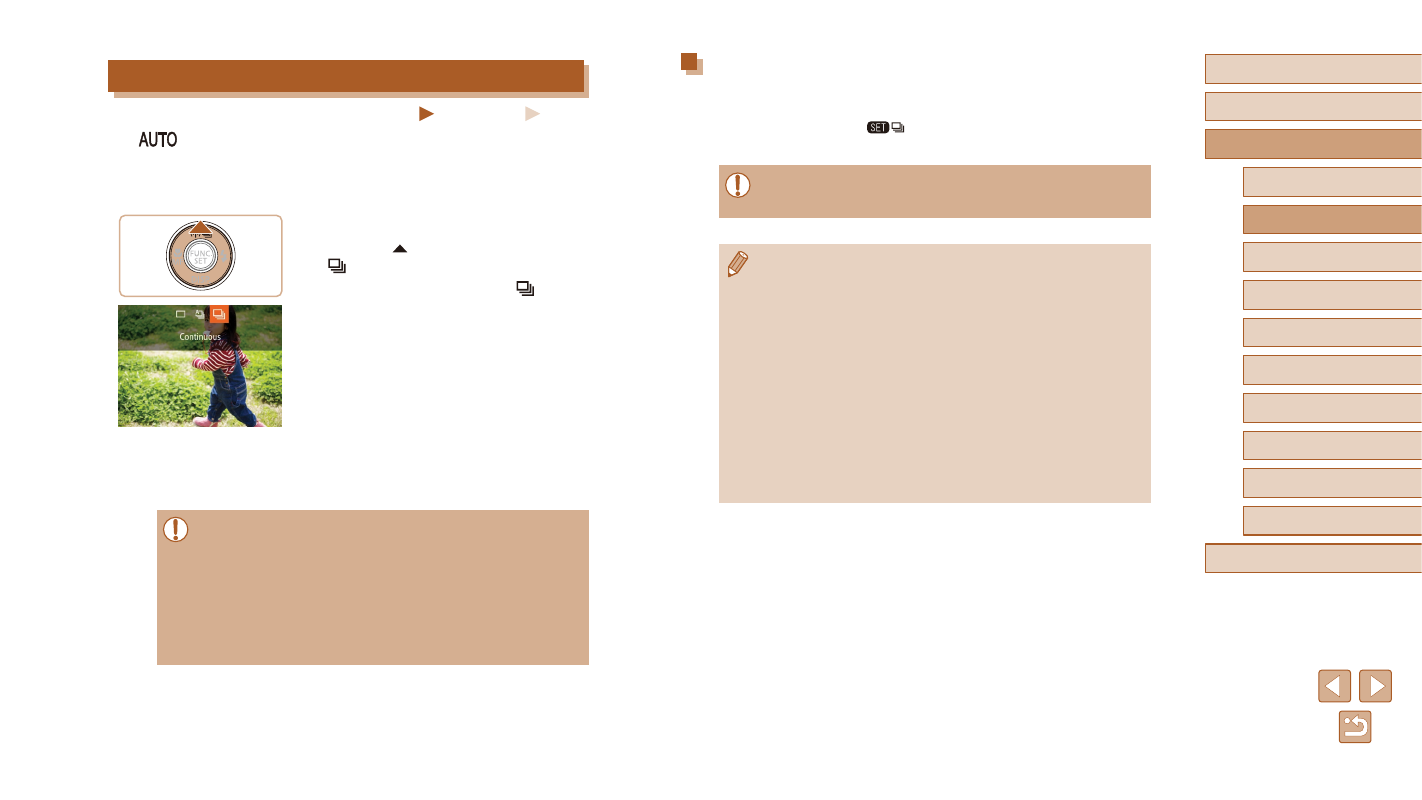
Continuous Shooting
Still Images
Movies
In [
] mode, hold the shutter button all the way down to shoot
continuously.
For details on the continuous shooting speed, see “Continuous Shooting
1
Configure the setting.
●
Press the [ ] button, and then choose
●
Once the setting is complete, [ ] is
displayed.
2
Shoot.
●
Hold the shutter button all the way down
to shoot continuously.
●
Cannot be used with the self-timer (= 44).
●
Shooting may stop momentarily or continuous shooting may slow
down depending on shooting conditions, camera settings, and the
zoom position.
●
As more shots are taken, shooting may slow down.
●
Shooting may slow down if the flash fires.
●
Multi-area White Balance (= 33) is not available. Similarly,
[Hg Lamp Corr.] (= 53) is set to [Off] and cannot be changed.