Customization for shooting styles, Assigning functions to buttons, Customizing display information – Canon PowerShot SX60 HS User Manual
Page 96
96
Before Use
Basic Guide
Advanced Guide
1
Camera Basics
2
Auto Mode /
Hybrid Auto Mode
3
Other Shooting Modes
5
Tv, Av, M, C1, and C2 Mode
6
Playback Mode
7
Wi-Fi Functions
8
Setting Menu
9
Accessories
10
Appendix
Index
4
P Mode
●
Settings will not be saved if you press the shutter button halfway
and return to the shooting screen from the custom display settings
screen.
●
Grayed-out items can also be specified, but they may not be
displayed in some shooting modes.
●
Grid lines are not recorded in your shots.
Assigning Functions to Buttons
Still Images
Movies
You can quickly and easily activate functions that you assign to the [ ]
button, movie button ( button), or [ ] button.
1
Access the setting screen.
●
Press the [
] button, choose [Set
Shortcut button], [Set button] or [Set
button] on the [ ] tab, and then
press the [ ] button (= 30).
2
Configure the setting.
●
Press the [ ][ ][ ][ ] buttons to choose
a function to assign, and then press the
[ ] button.
3
Use the assigned function as
needed.
●
To activate an assigned function, press
the button you assigned it to.
Customization for Shooting Styles
Customizing Display Information
Still Images
Movies
Set the number of custom displays (= 28) and what information is
displayed in each display when the [ ] button is pressed in shooting
screen.
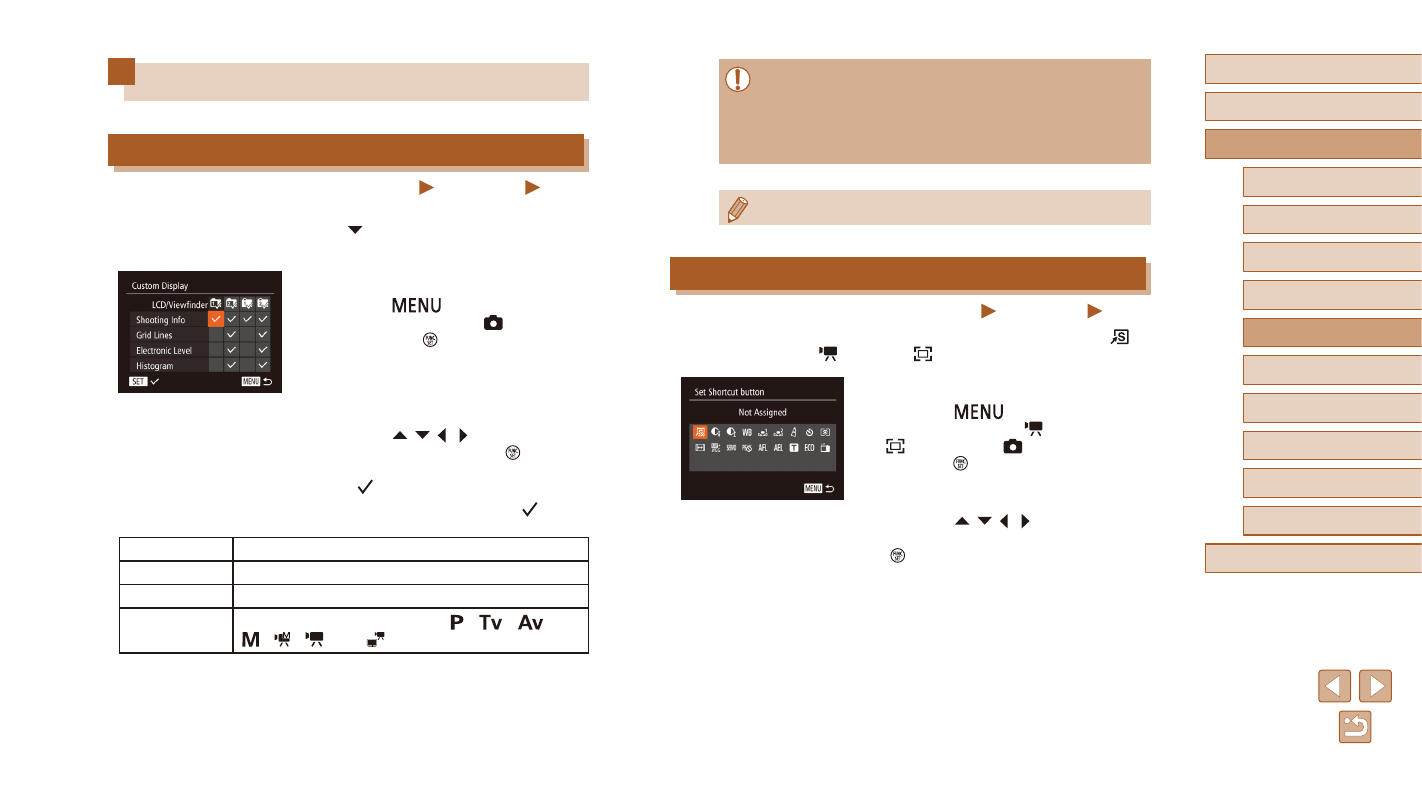
1
Access the setting screen.
●
Press the [
] button, choose
[Custom Display] on the [ ] tab, and
then press the [ ] button (= 30).
2
Configure the setting.
●
Press the [ ][ ][ ][ ] buttons to choose
an item, and then press the [ ] button.
Items you choose for display are labeled
with [ ].
●
Selected items (labeled with a [ ]) will
be included in display.
Shooting Info
Displays shooting information (= 180).
Grid Lines
Displays a reference grid.
Electronic Level Displays the electronic level (= 54).
Histogram
Displays a histogram (= 103) in [ ], [
], [
],
[ ], [ ], [ ], and [ ] modes.