Shooting super slow motion movies – Canon PowerShot SX60 HS User Manual
Page 70
70
Before Use
Basic Guide
Advanced Guide
1
Camera Basics
2
Auto Mode /
Hybrid Auto Mode
3
Other Shooting Modes
5
Tv, Av, M, C1, and C2 Mode
6
Playback Mode
7
Wi-Fi Functions
8
Setting Menu
9
Accessories
10
Appendix
Index
4
P Mode
●
Zooming is not available during recording, even if you move the
zoom lever.
●
Focus, exposure, and color are determined when you press the
movie button.
●
When you play the movie (= 101), it will be played back in slow
motion.
●
You can change the playback speed of movies by using the
software (= 164).
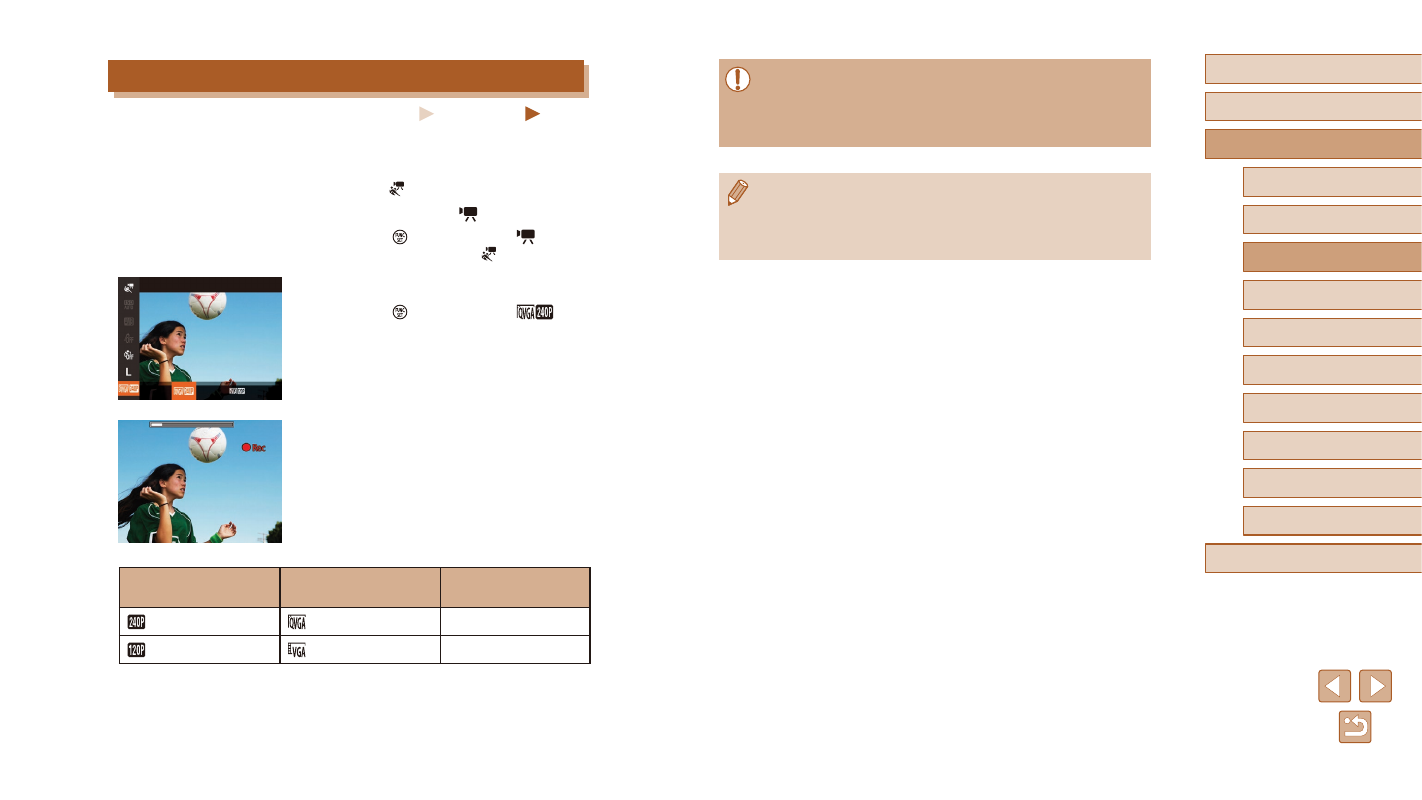
Shooting Super Slow Motion Movies
Still Images
Movies
You can shoot fast-moving subjects for playback later in slow motion. Note
that sound is not recorded.
1
Choose [ ].
●
Set the mode dial to [ ].
●
Press the [ ] button, choose [ ] in the
menu, and then choose [ ] (= 29).
2
Choose a frame rate.
●
Press the [ ] button, choose [
] in
the menu, and choose the desired frame
rate (= 29).
●
The option you configured is now
displayed.
3
Shoot (= 67).
●
Press the movie button.
●
A bar showing the elapsed time is
displayed. Maximum clip length is approx.
30 sec.
●
To stop movie recording, press the movie
button again.
Frame Rate
Image Quality
Playback Time
(For a 30-sec. Clip)
240 fps
(320 x 240)
Approx. 4 min.
120 fps
(640 x 480)
Approx. 2 min.