4 p mode, Shooting in program ae ([p] mode), Your preferred settings (= 71 – Canon PowerShot SX60 HS User Manual
Page 71: 71) if the scene icon does not, P mode
71
Before Use
Basic Guide
Advanced Guide
1
Camera Basics
2
Auto Mode /
Hybrid Auto Mode
3
Other Shooting Modes
5
Tv, Av, M, C1, and C2 Mode
6
Playback Mode
7
Wi-Fi Functions
8
Setting Menu
9
Accessories
10
Appendix
Index
4
P Mode
Shooting in Program AE ([P] Mode)
Still Images
Movies
You can customize many function settings to suit your preferred shooting
style.
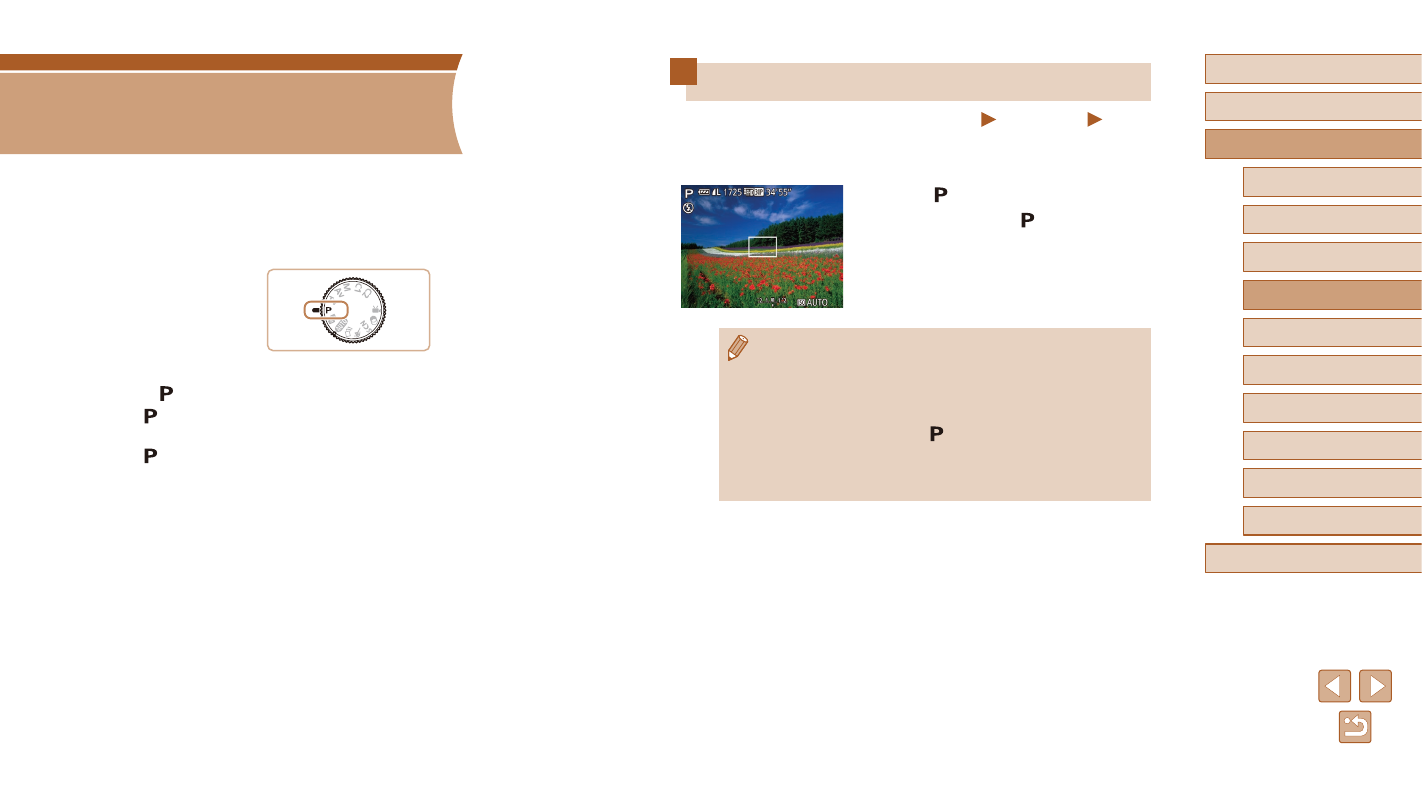
1
Enter [ ] mode.
●
Set the mode dial to [ ].
2
Customize the settings as desired
(= 72 – = 90), and then shoot.
●
If adequate exposure cannot be obtained when you press the
shutter button halfway, shutter speeds and aperture values are
displayed in orange. In this case, try adjusting the ISO speed
(= 73) or activating the flash (if subjects are dark, = 86),
which may enable adequate exposure.
●
Movies can be recorded in [ ] mode as well, by pressing the
movie button. However, some FUNC. (= 29) and MENU
(= 30) settings may be automatically adjusted for movie
recording.
4
P Mode
More discerning shots, in your preferred shooting style
●
Instructions in this chapter apply to the camera with the mode dial set
to [ ] mode.
●
[ ]: Program AE; AE: Auto Exposure
●
Before using a function introduced in this chapter in modes other than
[ ], make sure the function is available in that mode (= 182).