Correcting image brightness (i-contrast), Dynamic range correction (dr correction) – Canon PowerShot SX60 HS User Manual
Page 75
75
Before Use
Basic Guide
Advanced Guide
1
Camera Basics
2
Auto Mode /
Hybrid Auto Mode
3
Other Shooting Modes
5
Tv, Av, M, C1, and C2 Mode
6
Playback Mode
7
Wi-Fi Functions
8
Setting Menu
9
Accessories
10
Appendix
Index
4
P Mode
●
You can also correct existing images (= 118).
Dynamic Range Correction (DR Correction)
Still Images
Movies
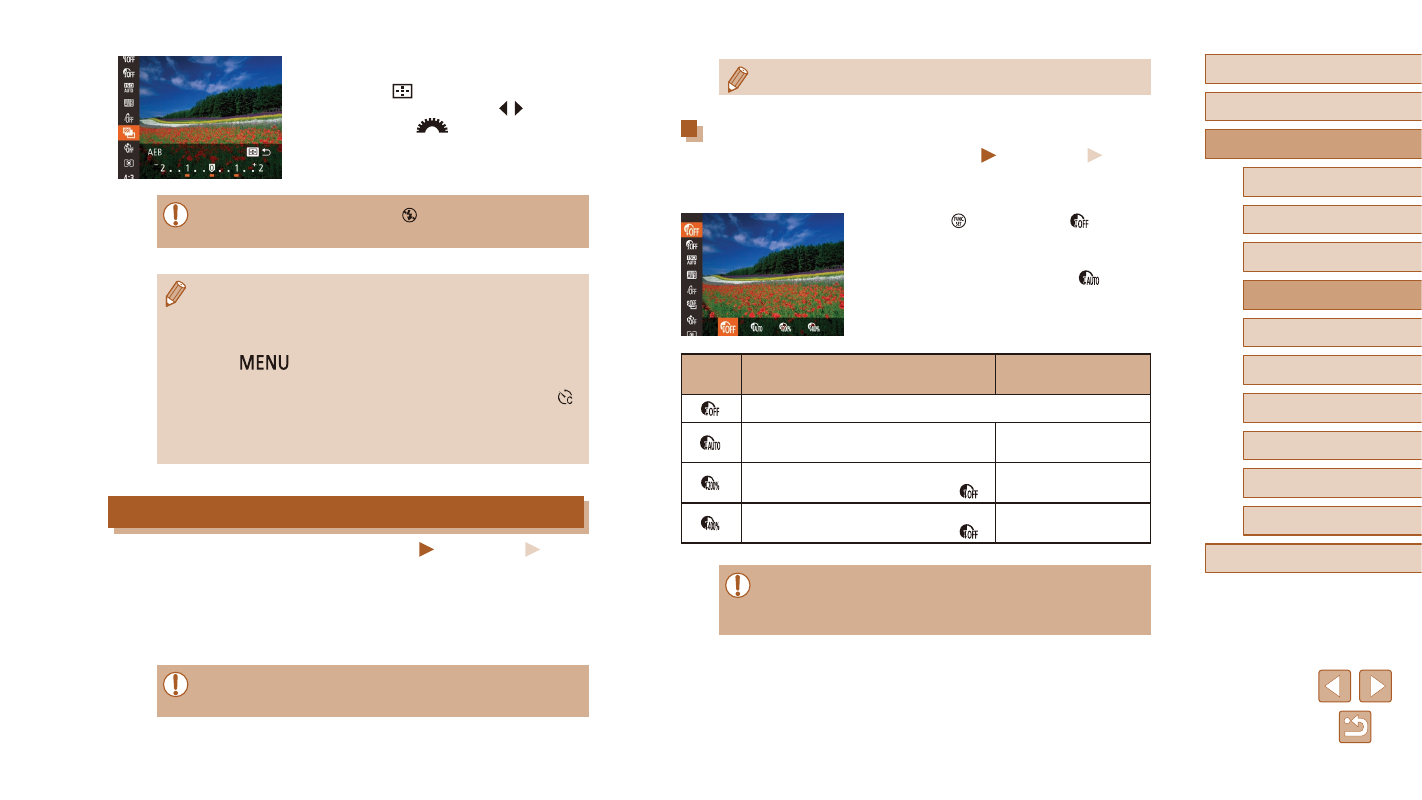
Tone down bright image areas, which might otherwise look washed out,
as follows.
●
Press the [ ] button, choose [ ] in the
menu, and choose the desired option
(= 29).
●
Once the setting is complete, [
] is
displayed.
Options
Details
Available ISO Speed
–
Automatic adjustment to prevent
washed-out highlights
[AUTO], [100] – [3200]
Tone down highlights by about 200%
relative to the brightness level of [ ]. [AUTO], [200] – [3200]
Tone down highlights by about 400%
relative to the brightness level of [ ]. [AUTO], [400] – [3200]
●
ISO speed (= 73) will be adjusted to a speed within the
supported range if you have specified a value outside the
supported range indicated here.
2
Configure the setting.
●
Press the [
] button, and then adjust
the setting by pressing the [ ][ ] buttons
or turning the [
] dial.
●
AEB shooting is only available in [ ] mode (= 86).
●
Continuous shooting (= 86) is not available in this mode.
●
If exposure compensation is already in use (= 72), the value
specified for that function is treated as the standard exposure
level for this function.
●
You can also access the setting screen of step 2 by pressing
the [
] button when the exposure compensation screen
●
Three shots are taken, regardless of any quantity specified in [ ]
(= 44).
●
In [Blink Detection] mode (= 55), this function is only available
for the final shot.
Correcting Image Brightness (i-Contrast)
Still Images
Movies
Before shooting, excessively bright or dark image areas (such as faces or
backgrounds) can be detected and automatically adjusted to the optimal
brightness.
To avoid washed-out highlights, specify Dynamic Range Correction.
To preserve image detail in shadows, specify Shadow Correct.
●
Under some shooting conditions, correction may be inaccurate or
may cause images to appear grainy.