Cuemix 5 app, Performer lite workstation software – MOTU UltraLite-mk5 USB-C Audio/MIDI Interface User Manual
Page 18
S O F T W A R E I N S T A L L A T I O N
18
to pass from an analog input, through a high-
performance DAW host such as Digital Performer,
to an analog output.
ASIO Driver support
On Windows, to enable the UltraLite-mk5 in your
ASIO host software, choose the
MOTU
UltraLite-mk5
ASIO driver, as shown in Figure 7-1
WDM / Wave driver support
On Windows, the MOTU Gen5 driver includes
support for WDM (Wave) compatible audio
software. See item #8 on page 33.
Host Buffer Size
When connected to a Windows computer, the
Host Buffer Size
menu is available in the Device tab
(item #6 on page 33). This setting determines the
amount of latency (delay) you may hear when live
audio is patched through your Windows audio
software. Smaller buffer sizes produce lower
latency, with sizes of 256 samples or less producing
virtually imperceptible delay. Many host
applications report audio hardware I/O latency, so
you can see what happens to the reported latency
when making adjustments to this setting.
Be careful with very small buffer sizes, as they can
cause performance issues from your host software
or PC.
☛
At sea level, audio travels approximately one
foot (30 cm) per millisecond. A latency of ten
milliseconds is about the same as being ten feet
(three meters) from an audio source.
Host Safety Offset
When connected to a Windows host, the
Host
Safety Offset
menu (item #7 on page 33) also
becomes available. This setting allows you to fine
tune host latency. Larger offsets allow the driver
more time to process audio as it transfers to and
from the hardware. Lower settings produce lower
latency, but if you go too low, your host software
may experience performance issues. Generally
speaking, 64 samples should serve as a good
baseline setting. You can then experiment with
lower settings from there. Be mindful, however,
when reducing the safety offset, as this parameter
can have a significant impact on your computer
system’s performance.
CUEMIX 5 APP
CueMix 5 is an easy-to-use app for macOS,
Windows and iOS that gives you complete control
over all the settings in your UltraLite-mk5
interface. For details, see chapter 6, “CueMix 5”
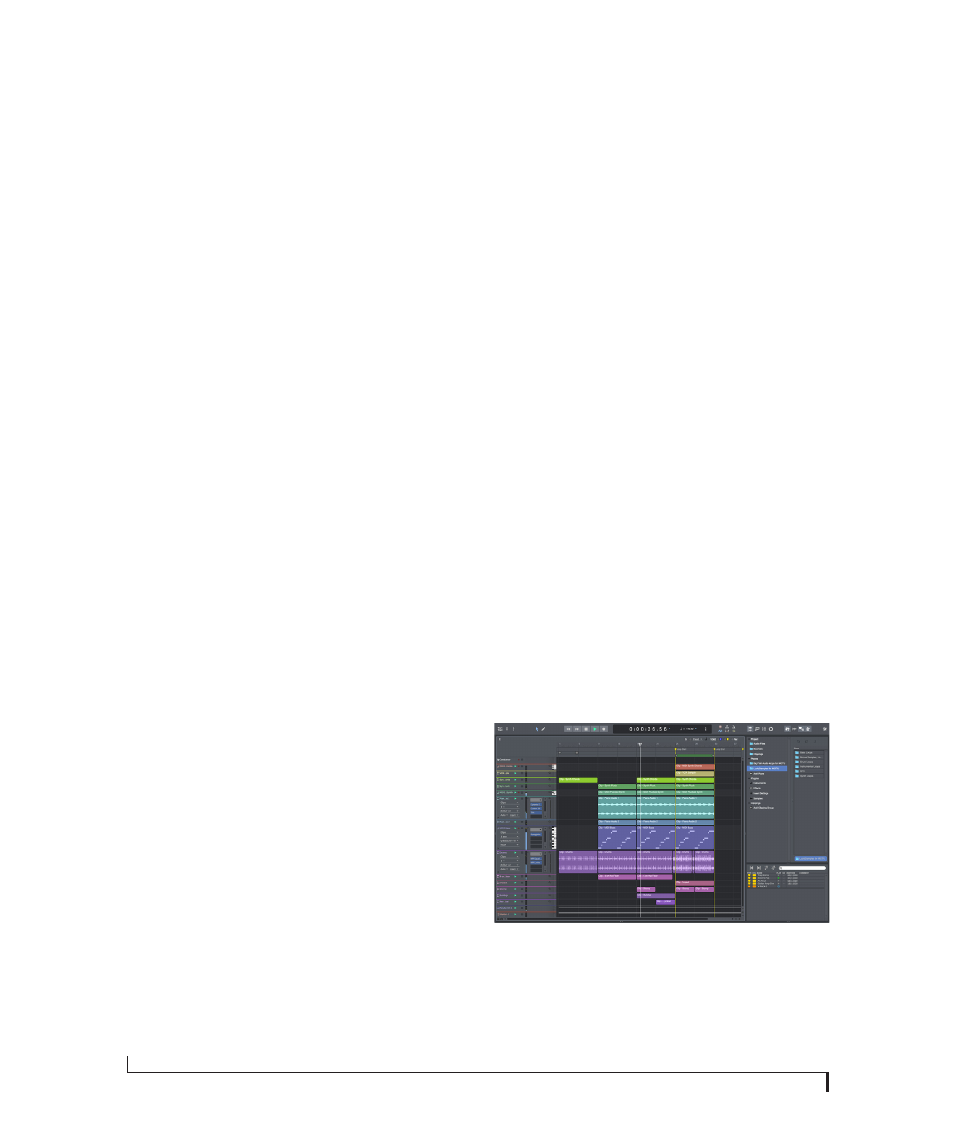
PERFORMER LITE WORKSTATION SOFTWARE
Performer Lite is an easy to use audio workstation
software package for macOS and Windows that
lets you record, edit, mix, process, bounce and
master multi-track recording projects. Advanced
features include over 100 included virtual
instruments, real-time effects processing,
recording, and much more.
To obtain Performer Lite, visit motu.com to
register your MOTU audio interface, download
Performer Lite and activate it on your computer.
Figure 3-1: Performer Lite.