4 hardware installation, Usb audio interface setup, Ios setup (usb-c) – MOTU UltraLite-mk5 USB-C Audio/MIDI Interface User Manual
Page 21: Ios setup (usb-c)” on, Hardware installation, Chapter
CHAPTER
21
4
Hardware Installation
USB audio interface setup . . . . . . . . . . . . . . . . . . . . . . . . . . . . . .21
iOS setup (USB-C). . . . . . . . . . . . . . . . . . . . . . . . . . . . . . . . . . . . . . .21
iOS setup (Lightning) . . . . . . . . . . . . . . . . . . . . . . . . . . . . . . . . . . .22
A typical UltraLite-mk5 setup . . . . . . . . . . . . . . . . . . . . . . . . . . .22
Audio connections. . . . . . . . . . . . . . . . . . . . . . . . . . . . . . . . . . . . . .22
MIDI connections. . . . . . . . . . . . . . . . . . . . . . . . . . . . . . . . . . . . . . .25
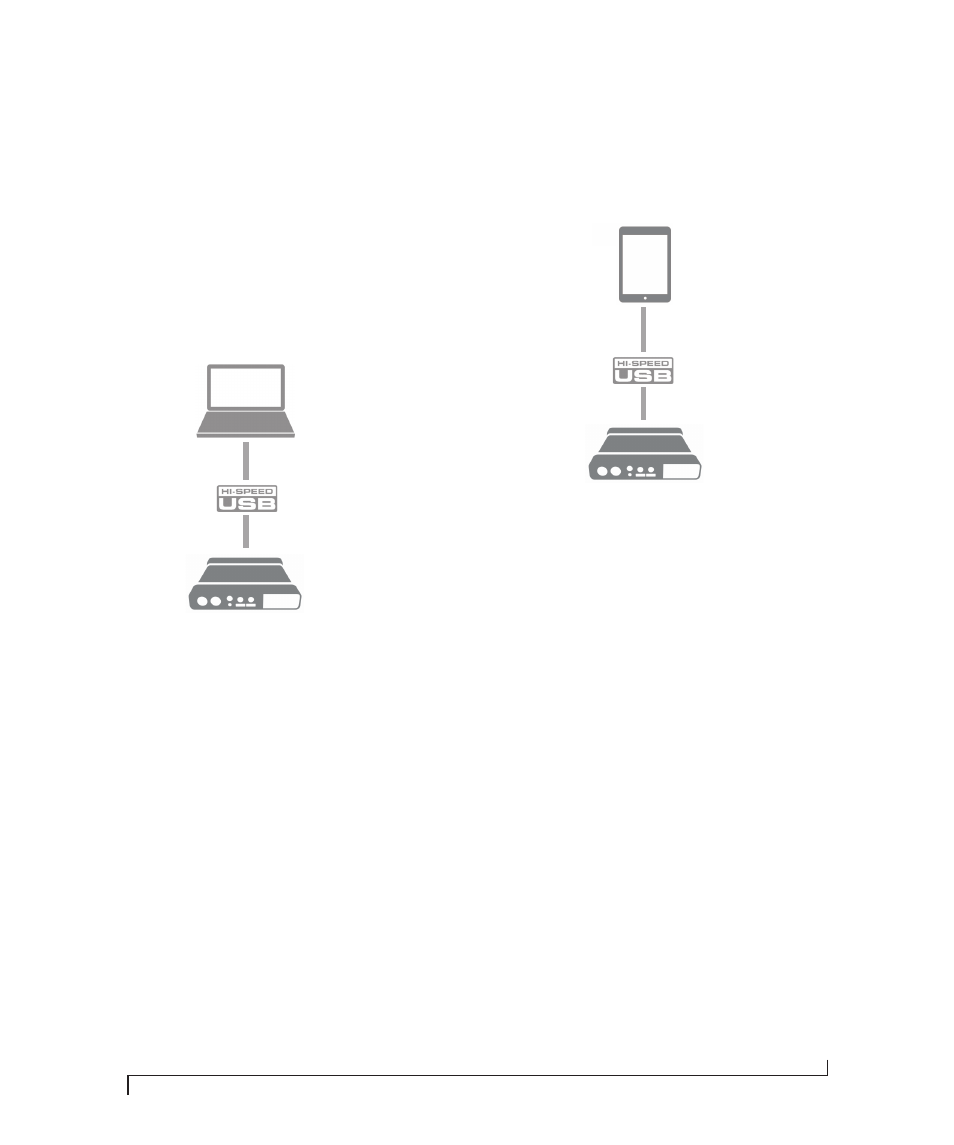
USB AUDIO INTERFACE SETUP
Use this setup if you want to use the UltraLite-mk5
as a USB audio interface for a computer.
■
Use the included USB-C-to-C or USB-C-to-A
cable.
■
Connect to any USB port (USB 2.0 or 3.0) on
your computer.
■
See “USB audio class-compliant operation” on
■
For Mac or iOS operation, no driver installation
is necessary.
iOS SETUP (USB-C)
Use the UltraLite-mk5 as an iOS audio interface,
or control it from your iOS device.
■
Use this setup for iOS devices with a USB-C
port.
■
Connect the UltraLite-mk5 directly to the iOS
device with the included USB-C-to-C cable.
Computer
iOS device with
USB-C port
USB-C to USB-C cable