5 front panel operation, Level meters, Push-button knobs – MOTU UltraLite-mk5 USB-C Audio/MIDI Interface User Manual
Page 29: Power, Channel focus, Main volume, Front panel operation, Chapter
CHAPTER
29
5
Front Panel Operation
The high-resolution OLED screen displays level
meters for all analog inputs and outputs and
activity indicators for MIDI, optical and S/PDIF
I/O. The screen also provides several menus that
provide status information and basic hardware
settings.
Level meters. . . . . . . . . . . . . . . . . . . . . . . . . . . . . . . . . . . . . . . . . . . .29
Push-button Knobs. . . . . . . . . . . . . . . . . . . . . . . . . . . . . . . . . . . . .29
Power . . . . . . . . . . . . . . . . . . . . . . . . . . . . . . . . . . . . . . . . . . . . . . . . . .29
Channel focus . . . . . . . . . . . . . . . . . . . . . . . . . . . . . . . . . . . . . . . . . .29
Main volume . . . . . . . . . . . . . . . . . . . . . . . . . . . . . . . . . . . . . . . . . . .29
Menu Navigation. . . . . . . . . . . . . . . . . . . . . . . . . . . . . . . . . . . . . . .30
LEVEL METERS
In its default state when the unit is first powered
on, the screen displays level meter activity for all
analog audio inputs and outputs (Figure 5-1).
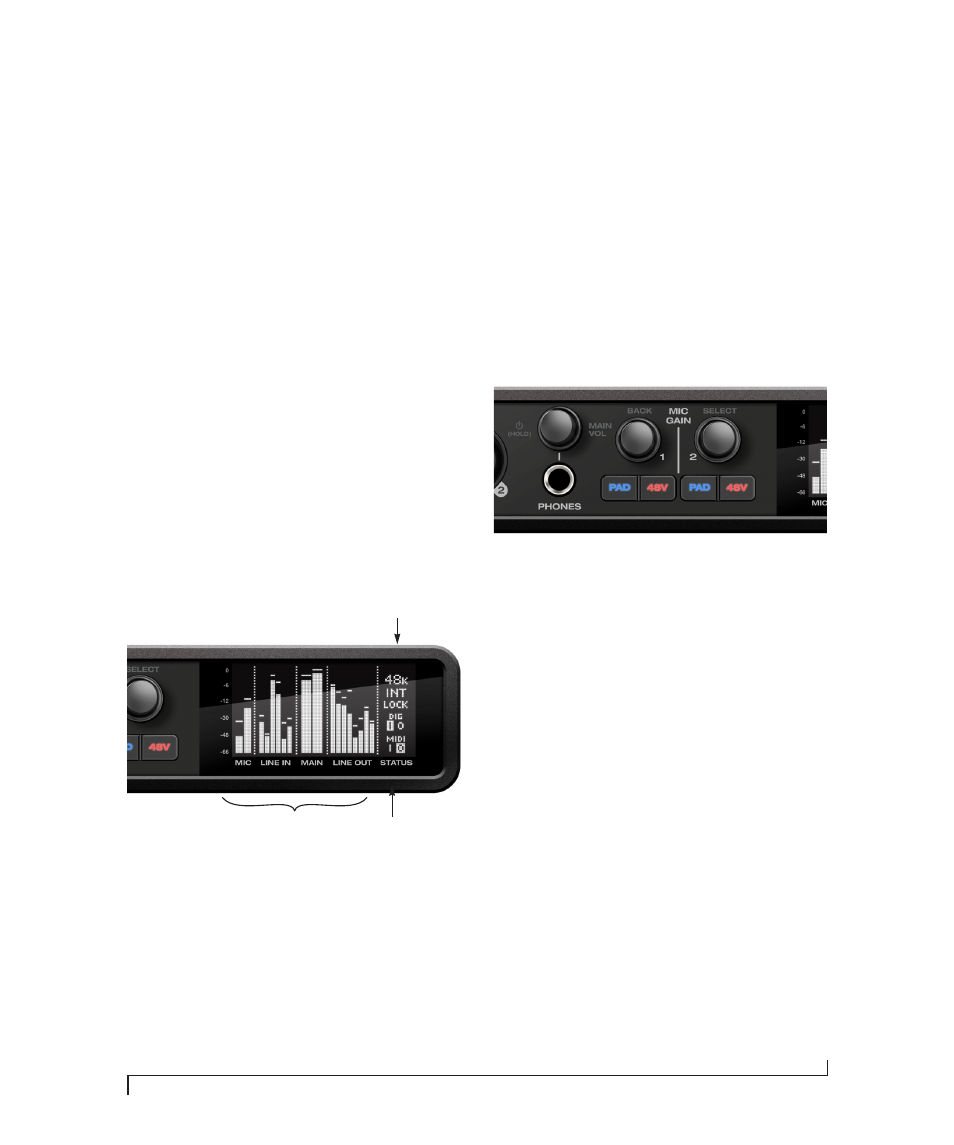
Figure 5-1: Analog metering and activity indicators for MIDI and
optical I/O.
Clock
The Clock section of the screen (Figure 5-1)
displays the sample rate at which the unit is
currently operating, and the current Clock Source
setting (item #3 in the Devices tab on page 33).
The Clock Source setting can also be found (and
changed) in the front panel screen menu.
PUSH-BUTTON KNOBS
The front-panel knobs (Figure 5-2) are push-
button digital rotary encoders. Push the knob for
the function labeled in gray.
Figure 5-2: Push the knob to activate the functions labeled in gray.
POWER
Push and hold the power knob (Figure 5-2) to
switch the unit on or off. The screen provides
feedback as you hold to power down.
CHANNEL FOCUS
When turning a knob to adjust volume or input
gain, the screen shows the level setting. A few
seconds after you stop turning the knob, the
screen returns to the previous display. To
temporarily suspend the focus timeout, push the
knob while focused. A “pin” icon appears in the
screen to indicate that the focused metering will
remain on screen until you push the knob again to
dismiss it.
MAIN VOLUME
Push the PHONES volume knob (MAIN VOL) to
toggle volume control between the phones and
main outs. The screen provides visual feedback: a
headphone icon appears in the MAIN meter
Clock
section
Digital I/O and MIDI
activity indicators
Level meters for
analog I/O