View, Inputs - analogue & digital – Solid State Logic SSL 12 USB Audio Interface User Manual
Page 15
Advertising
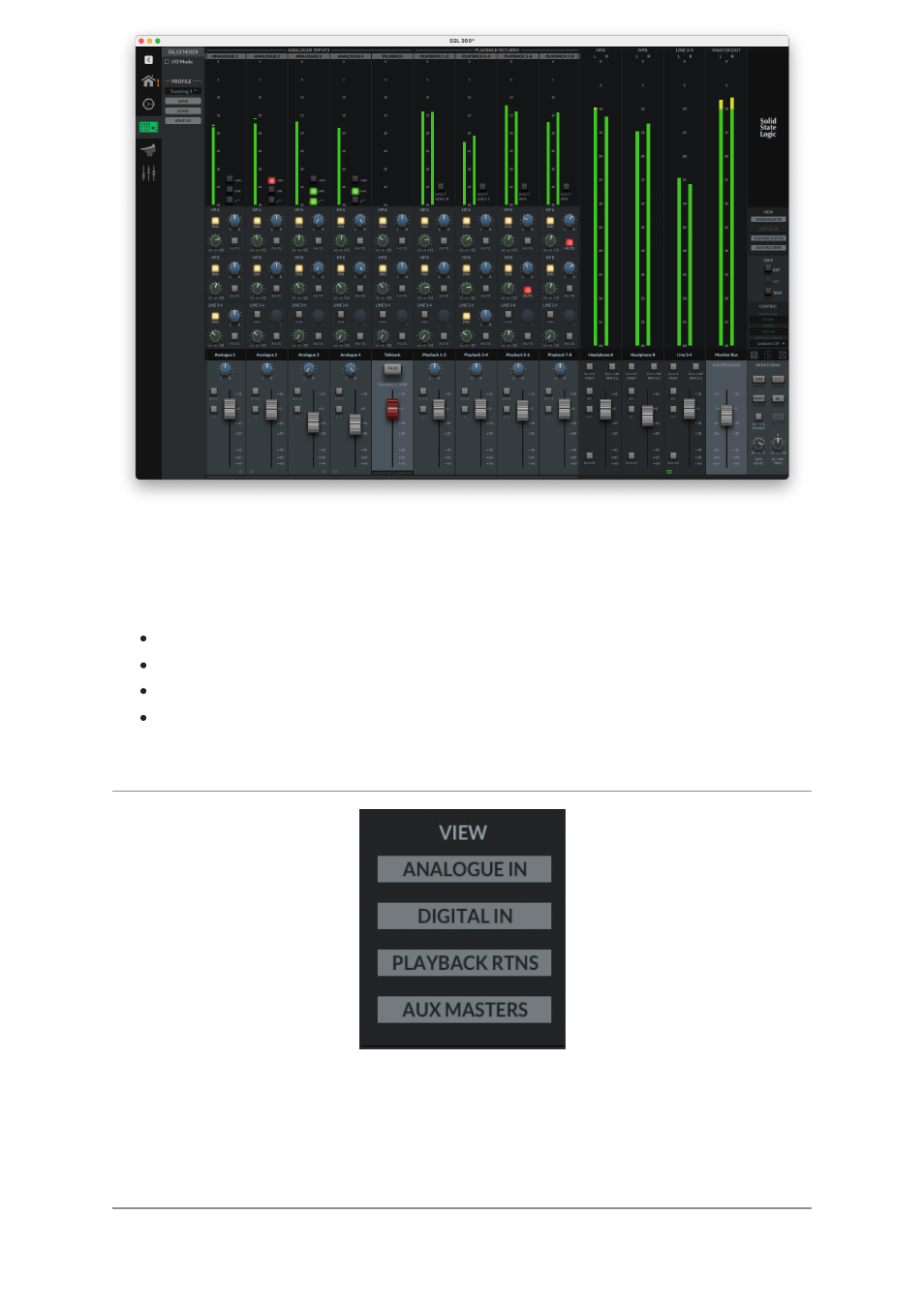
In order to access the powerful routing and input channels from ADAT & your DAW,
the 360° Mixer presents you with a console-style layout with all controls available in
a detailed but intuitive workspace. In this page you can:
Easily set up multiple headphone mixes
Configure your control room monitor mix
Choose your Loopback source
Change the 3 user-assignable front panel buttons
VIEW
Within the mixer, use the
VIEW
buttons on the right-hand side to hide/show different
input channel types (Analogue Inputs, Digital Inputs, Playback Returns) and the Aux
Masters.
Inputs - Analogue & Digital
Advertising