Profile – Solid State Logic SSL 12 USB Audio Interface User Manual
Page 28
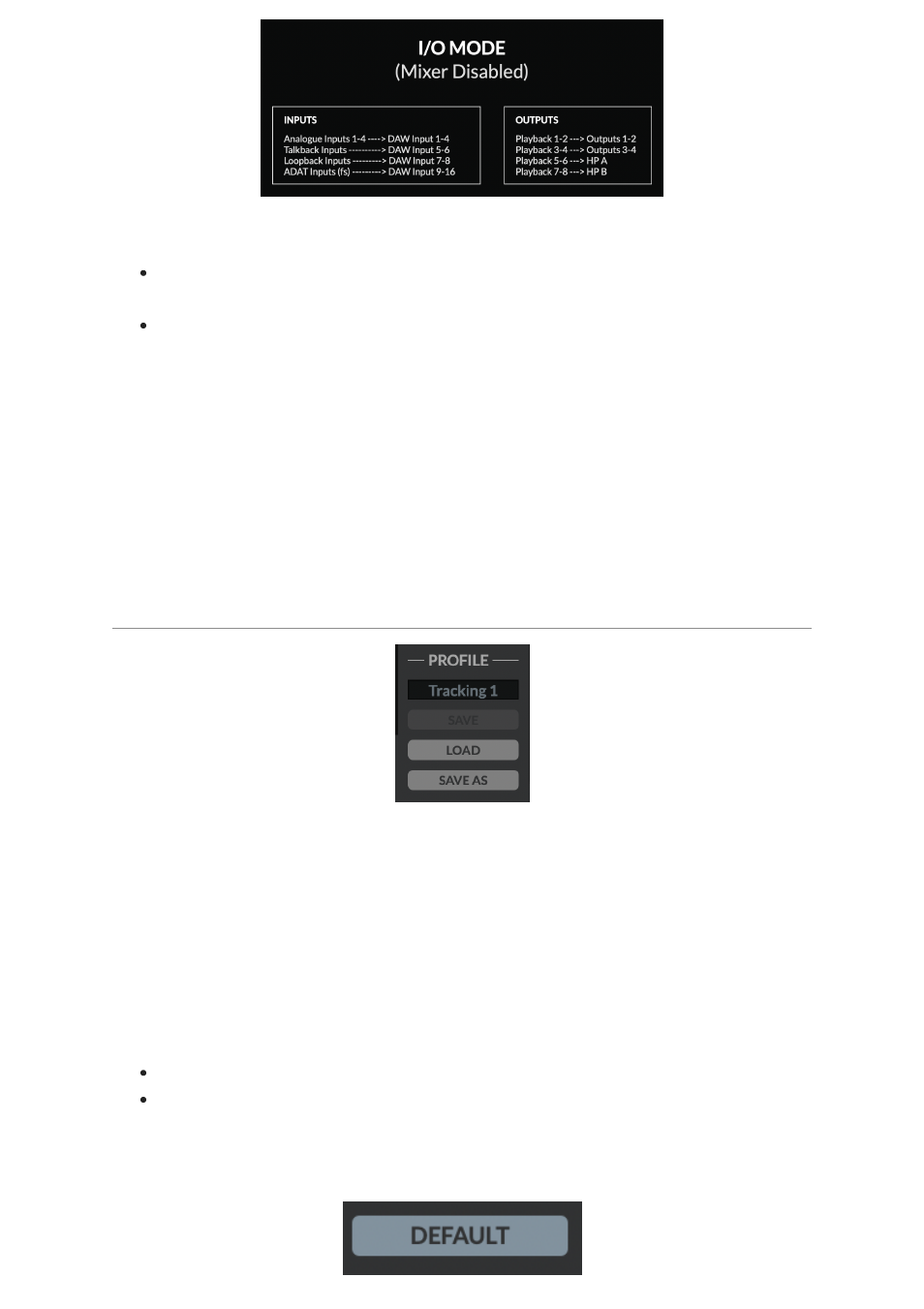
I/O Mode
can be used for different purposes:
To simplify the operation of the unit when you do not need the full flexibility that
the SSL 12 Mixer offers.
It allows SSL 12's outputs to operate at 176.4 or 192 kHz, instead of
downsampling them.
When
I/O Mode
is not engaged (SSL 12 Mixer is active) and you are
operating at sample rates of 176.4 or 192 kHz, SSL 12's outputs are
automatically downsampled to 88.2 or 96 kHz in order to preserve the full
mixing capability of the mixer. Other audio interfaces typically limit mixer
capability in the same scenario.
So if you want end-to-end 176.4 or 192 kHz performance, then
I/O Mode
is a useful
option.
PROFILE
The user can Save and Load customised profiles for the SSL 12 Mixer. To Save a
Profile, simply press
SAVE AS
and name your new Profile, which will be saved in
the SSL 12 folder for easy recall.
To load an existing profile, press the
LOAD
button, which will then open a window to
all the saved profiles, and can be selected by pressing 'Open'.
The default storage location for both Mac & Windows OS's is shown below, although
they can be saved & stored from any location.
Mac – Mac HD\Users\%userprofile%\Documents\SSL\SSL360\SSL12
Windows – %userprofile% \Documents\SSL\SSL360\SSL12
Click the
DEFAULT
button, to return the SSL 12 Mixer to its factory-shipped, default
state.