Installing ssl 360° software – Solid State Logic SSL 12 USB Audio Interface User Manual
Page 6
Advertising
SSL 12 requires the SSL 360° software to be installed on your computer in order to
fully function. SSL 360° is the brain behind your SSL 12 Mixer and controls all
internal routing and monitoring configuration. Once you have connected your SSL12
hardware to your computer as described on the previous page, please download
SSL 360° from the SSL website.
1. Go to
2. Select SSL 360° from Products drop-down list
3. Download the SSL 360° software for your Mac or PC
Installing SSL 360° Software
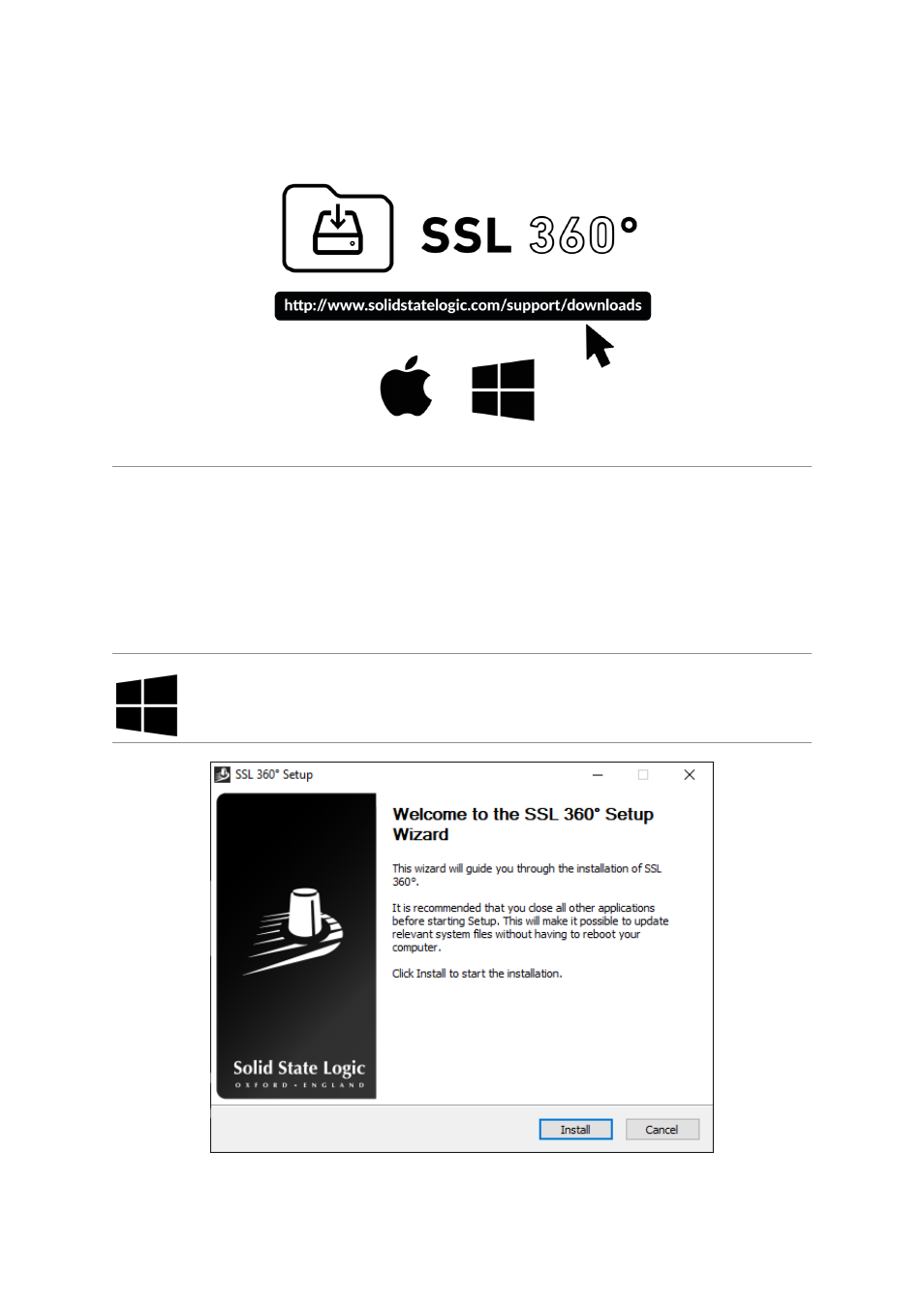
1. Locate the downloaded SSL 360°.exe on your computer.
2. Double-click to run the SSL 360°.exe.
3. Proceed with the installation, following the on-screen instructions.
Advertising