Selecting ssl 12 as your daw's audio device, Pro tools – Solid State Logic SSL 12 USB Audio Interface User Manual
Page 7
Advertising
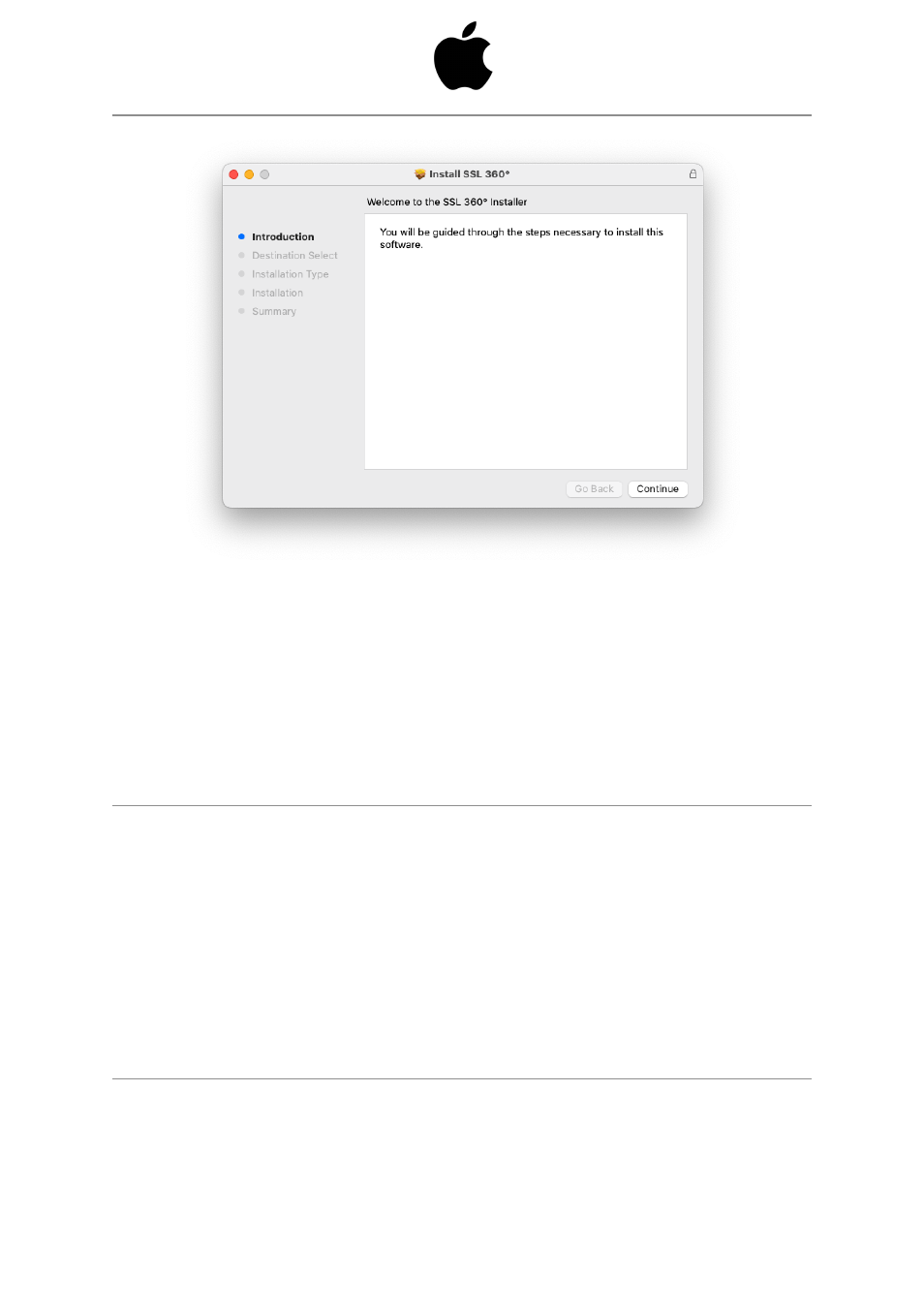
1. Locate the downloaded SSL 360°.dmg on your computer.
2. Double-click to open the .dmg
3. Double-click to run the SSL 360°.pkg
4. Proceed with the installation, following the on-screen instructions.
Selecting SSL 12 As Your DAW's Audio Device
If you have followed the Quick-Start / Installation section then you are ready to open
up your favourite DAW and start creating. You can of course use any DAW that
supports Core Audio on Mac or ASIO/WDM on Windows.
No matter which DAW you are using, you need to ensure that SSL 12 is selected as
your audio device in the audio preferences/ playback settings. Below is an example
in Pro Tools. If you are unsure, please refer to your DAW's User Guide to see where
these options can be found.
Pro Tools
Advertising