Solid State Logic SSL 12 USB Audio Interface User Manual
Page 5
Advertising
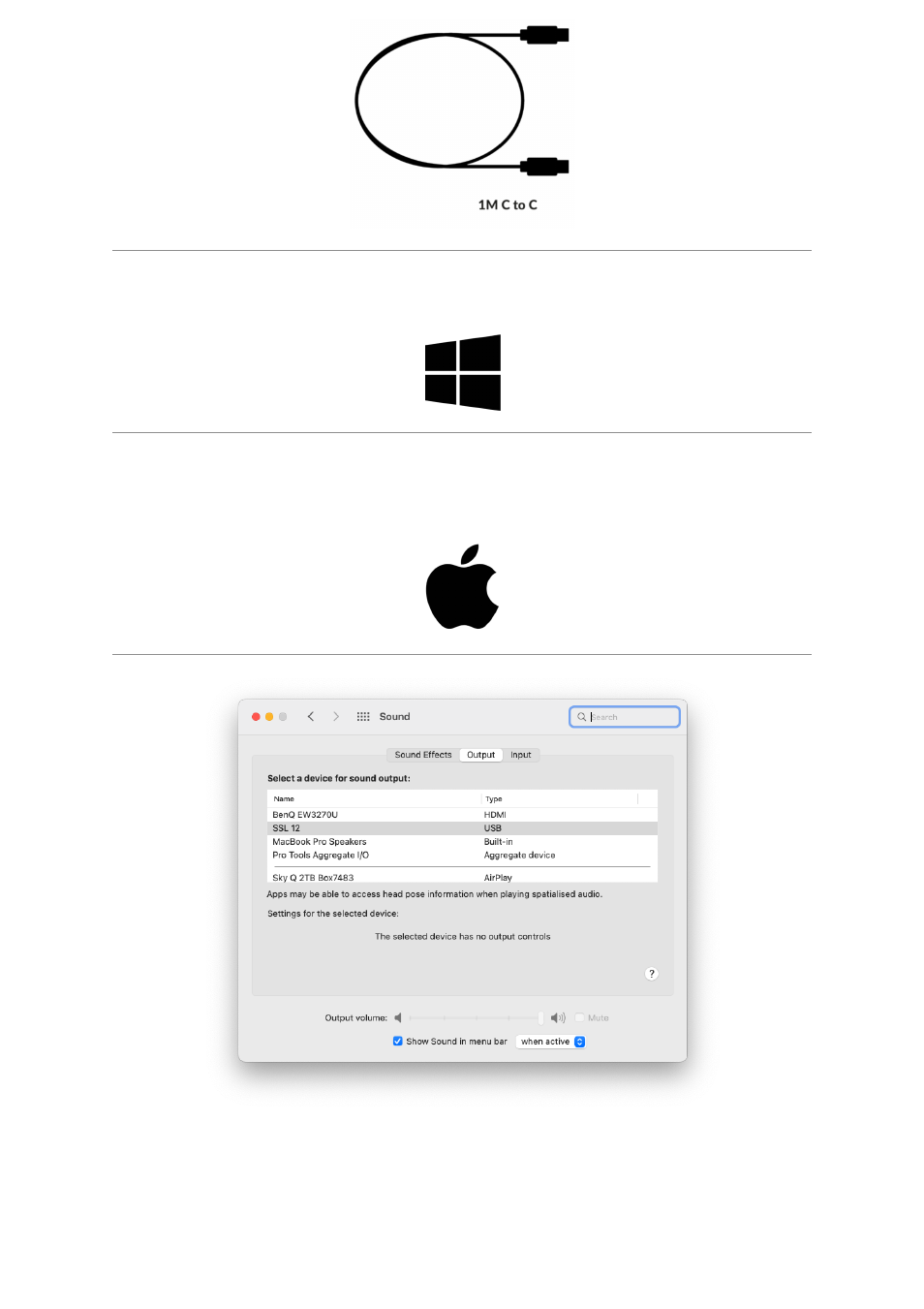
1. Connect your SSL USB audio interface to your computer using the included USB
cable.
2.
(Windows)
Download and install the SSL 12 USB ASIO/WDM Driver for your
SSL 12. Go to the following web address:
2.
(Mac)
Simply go to ‘
System Preferences
’ then ‘
Sound
’ and select '
SSL 12
’ as
the input and output device (drivers are not required for operation on Mac)
Downloading SSL 360° Software
Advertising