Solid State Logic SSL 12 USB Audio Interface User Manual
Page 4
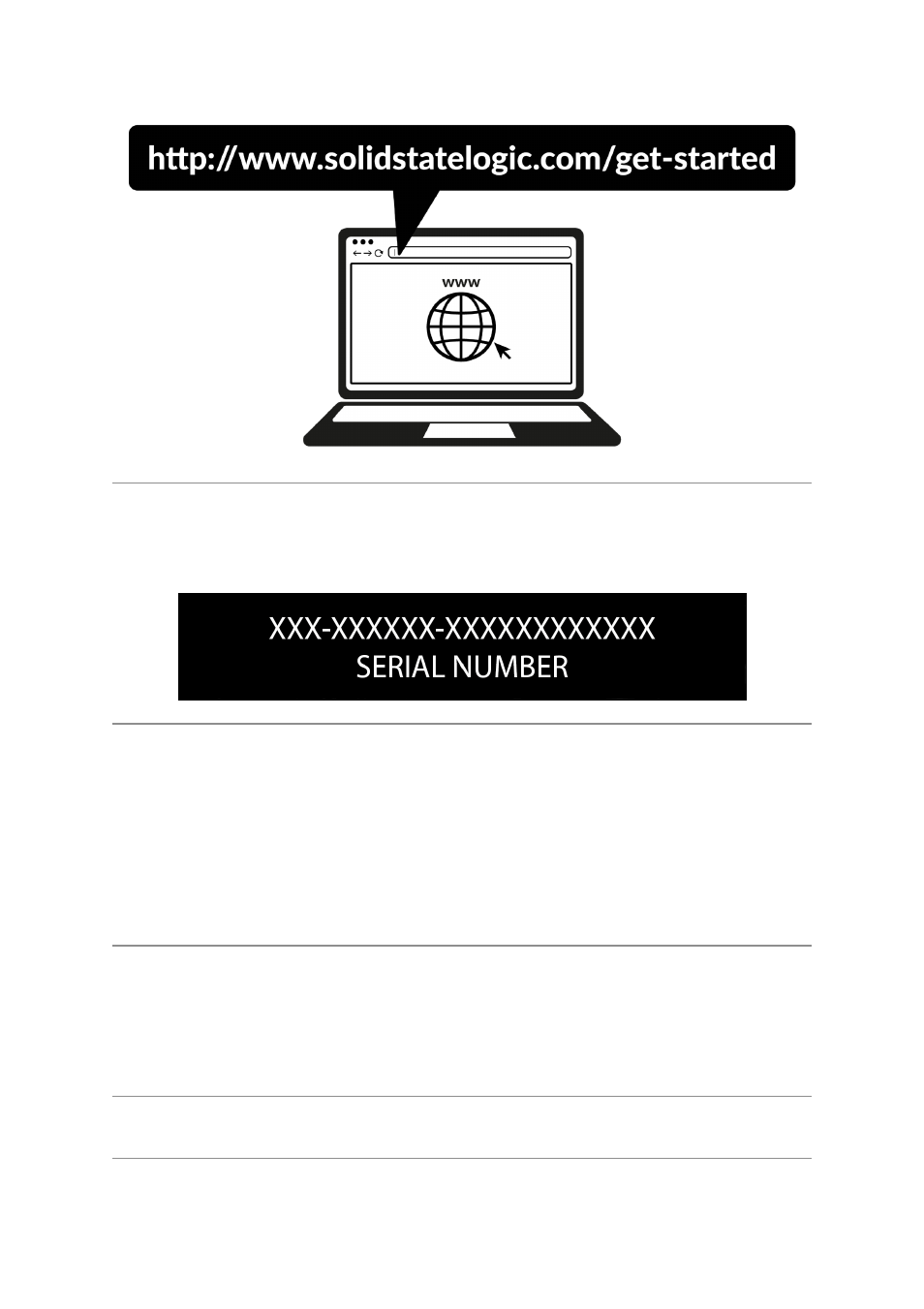
Registering your SSL USB Audio interface will grant you access to an array of
exclusive software from us and other 'industry-leading' software companies - we call
T and follow the
on-screen instructions. During the registration process, you’ll need to input the serial
number of your unit. This can be found on the label on the base of your unit.
Please note: the serial number begins with the letters 'S12'
Once you have completed registration, all of your software content will be available
in your logged-in user area. You can return to this area at any time by logging back
into your SSL account at should you wish to
download the software another time.
What is the SSL Production Pack?
The SSL Production Pack is an exclusive software bundle from SSL and other third-
party companies. T page for an
up-to-date list of all included software.
Quick-Start
Driver Installation