Safe mode, Specifications – Solid State Logic SSL 12 USB Audio Interface User Manual
Page 35
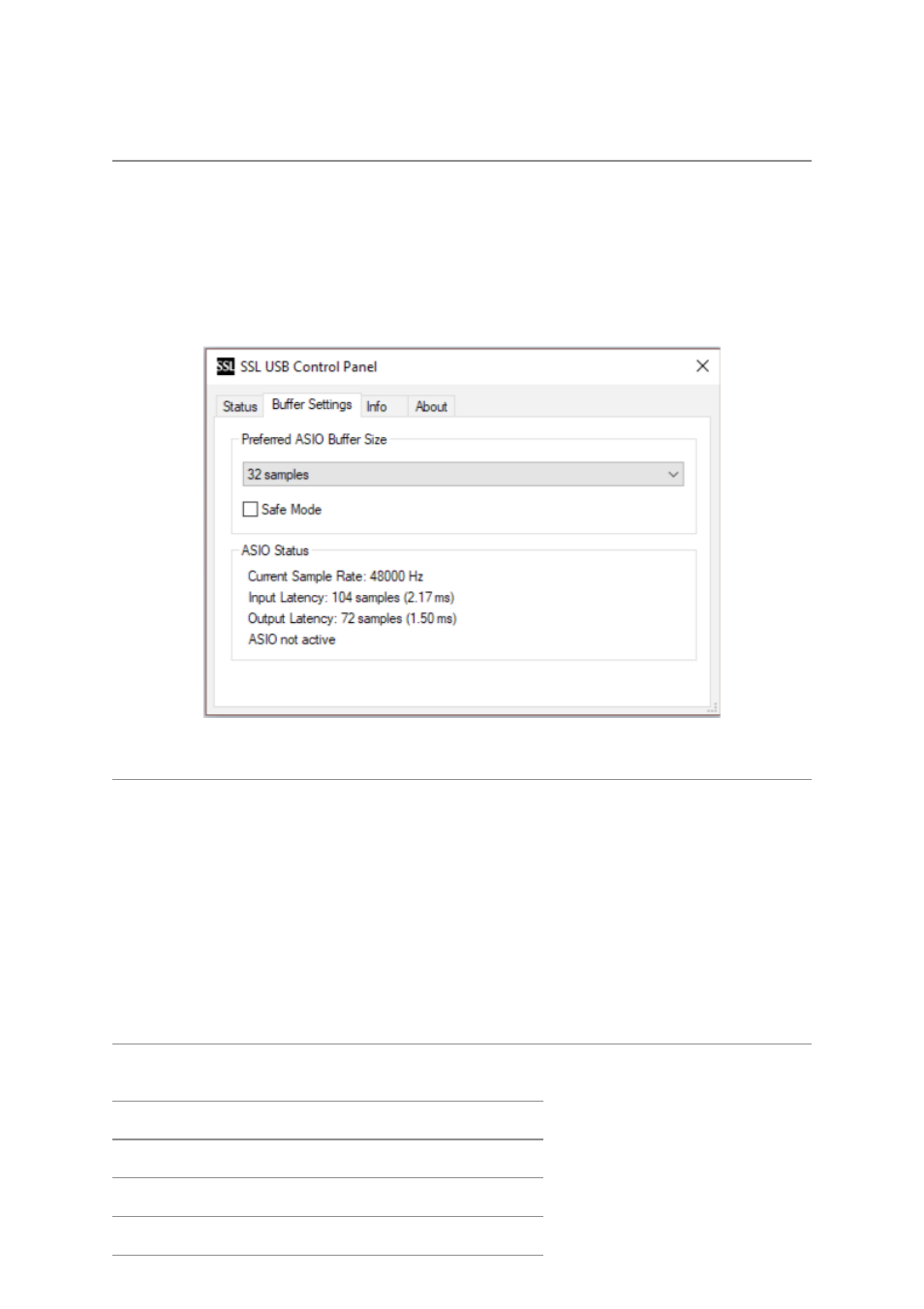
report details such as what Sample Rate and Buffer Size your SSL 12 is running at.
Please note that both Sample Rate and Buffer size will be taken control of by your
DAW when it is opened.
Safe Mode
One aspect you can control from the SSL USB Control Panel is the tickbox for Safe
Mode on the 'Buffer Settings' tab. Safe mode defaults to ticked but can be unticked.
Unticking Safe Mode will reduce the overall Output Latency of the device, which
may be useful if you are looking to achieve the lowest possible roundtrip latency in
your recording. However, unticking this may cause unexpected audio clicks/pops if
your system is under strain.
Specifications
Unless specified otherwise, default test configuration:
Sample Rate: 48kHz, Bandwidth: 20 Hz to 20 kHz
Measurement device output impedance: 40 Ω (20 Ω unbalanced)
Measurement device input impedance: 200 kΩ (100 kΩ unbalanced)
Unless otherwise quoted all figures have a tolerance of ±0.5dB or 5%
Audio Performance Specifications
Microphone Inputs
Frequency Response 20Hz - 20kHz unweighted
+/-0.15 dB
Dynamic Range (A-weighted)
111 dB
THD+N (-8dBFS)
0.0015%