Solid State Logic SSL 12 USB Audio Interface User Manual
Page 33
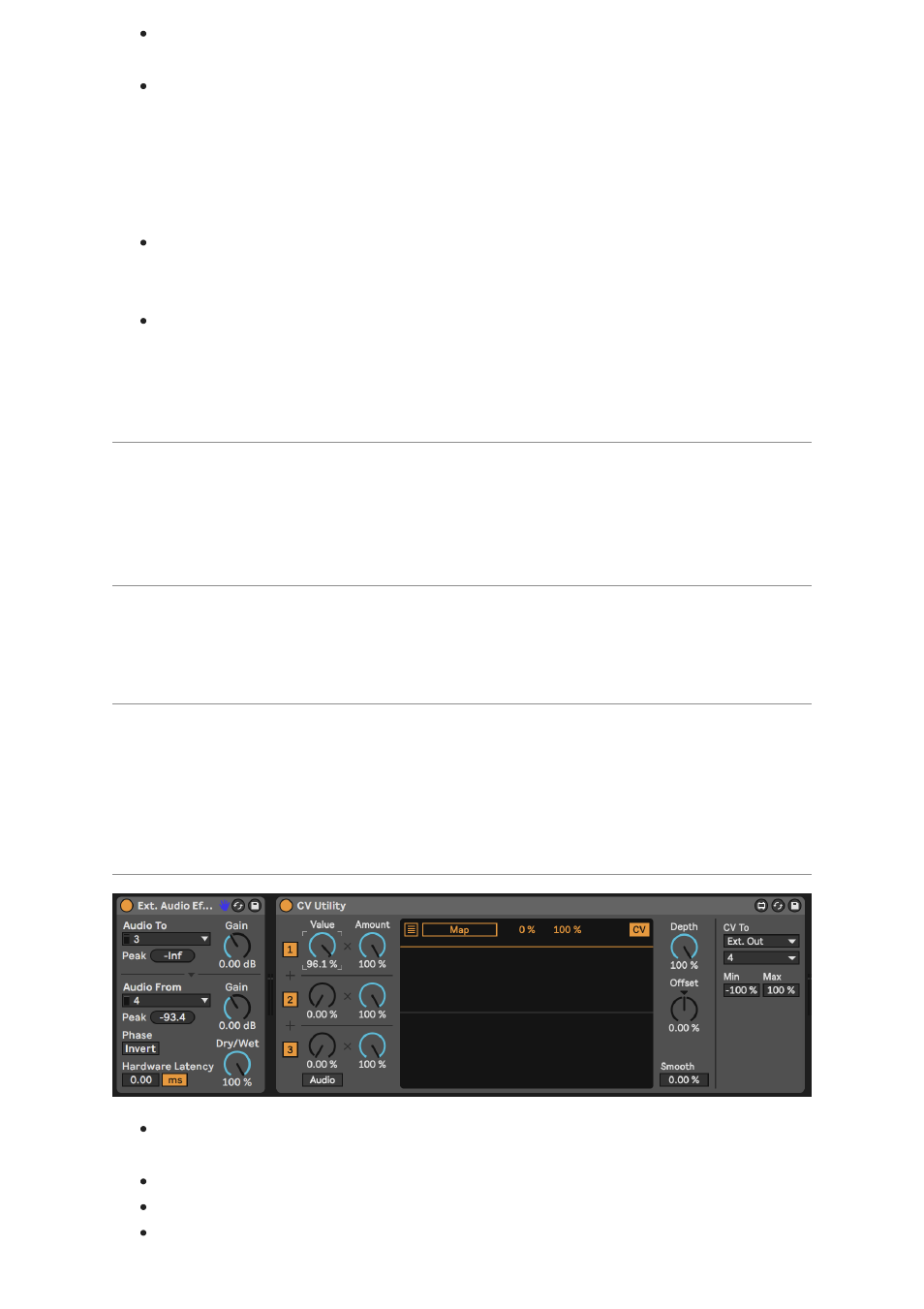
It's recommended to put SSL 12 into
I/O Mode
to stop previously routed
signals from accidentally passing to your Main Monitors or Headphones.
When using Outputs 5-6 and 7-8 for DC Control, be careful to first unplug any
attached headphones from the front panel outputs & then switch the outputs to
Line Output Mode
using the SSL 12 Mixer page in 360°. Some Headphones
might not be happy about receiving excessive DC, so disengage DC outputs
before reattaching headphones to the front panel outputs. For further details
on this please see the SSL 360° section of this manual.
Remember Headphone volume knobs are still affecting the signal, so to
accurately send out correct CV values, set the HP volume knob fully clockwise
for full signal.
Further information on using DC-Coupled Outputs can be read later in this
manual under the
DC Coupling CV Control via Ableton® Live CV Tools
chapter.
SSL 12 DC-Coupling Outputs
The SSL 12 Interface allows the user to send out a
DC
Signal from any output on
the interface. This allows
CV-enabled
equipment to receive the signal to control
parameters.
What is CV?
CV is an abbreviation of "
C
ontrol
V
oltage"; an analogue method of controlling
synthesizers, drum machines and other similar equipment.
What are CV Tools?
is a free pack of CV-enabled instruments, synchronisation tools, and
modulation utilities that enable users to seamlessly integrate Ableton Live with
various devices in the Eurorack format or Modular Synthesisers & Analog effects
units.
Setting Up Ableton Live CV Tools
Before Setting up Ableton, first put your SSL 12 into
I/O MODE
to ensure no
DC
signal is being sent to your headphones or Main Monitors accidentally.
Open your
Ableton Live
session
First set up a new
Audio Track
that you'll use to send out the CV Signal.
Then insert onto the Audio track a
CV Utilities Plug-In
from the packs menu.