Canon imagePROGRAF TX-3100 36" Printer with Basket User Manual
Page 440
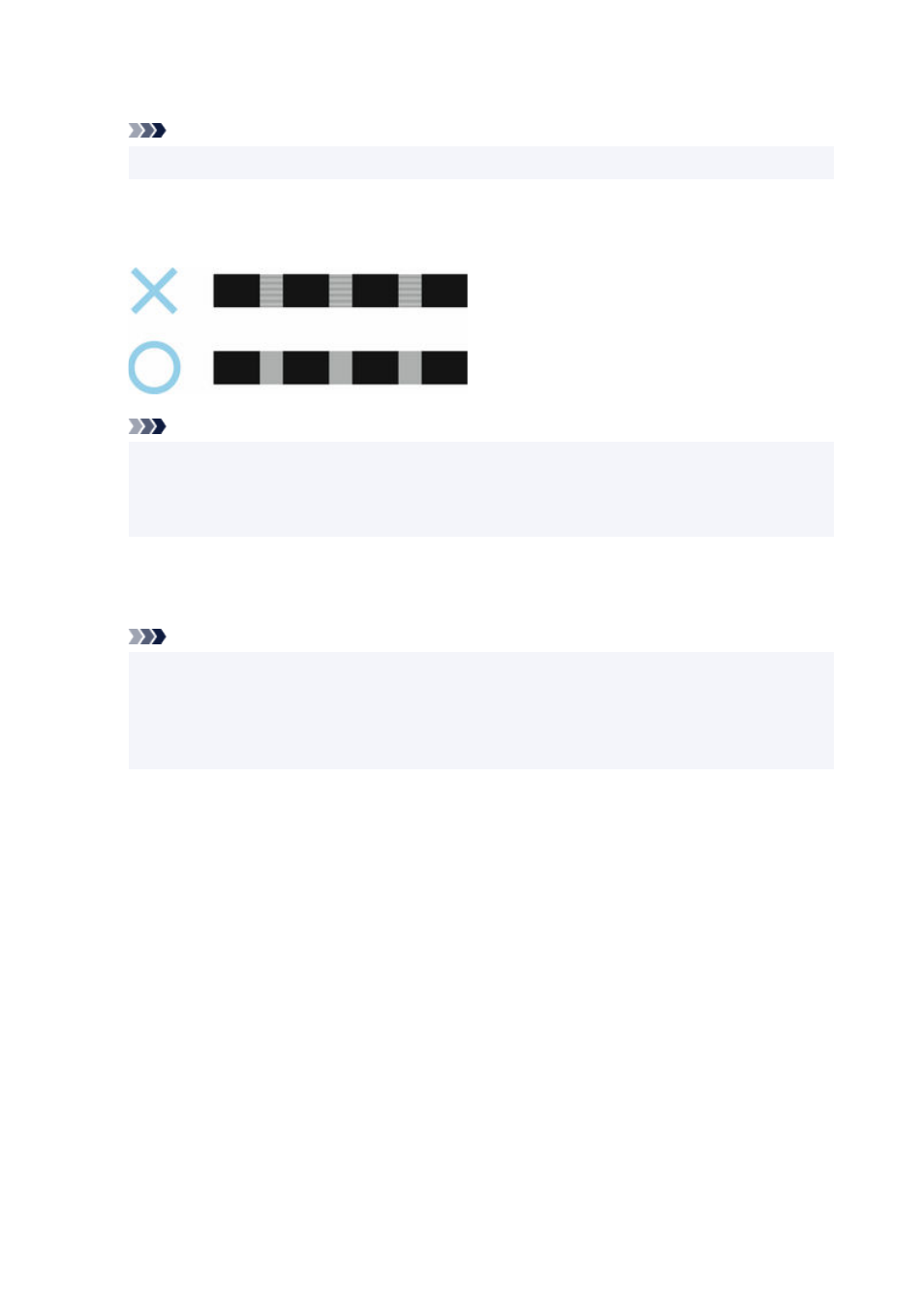
Test pattern A is printed for manual adjustment.
Note
• When printing on sheets, follow the instructions on the screen and remove the sheet.
7.
Examine test pattern A for adjustment.
7.
Determine pattern in which banding is least noticeable.
Note
• If banding seems least noticeable in two patterns but you cannot decide which one is better,
•
choose an intermediate value.
For example, choose 11 if you cannot decide whether pattern 10 or 12 is better.
8.
Tap number you decided.
8.
Test pattern B is printed for manual adjustment.
Note
• If you printed test pattern A on a sheet, follow the instructions on the screen and use another
•
sheet of the same type of paper.
Additionally, after test pattern B is printed, follow the instructions on the screen and remove the
sheet.
9.
Examine test pattern B for adjustment. Determine pattern in which banding is least
9.
noticeable.
10.
Tap number you decided.
10.
The adjustment value is now registered, and adjustment is complete.
440