Stacker – Canon imagePROGRAF TX-3100 36" Printer with Basket User Manual
Page 59
Advertising
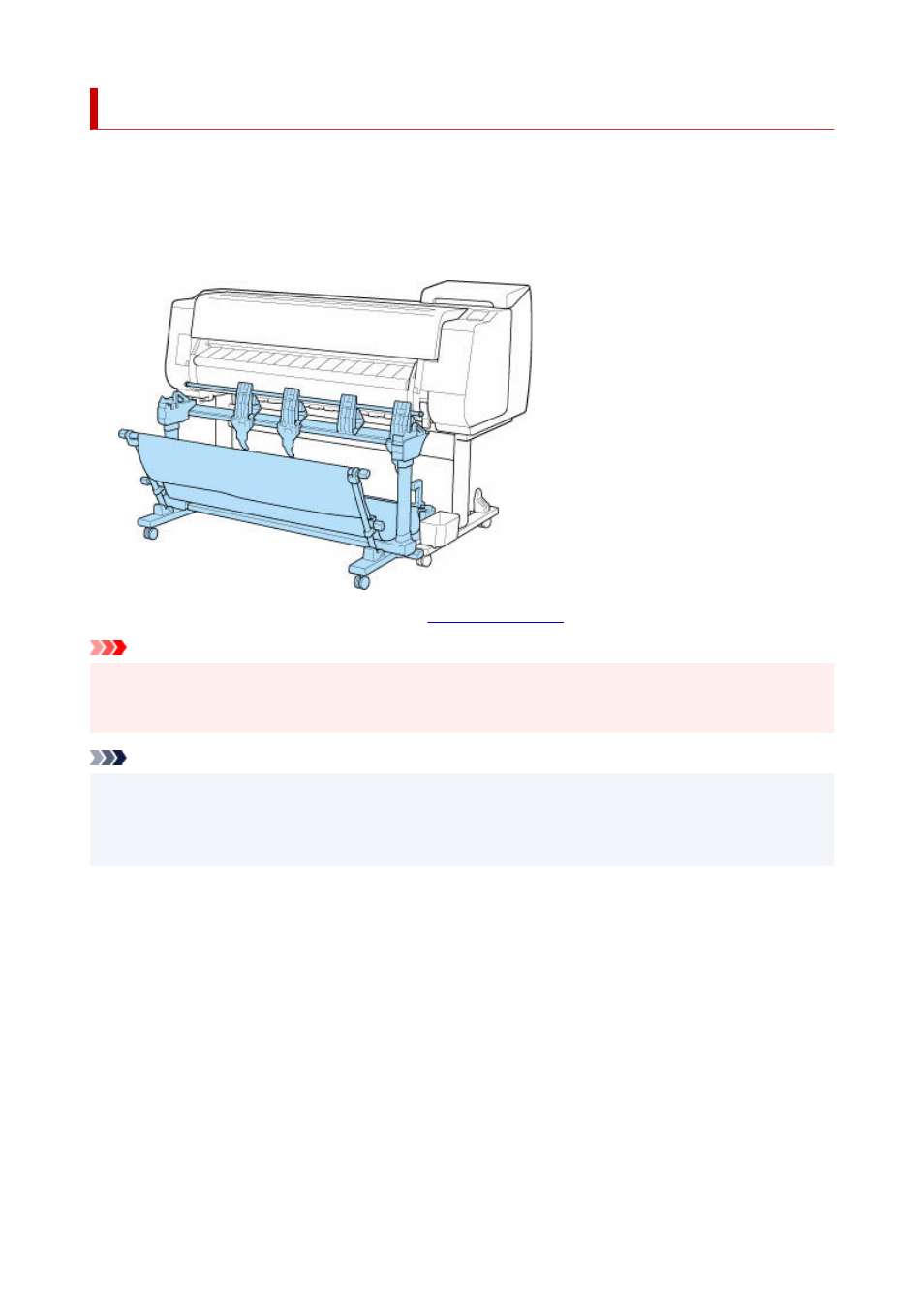
Stacker
The following stacker can be used in this printer.
• TX-4100 / TX-5410 : Stacker SS-41
•
• TX-3100 / TX-5310 : Stacker SS-31
•
• TX-2100 / TX-5210 : Stacker SS-21
•
For details on the main parts of the stacker, see "
."
Important
• When moving the stacker, be sure to set the locking caster lock to the OFF position to release the lock.
•
If you move it while the locking casters are locked, the floor may become scratched.
Note
• For instructions on installing the stacker, see Setup Guide provided with the stacker.
•
• Depending on your region, these might be included as standard or they might be available as optional
•
accessories.
59
Advertising