Faronics Deep Freeze Enterprise User Manual
Page 117
Anti-Virus Configuration
|
117
Deep Freeze Enterprise User Guide
•
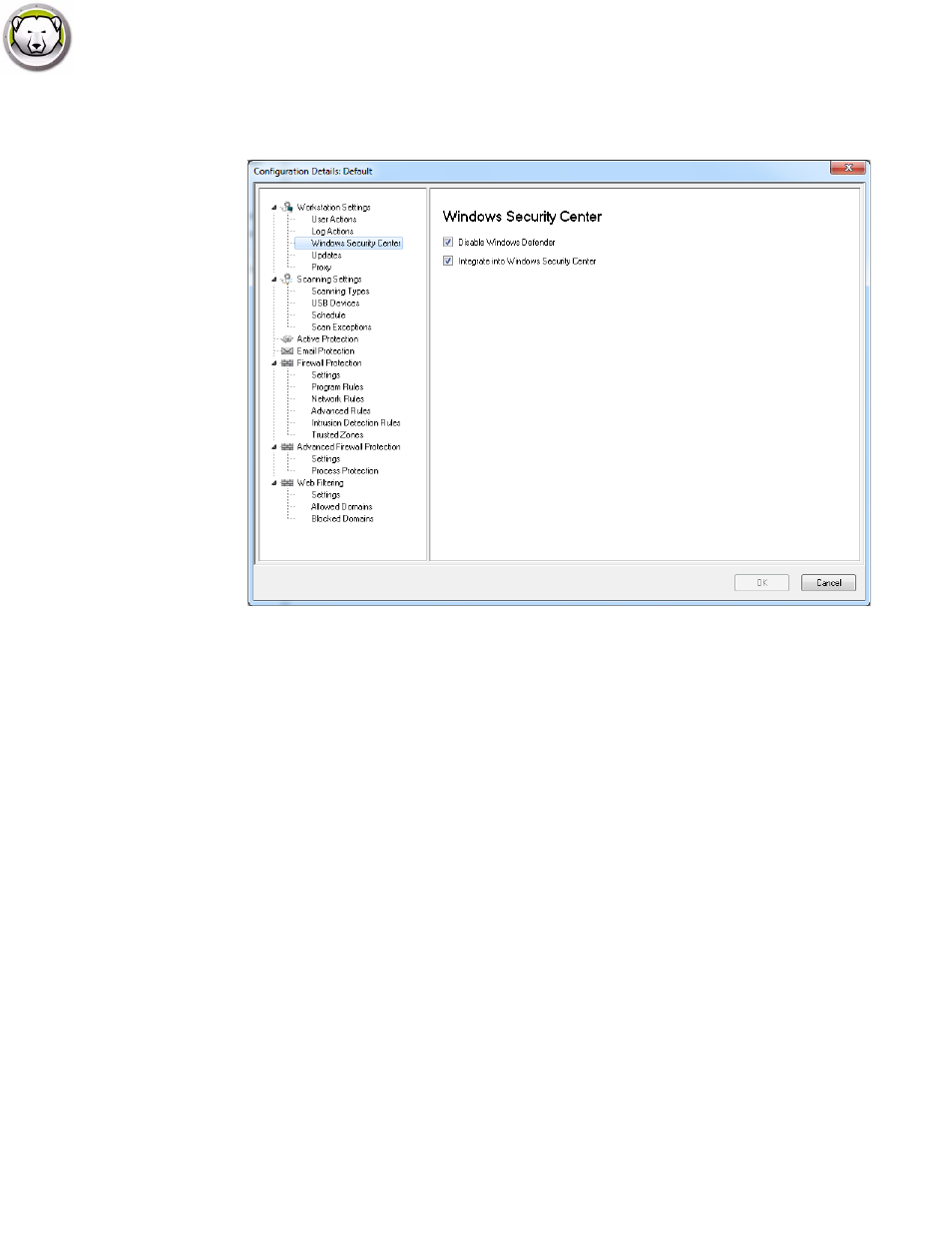
Workstation Settings node>Windows Security Center pane
— Disable Windows Defender - select the check box to disable Windows Defender. This will
avoid a possible conflict between Faronics Anti-Virus and Windows Defender. Running
multiple Anti-Virus or Anti-Spyware programs may create a conflict since one program
mistakes the other program to be a virus or a spyware. Also, running multiple Anti-Virus or
Anti-Spyware programs might increase the workload on the processor and memory usage.
However, if you want to keep running Windows Defender, you may choose not to disable it.
— Integrate into Windows Security Center - select the check box to integrate Faronics
Anti-Virus into the Windows Security Center. Windows Security Center will notify you via
the System Tray if Faronics Anti-Virus is active or inactive.