Dvd setup menu 7 menu d’installation dvd, Virtual surround (son spatial virtuel), Sortie audio – Marantz DV-12S2 User Manual
Page 114: Virtual surround, Audio out, Remarque
DVD Setup Menu
7
Menu d’installation DVD
114
En/Fr
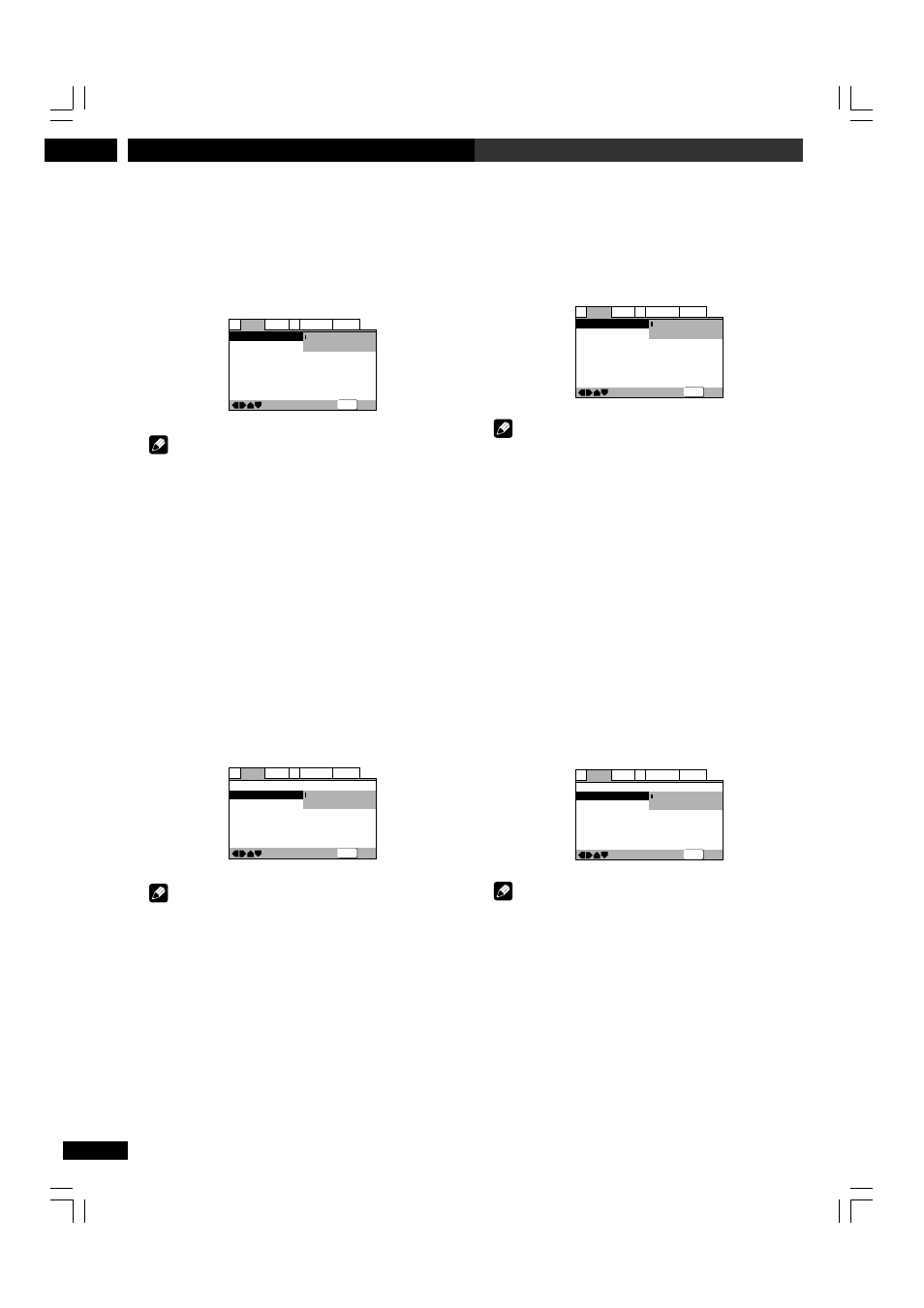
Virtual Surround (Son spatial virtuel)
• Réglage par défaut : Off
Si vous avez raccordé votre lecteur de DVD uniquement via les
sorties analogiques stéréo et réglé Audio Out (voir ci-dessous) sur
2 Channel, vous pouvez simuler un son spatial en réglant Virtual
Surround sur TruSurround.
—
—
—
Audio2
Video1
Language General
A1
V2
Exit
Move
Virtual Surround
Audio Out
Speaker Setting
Gain Setting
CD Digital Direct
Off
TruSurround
Fix
Off
SETUP
Remarque
• Il n’y a pas d’effet lorsque la source audio est de type DVD-
audio, DTS ou 96 kHz LPCM ni pendant la lecture d’une source
CD, MP3 ou Super Audio CD.
• Le niveau de sortie audio numérique est réduit lorsque vous
reproduisez des DVD Dolby Digital à 2 canaux ou des Vidéo-CD
avec l’option TruSurround sélectionnée. Si vous reproduisez un
DVD Dolby Digital multicanaux avec l’option Dolby Digital réglée
sur la conversion PCM (voir page 108) et l’option TruSurround
sélectionnée, il n’y a pas de sortie numérique.
• La qualité de l’effet spatial varie selon le disque.
Sortie audio
• Réglez-le dans le navigateur d’installation (réglage par défaut : 2
Channel)
Si vous avez raccordé ce lecteur à votre amplificateur uniquement
via les sorties analogiques à 5,1 canaux (sorties avant, spatiale,
centrale et d’extrêmes-graves), réglez-le sur 5.1 Channel ; si vous
ne l’avez connecté que via les sorties stéréo, réglez-le sur 2
Channel.
—
—
—
Audio2
Video1
Language General
A1
V2
Exit
Move
Virtual Surround
Audio Out
Speaker Setting
Gain Setting
CD Digital Direct
Off
2 Channel
5.1 Channel
Fix
Off
SETUP
Remarque
• Même si vous avez réglé Audio Out sur 5.1 Channel, les sons
ne seront diffusés via tous les haut-parleurs que pendant la
lecure de DVD audio multicanaux, ou de DVD à codage Dolby
Digital, DTS ou MPEG.
• Si vous le réglez sur 2 Channel, les signaux audio Dolby Digital,
DTS et MPEG sont mixés en aval en deux canaux de sorte que
vous entendez toujours tous les sons enregistrés sur le disque.
• Certains DVD audio n’autorisent pas le mixage audio en aval.
Ces disques sortent toujours des signaux audio multicanaux,
quel que soit le réglage effectué à ce stade.
Virtual Surround
• Default setting: Off
If you connected your DVD player using only the stereo analog
outputs and set Audio Out (see below) to 2 Channel, you can
simulate surround sound by setting Virtual Surround to
TruSurround.
—
—
—
Audio2
Video1
Language General
A1
V2
Exit
Move
Virtual Surround
Audio Out
Speaker Setting
Gain Setting
CD Digital Direct
Off
TruSurround
Fix
Off
SETUP
Note
• There is no effect when the audio source is DVD-Audio, DTS
or 96 kHz LPCM or during CD, MP3 or Super Audio CD
playback.
• The digital audio output level is reduced when playing 2
channel Dolby Digital DVDs or Video CDs with TruSurround
selected. If you play a multichannel Dolby Digital DVD with
Dolby Digital to PCM conversion (see page 108) and
TruSurround selected, there is no digital output.
• How good the surround effect is varies with the disc.
Audio Out
• Set in Setup Navigator (Default: 2 Channel)
If you connected this player to your amplifier using the 5.1
channel analog outputs (front, surround, center and subwoofer
outs), set this to 5.1 Channel; if you connected only the stereo
outs, set to 2 Channel.
—
—
—
Audio2
Video1
Language General
A1
V2
Exit
Move
Virtual Surround
Audio Out
Speaker Setting
Gain Setting
CD Digital Direct
Off
2 Channel
5.1 Channel
Fix
Off
SETUP
Note
• Even if you set Audio Out to 5.1 Channel, you’ll only get
sound from all speakers when playing a multi-channel DVD-
Audio disc, or Dolby Digital, DTS or MPEG encoded DVD disc.
• If you set to 2 Channel, Dolby Digital, DTS and MPEG audio
is mixed down to two channels so you still hear all the audio
recorded on the disc.
• Some DVD-Audio discs don’t allow down-mixing of audio.
These discs always output multi-channel audio regardless of
the setting made here.
DV-12S2.4L.104.123
8/6/03, 9:16 PM
114