Ncast presentation recorder reference manual – NCast PR-HD User Manual
Page 28
NCast Presentation Recorder Reference Manual
As a specific example, a Presentation Recorder might set up the following 3 channel assignments:
Channel 1 – The PR-HD unit transmits using multicast address 239.192.0.0
Channel 2 – The PR-HD unit receives using multicast address 239.192.0.0
Channel 3 – The PR-HD unit initiates an Automatic Unicast to the required CDN.
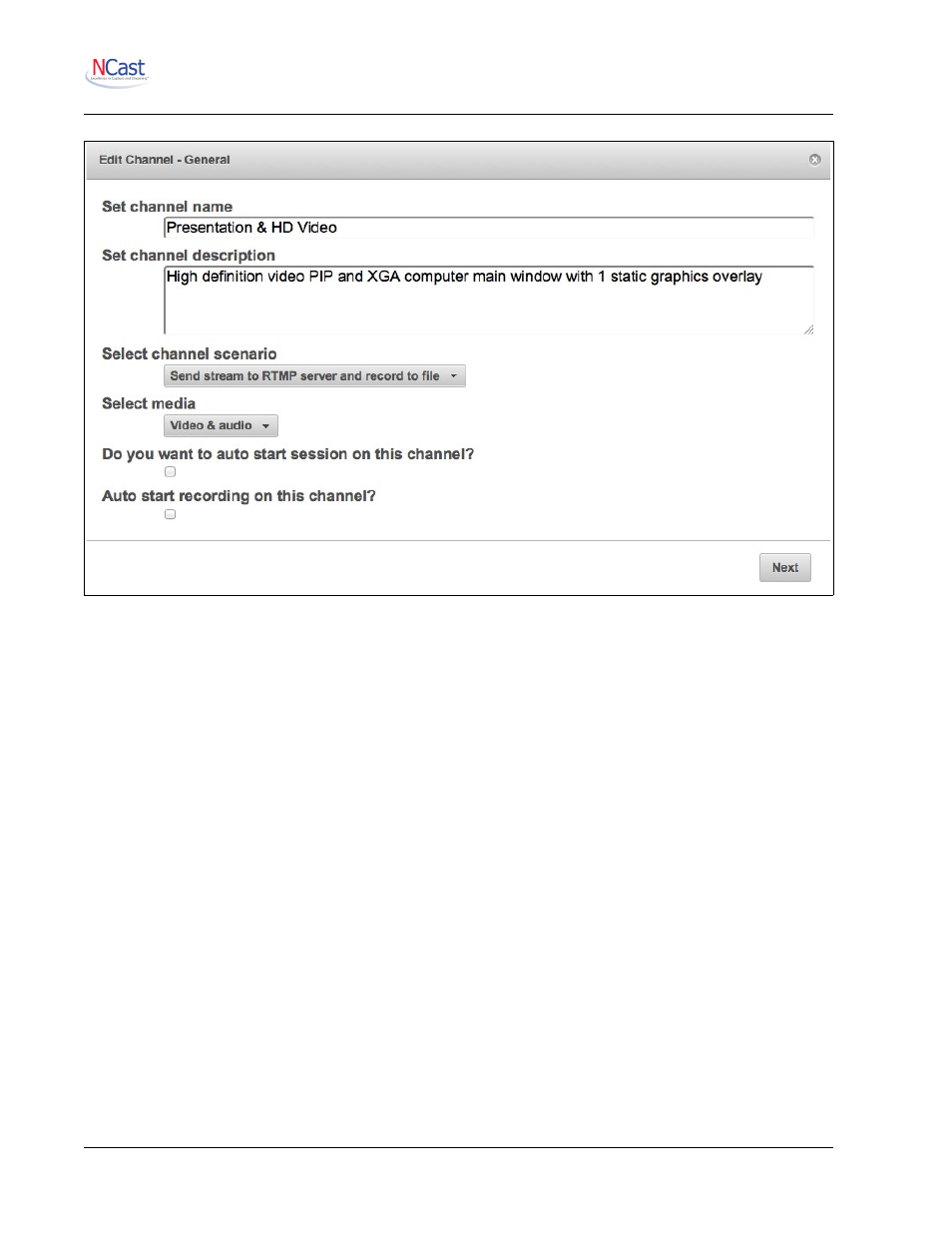
Enter a descriptive name for the channel that makes sense to the administrators or users.
5.2.2. Select Channel Scenario
The PR-HD has eight basic modes of operation:
•
Recording – The unit is placed into record-only mode. No stream for internet use is generated.
This mode enables the highest quality capture at the highest frame rates.
•
Streaming Send – The unit will be transmitting in a one-way, one-to-many (multicast only)
session to other units or remote desktops.
•
Streaming Send with Recording – The unit will be transmitting in a one-way, one-to-many
(multicast only) session to other units or remote desktops. Simultaneous recording is enabled.
•
Streaming with RTMP - The unit will utilize the services of a streaming server for rebroadcast
(reflection) of the incoming stream. Through use of the RTMP protocol live streaming to CDN's,
Adobe FMS, Wowza, Evostream and other reflecting servers becomes possible.
•
Streaming with RTMP and Recording – Same as above but simultaneous recording is enabled.
•
Automatic Unicast using RTSP – The unit will utilize the services of a streaming server for
rebroadcast (reflection) of the incoming stream. Through use of the RTSP protocol an
announcement is sent to the server indicating a new streaming session is starting.
NCast Corporation
Revision 2.2
Page 28