Satellite menu – Wavecom W61PC V7.5.0 User Manual
Page 37
WAVECOM Decoder W61PC/LAN Manual V7.5
First start
27
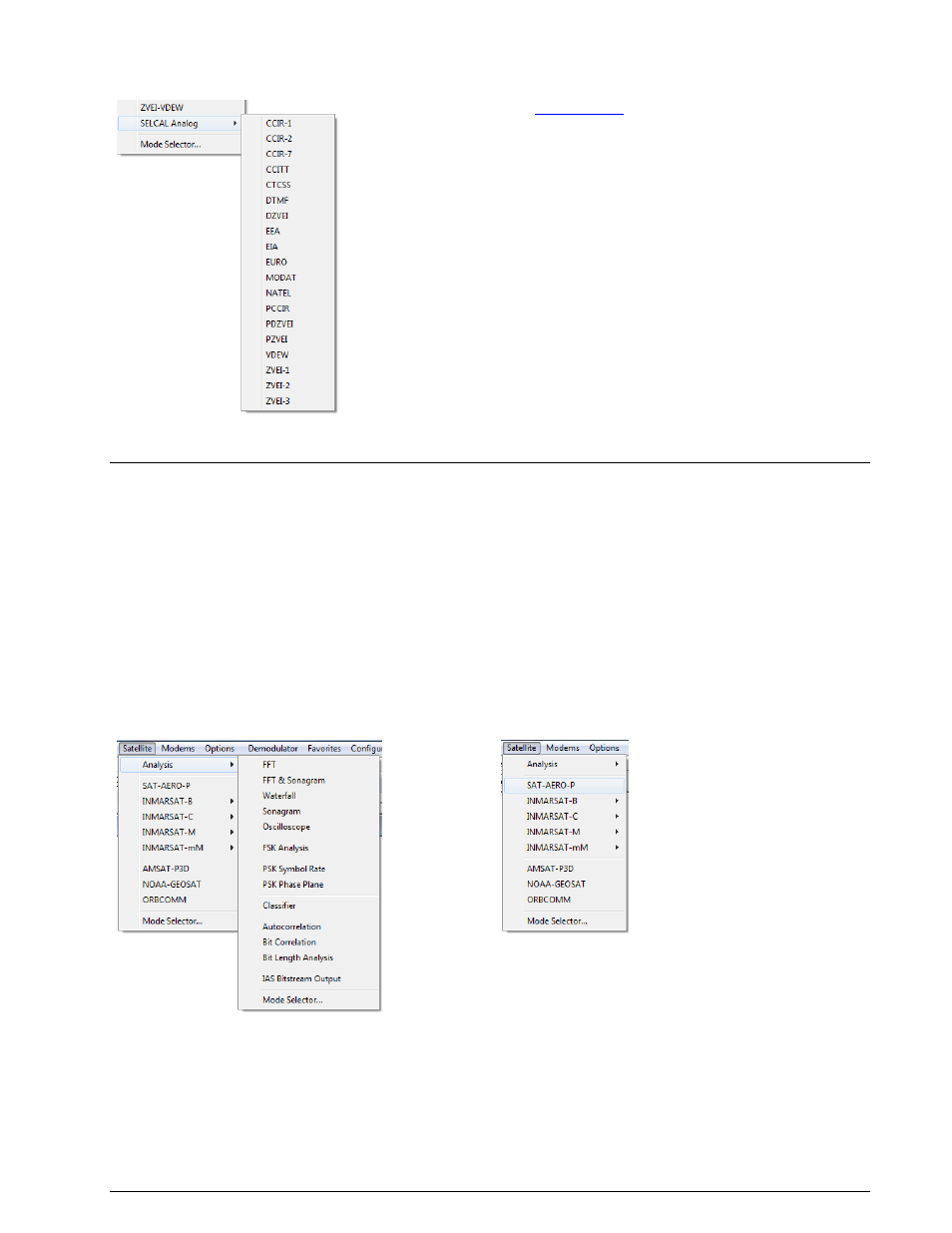
VHF/UHF-SUB | Selcal Analog
VHF/UHF-SUB | Mode Selector...
See “
” on page 61.
Satellite Menu
The various satellite protocols are displayed in the Satellite menu. To start decoding of the desired mode,
click on it or to select the modes of a group, left-click or let the mouse rest briefly on the group item to be
selected. Now, the modes of the group are displayed in a separate menu. Start decoding the desired mode
by another left-click.
The various analysis tools are displayed in the Analysis menus.
The descriptions of the operating modes in a separate section of this manual are arranged in alphabetical
order.
The Mode Selector is available from the Satellite menu and from the WAVECOM Toolbar.
Satellite | Analysis
Satellite | Modes