Canon PowerShot G3 X User Manual
Page 71
71
Playback Mode
Wi-Fi Functions
Setting Menu
Accessories
Appendix
Index
P Mode
Tv, Av, M, C1, and C2 Mode
Before Use
Basic Guide
Advanced Guide
Camera Basics
Auto Mode /
Hybrid Auto Mode
Other Shooting Modes
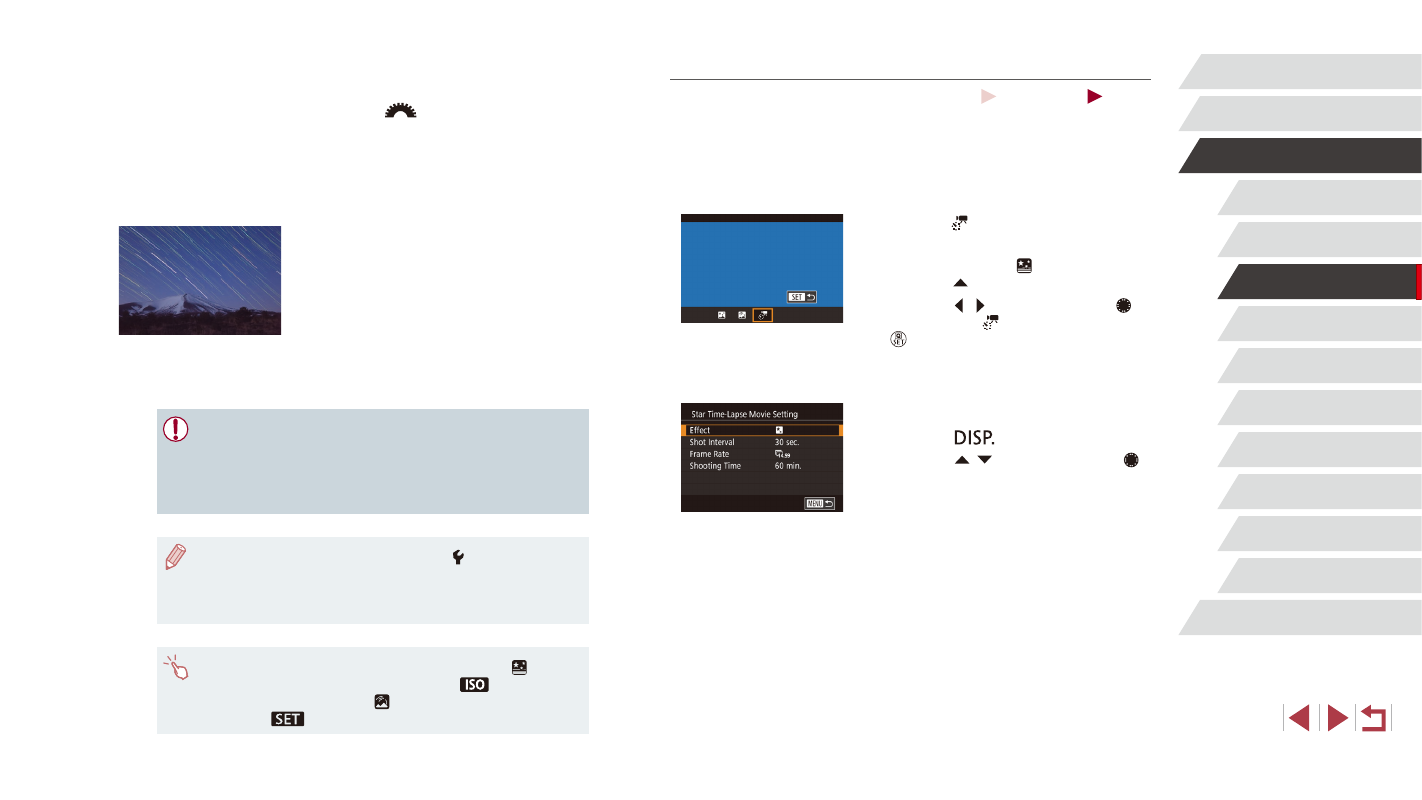
Shooting Movies of Star Movement (Star Time-Lapse Movie)
Still Images
Movies
By recording a time-lapse movie that combines images shot at a specified
interval, you can create movies with fast-moving stars. You can adjust the
shooting interval and recording duration as needed.
Note that each session takes a long time, and requires many shots. Check
the battery level and memory card space in advance.
1
Choose [ ].
z
Follow steps 1 – 2 in “Specific Scenes”
(= 61) and choose [ ], and then
press the [ ] button.
z
Press the [ ][ ] buttons or turn the [ ]
dial to choose [ ], and then press the
[ ] button.
z
Zoom is set to maximum wide angle and
cannot be adjusted.
2
Configure movie settings.
z
Press the [
] button.
z
Press the [ ][ ] buttons or turn the [ ]
dial to choose an item, and then choose
the desired option.
3
Secure the camera.
z
Mount the camera on a tripod or take
other measures to keep it still.
2
Specify the duration of the shooting
session.
z
Turn the [
] dial to choose the
shooting duration.
3
Secure the camera.
z
Mount the camera on a tripod or take
other measures to keep it still.
4
Shoot.
z
Press the shutter button all the way
down. [Busy] is displayed briefly, and
then shooting begins.
z
Do not disturb the camera while shooting.
z
To cancel shooting, press the shutter
button all the way down again. Note that
cancellation may take up to about 60
seconds.
●
If the camera runs out of battery power, shooting stops and a
composite image created from the images up to that point is
saved.
●
There will be a delay before you can shoot again, as the camera
processes the images.
●
For easier viewing, try choosing MENU ► [ 2] tab ► [Night
Display] ► [On] (= 161) before shooting.
●
Try switching to manual focus mode (= 86) to more accurately
specify the focal position before shooting.
●
You can also choose the shooting mode by choosing [ ] in steps
1 – 2 of “Specific Scenes” (= 61), touching [
] to access
the setting screen, touching [ ], and then touching the same
option or [
].