5 lines lcd model(p. 298) – Canon imageCLASS MF264dw II Multifunction Monochrome Laser Printer User Manual
Page 307
You can specify a value from 25% to 400% in 1% increments.
5
Configure the other copy settings, as needed. Additional Copying Features(P. 300)
You can perform 2-sided copying and adjust the image quality and other settings to suit your original and
purpose.
6
Press
on the control panel.
➠
Copying starts.
●
To cancel copying, press [Cancel] [Yes]. Canceling Copy Operations(P. 323)
●
Press
on the control panel to view the copy job status. Viewing the Print Job Status and Log(P. 223)
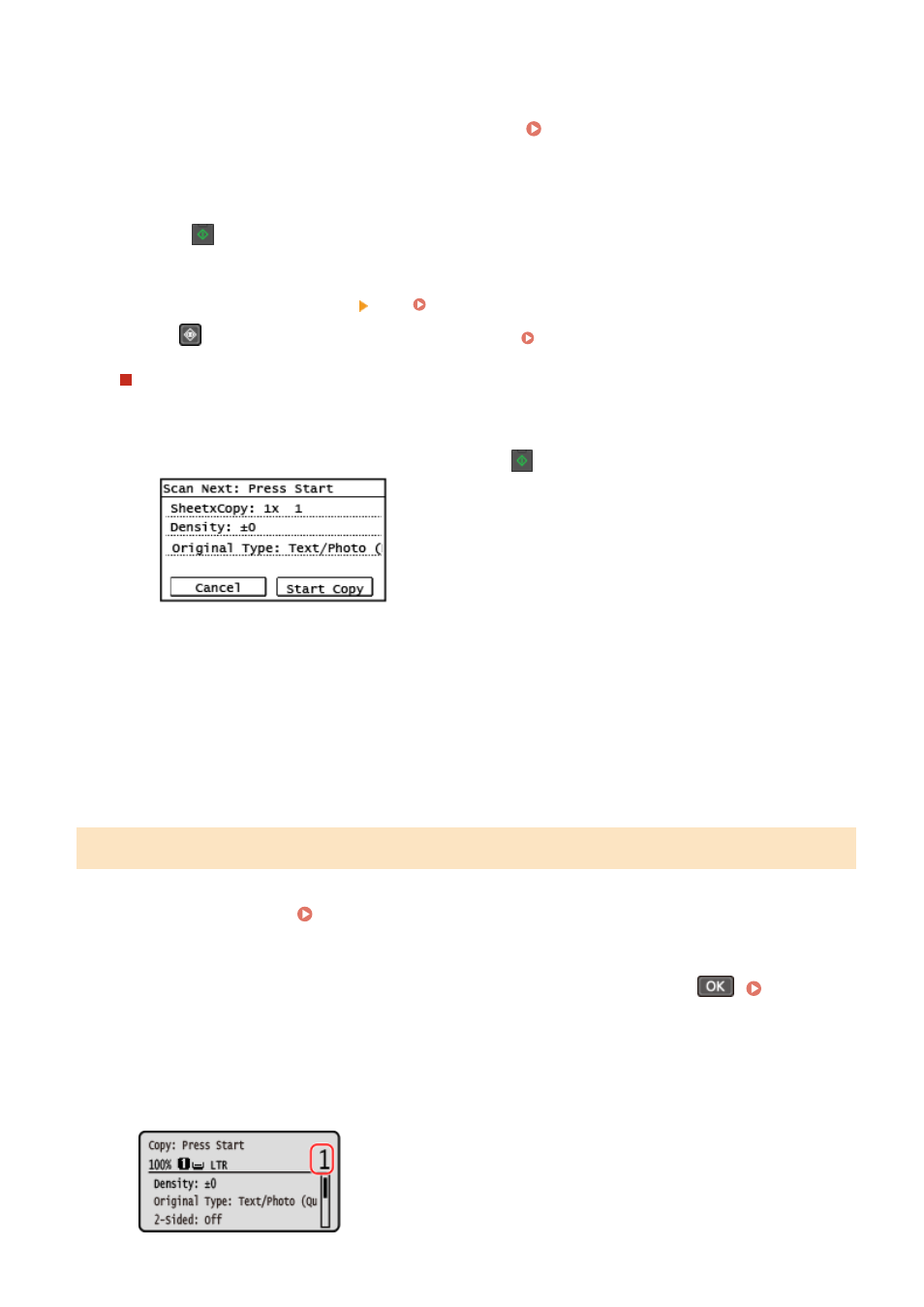
When [Scan Next: Press Start] appears
When an original is placed on the platen glass and copied using 2-sided copying or N on 1, the screen is
displayed for scanning the next original.
1
Place the next original on the platen glass, and press
on the control panel.
➠
The next original is scanned, and the same screen is displayed.
Repeat this process until scanning of all originals is completed.
●
You can press [Density] and [Original Type] to change the settings for each original.
●
If the size of the original is different, part of the image may be missing, or the image may be printed
smaller on the paper.
2
Press [Start Copy].
➠
The scanned originals are printed.
5 Lines LCD Model
1
Place the original. Placing Originals(P. 139)
2
On the control panel, select [Copy] in the [Home] screen and press
. [Home]
➠
The copy screen is displayed.
3
Enter the number of copies using the numeric keys.
Copying
298