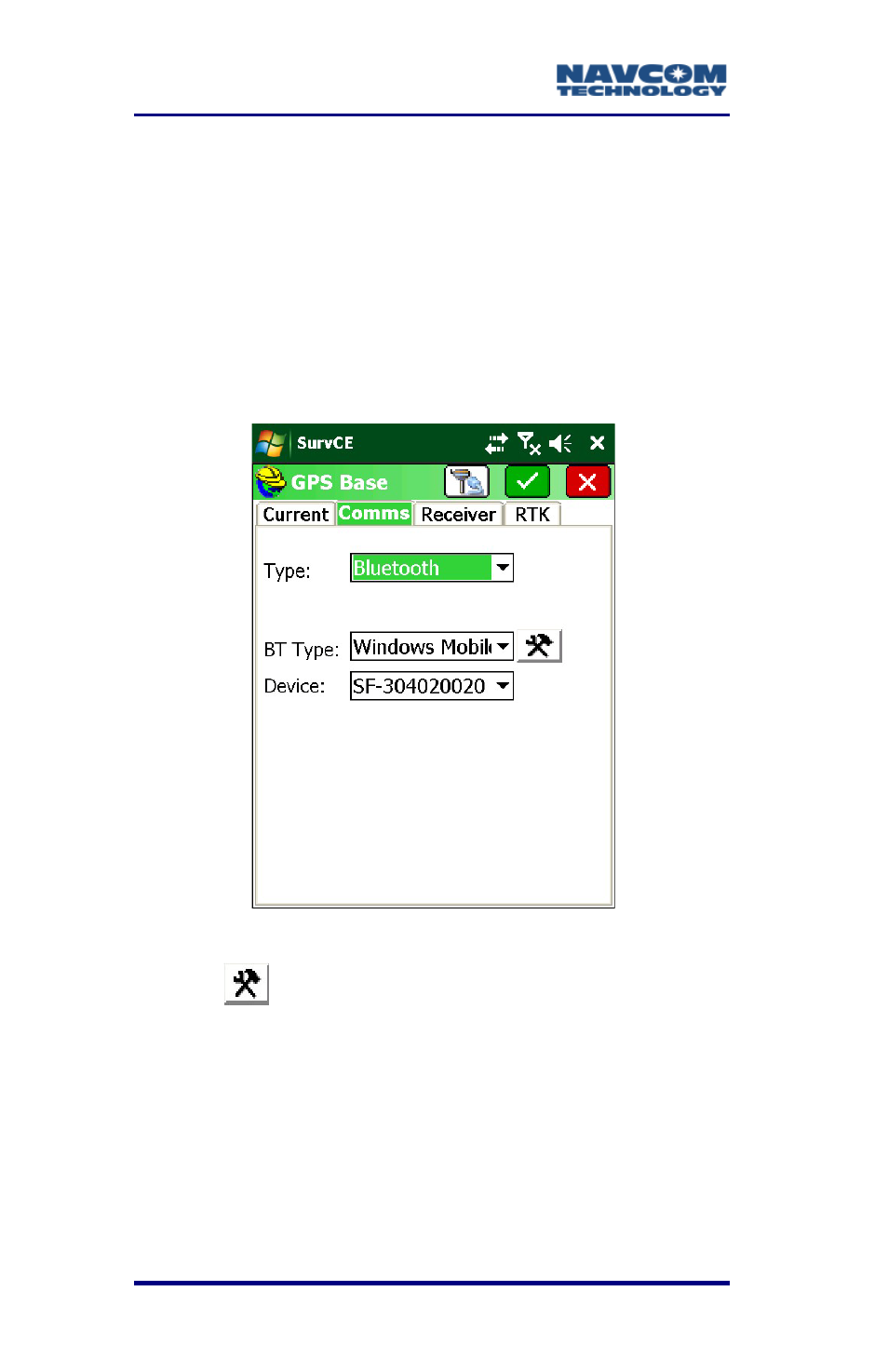
Figure 22: gps base submenu type: bluetooth – NavCom SurveCE Integration Rev.A User Manual
Page 54
Advertising
SurvCE™ Integration User Guide – Rev. A
3-52
If wireless connectivity is desired, refer
to the following section, Bluetooth
Configuration.
Bluetooth Configuration
1. For wireless connection, from GPS Base >
Comms tab, select the BT option from
Type. In
the
BT Type
box Windows Mobile displays
automatically.
Figure
22
: GPS Base Submenu Type: Bluetooth
2. Tap
, the configure icon (see Figure 22). The
search starts for all BT-enabled devices. A
“Bonding” message displays to indicate SurvCE is
searching.
3. From the Available List, select the desired
receiver.
4. From Device, select the receiver with the desired
ID number.
Advertising