Figure 36: gps rover – comms submenu – NavCom SurveCE Integration Rev.A User Manual
Page 72
Advertising
SurvCE™ Integration User Guide – Rev. A
3-70
Selecting SF-3040 sets the protocol
stack for the SF-3040.
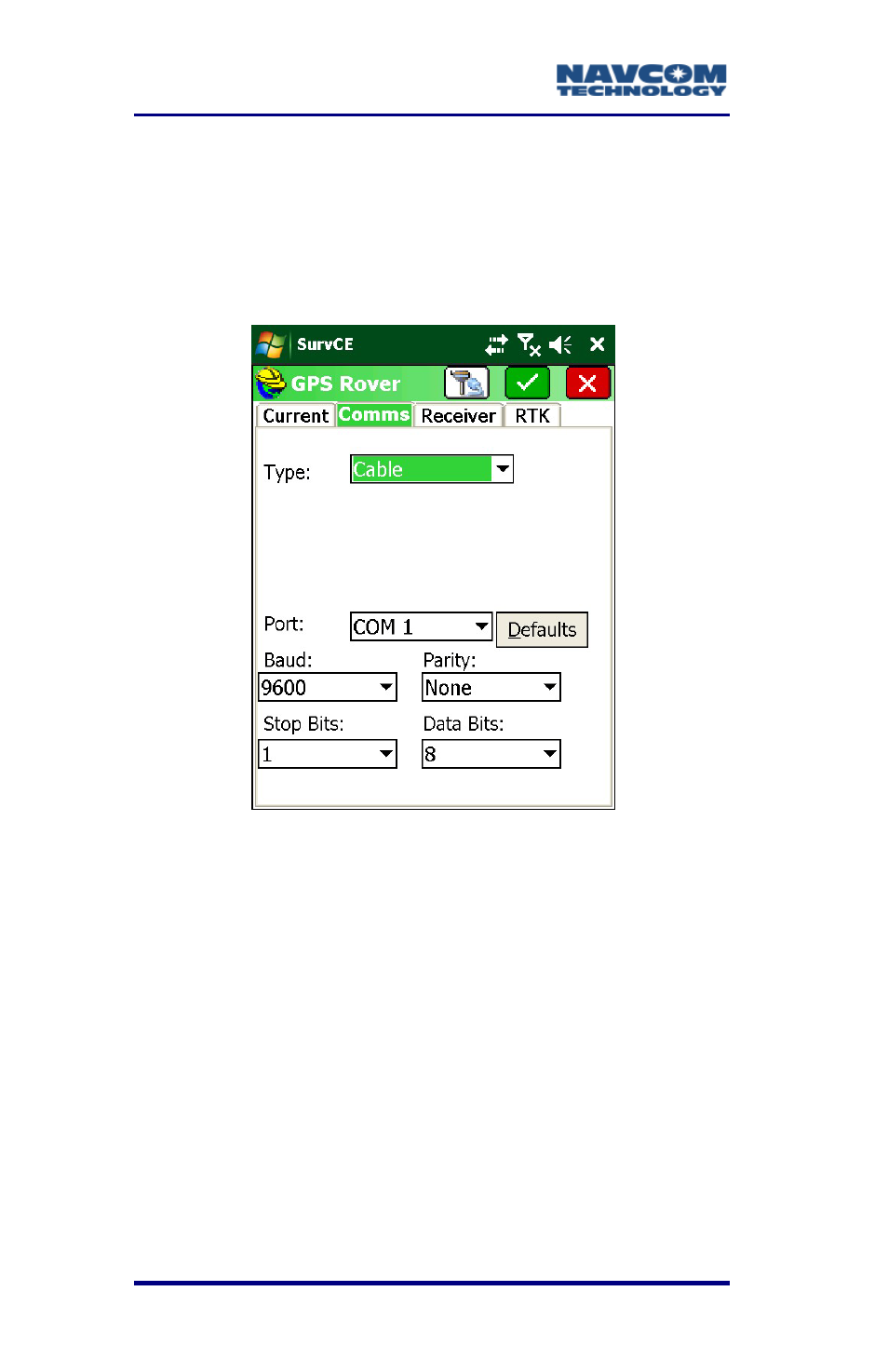
9. Tap the Comms tab. Refer to this tab to review
the options. Do not change any of the default
settings (see Figure 37).
Figure 36: GPS Rover – Comms Submenu
If wireless connectivity is preferred, refer
to the following section, Bluetooth
Configuration. The rover receiver can be
searched for in the same manner as the
base was. Once bonded, both the base
and rover will appear in the Device list.
Bluetooth Configuration
1. For wireless connection, from GPS Rover >
Comms tab, from Type select the BT option (see
Figure 37).
Advertising