Working on the asset segmentation layout – Grass Valley iTX Desktop v.2.6 User Manual
Page 348
Working on the Asset Segmentation layout
Working on the Asset Segmentation layout
If you have a long video clip, you may want to divide it into segments that you can schedule for
playout independently. You can do this by creating a separate video clip for each segment. The
segment clips refer to different parts of the same media file; you do not need to create new
media files for them.
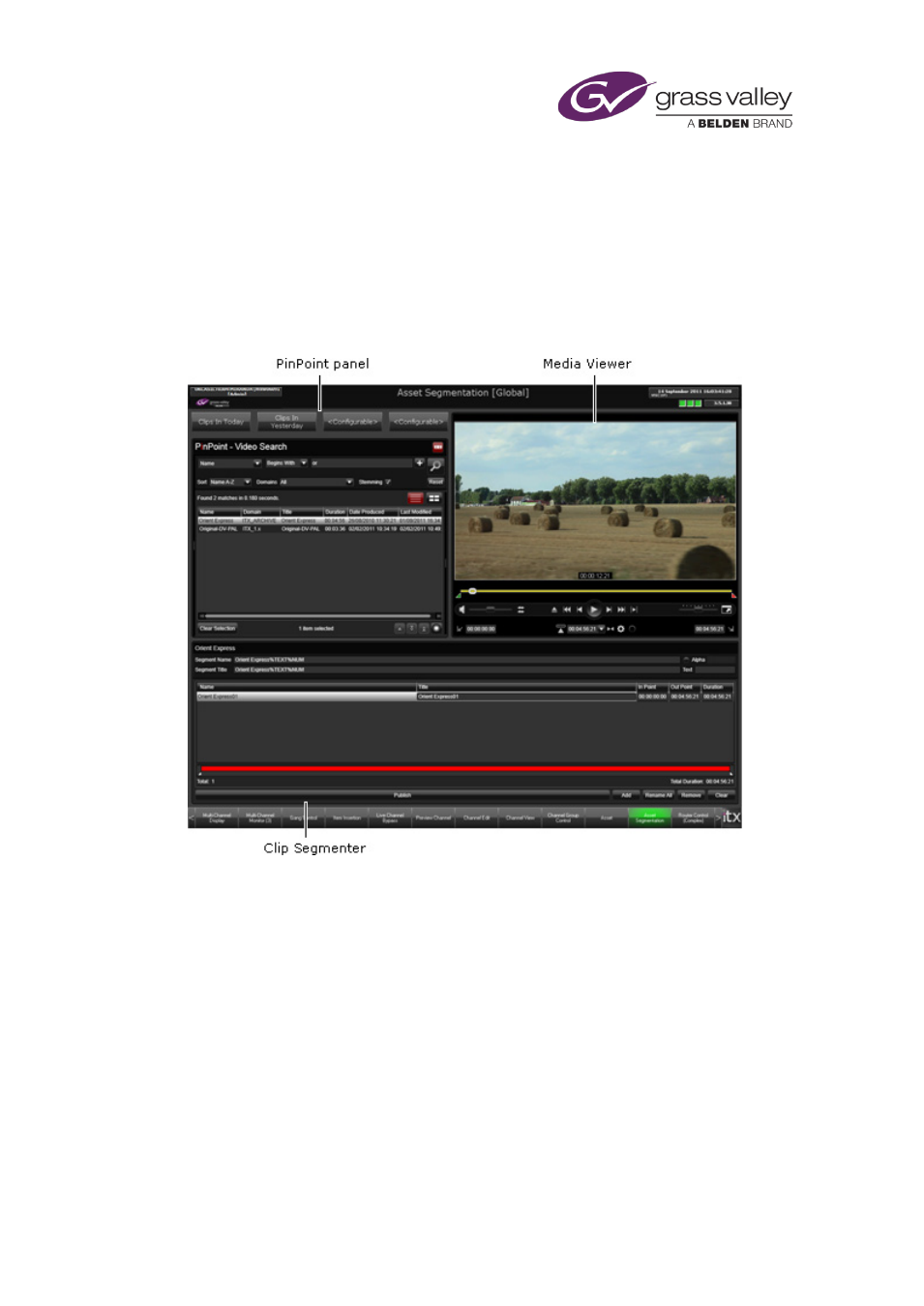
For this process, which we call segmenting, you may use the Asset Segmentation layout:
The layout has a PinPoint panel and a Media Viewer, similar to the Asset layout. It also has a
special component, called the Clip Segmenter, for creating clip segments from a base video clip.
Through this layout, you can:
•
Use PinPoint to display a list of video clips.
•
Select a video clip for segmenting – the base video clip – and load it in the Clip Segmenter.
•
Use the Clip Segmenter to create segments from the base video clip.
•
Adjust the boundary points of any segment while playing the segment in the Media
Viewer.
March 2015
iTX Desktop: Operator Manual
328