Working with a studio switcher, About the studio switcher palette – Grass Valley iTX Desktop v.2.6 User Manual
Page 86
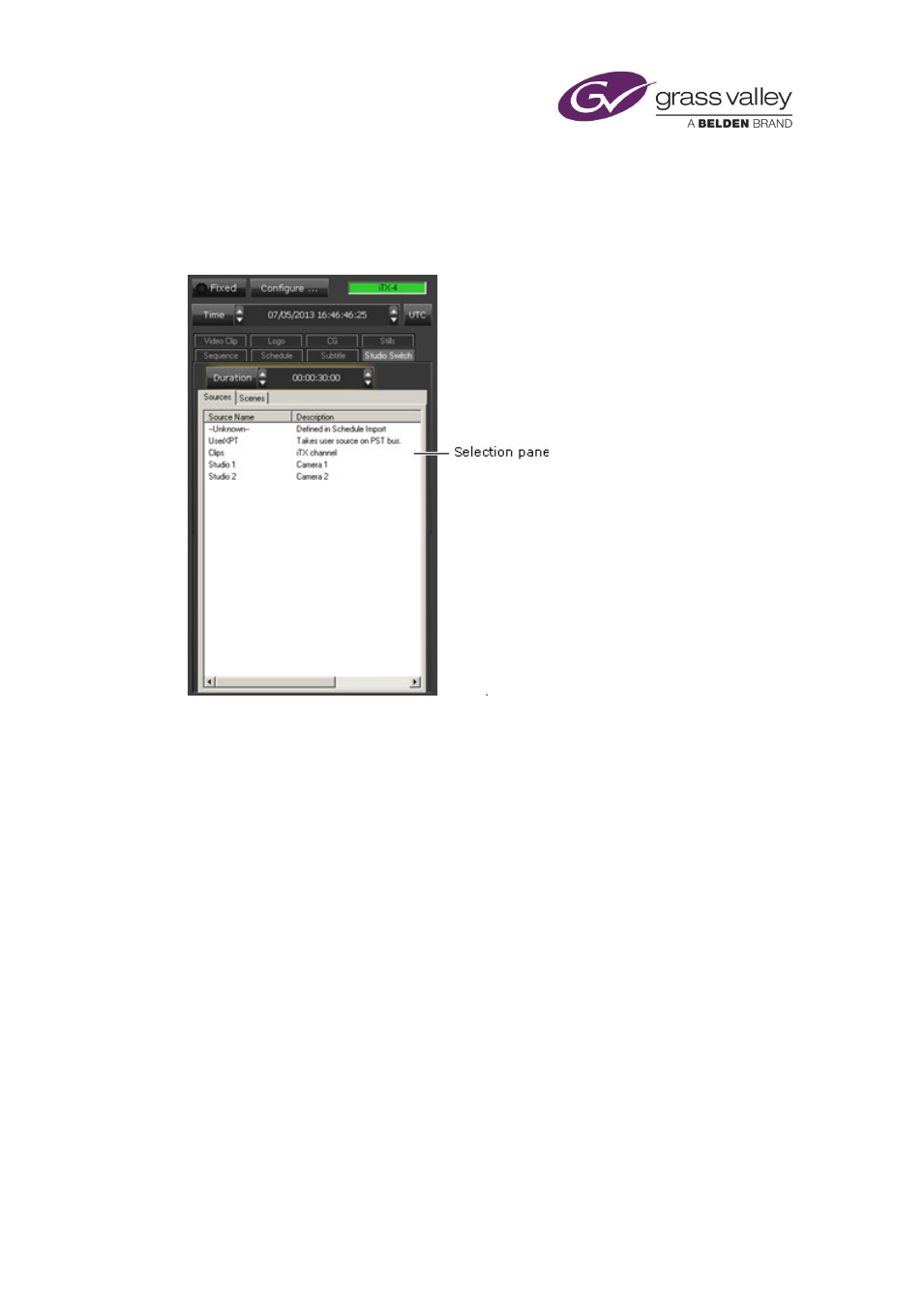
The Content Selector
Working with a studio switcher
About the Studio Switcher palette
Where iTX is used in a news-studio environment, it may be set up to interact with a Sony DVS-
9000 production switcher. With the Studio Switcher palette displayed, you can add studio-
switcher events to the current schedule. The palette displays switcher items under two tabs:
Sources and Scenes. From either of these, you can create events that relate to a particular way
of controlling the switcher:
•
Sources tab, for source selection. iTX selects a source crosspoint on a specified bank (P/P,
ME1, etc.) of the switcher and puts the source to air. The source may be any of a number
of configured sources; among these may be the output of the iTX playout channel that has
control of the switcher.
•
Scenes tab, for scene recall. iTX recalls a scene, referenced by a name or a number. The
scene may be a defined state or function – “keyframe” or “snapshot”, in switcher
terminology – on a specified bank (P/P, ME1, etc.) of the switcher. The operation may
produce a particular graphical layout or play a DVE. A snapshot can include the sending of
GPIs as take-next commands to iTX.
Note:
•
What sources and scenes are available depend on the channel configuration.
•
The existing support of GPIs means that iTX can respond to any GPI it receives from the
switcher.
March 2015
iTX Desktop: Operator Manual
66