5 checking and changing q parameters – HEIDENHAIN TNC 407 (280 580) User Manual User Manual
Page 196
Advertising
7-11
TNC 425/TNC 415 B/TNC 407
7
Programming with Q Parameters
1
0
e.g.
Q
0
e.g.
ENT
ENT
END
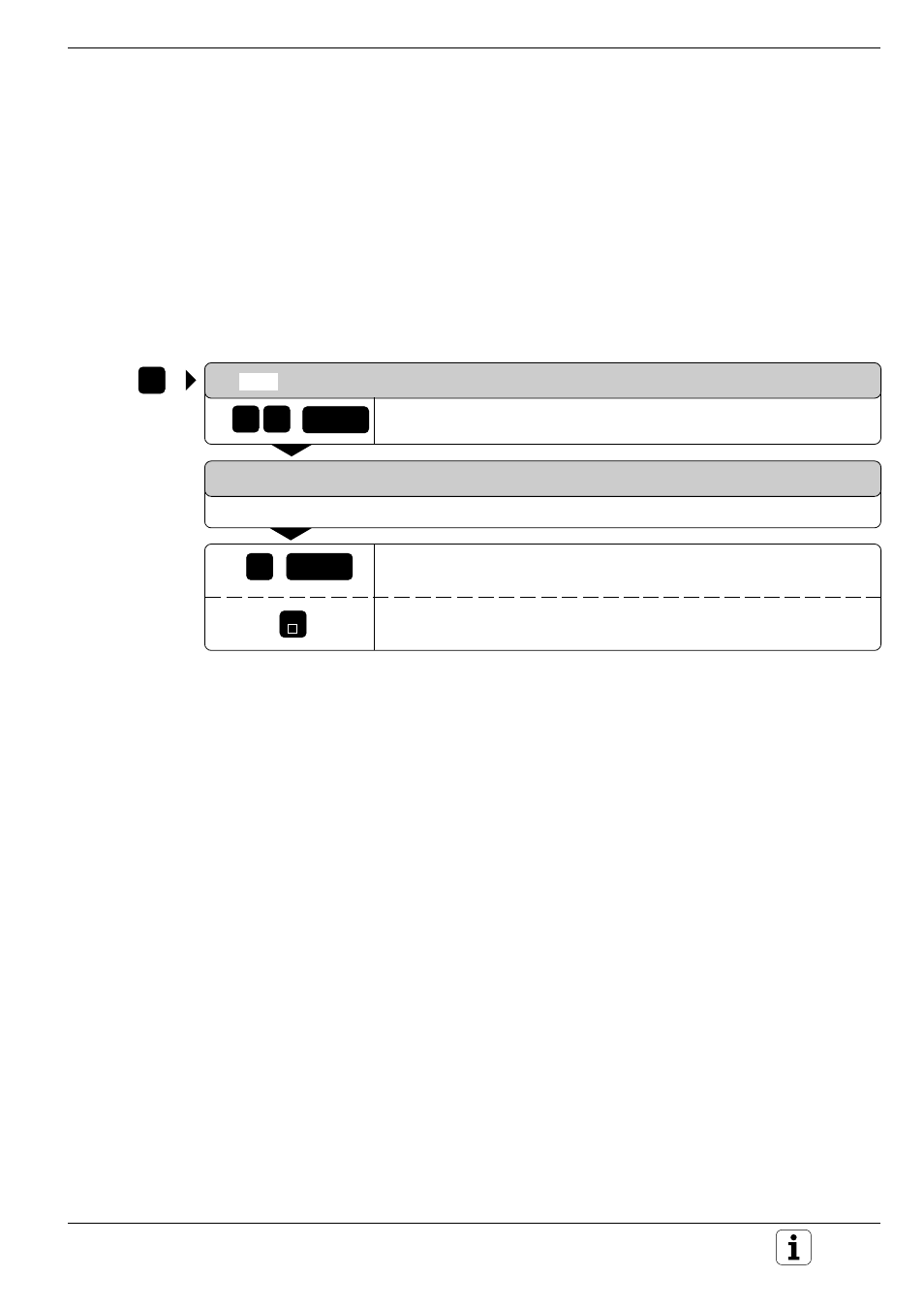
7.5 Checking and Changing Q Parameters
Q parameters can be checked and – if necessary – changed during a
program run or program test.
Preparation:
• If you are in a program run, interrupt it, for example by pressing the
machine STOP key and the INTERNAL STOP soft key.
• If you are doing a test run, interrupt it.
To call the Q parameter:
Q
Select the Q parameter, for example Q10.
Q10 = + 100
The TNC displays the current value, for example Q10 = 100.
Change the Q parameter, for example Q10 = 0.
Leave the Q parameter unchanged.
Advertising