CIRCUTOR CVM-B Series User Manual
Page 156
If no key is pressed for 5 minutes, the display screen changes automatically to the default
screen, which displays the voltage measurement of 4 parameters.
● When programming the
connection delay (ON) of the transistor digital output:
The connection delay is programmed in seconds.
,
...
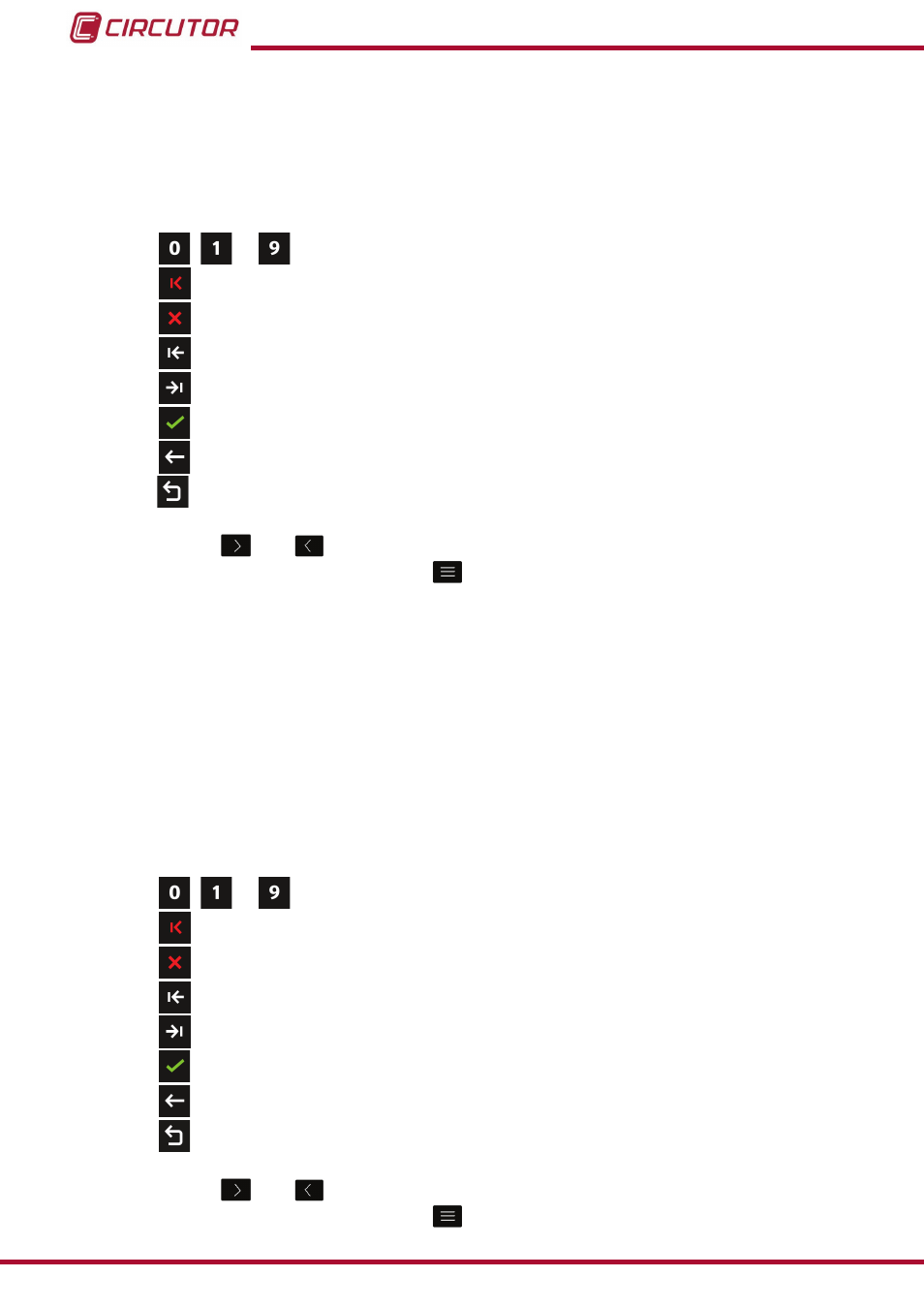
the ten possible digits to program
�
Delete character, deletes the selected character
�
Delete parameter, deletes the characters of the selected parameter.
Previous, selects the previous parameter
�
Next, selects the next parameter
�
Confirm, confirms and saves in the memory the values programmed on the screen
�
Back, returns to the home screen of the setup menu
figura 113
.
Main Menu, back to the main menu,
figure 25
.
Use the keys
and
to select the different options.
To confirm the selection, press the key
.
Connection delay (ON):
Maximum value: 999s.
Minimum value: 0s.
If no key is pressed for 5 minutes, the display screen changes automatically to the default
screen, which displays the voltage measurement of 4 parameters.
● When programming the
disconnection delay (Off) of the transistor digital output:
The disconnection delay is programmed in seconds.
,
...
The ten possible digits to program
�
Delete character, deletes the selected character
�
Delete parameter, deletes the characters of the selected parameter.
Previous, selects the previous parameter
�
Next, selects the next parameter
�
Confirm, confirms and saves in the memory the values programmed on the screen
�
Back, returns to the home screen of the setup menu
figura 113
.
Main Menu, back to the main menu,
figure 25
.
Use the keys
and
to select the different options.
To confirm the selection, press the key
.
156
CVM-B100 - CVM-B150
Instruction Manual