CIRCUTOR CVM-B Series User Manual
Page 64
Advertising
5�1�2�1�-
Default parameters�
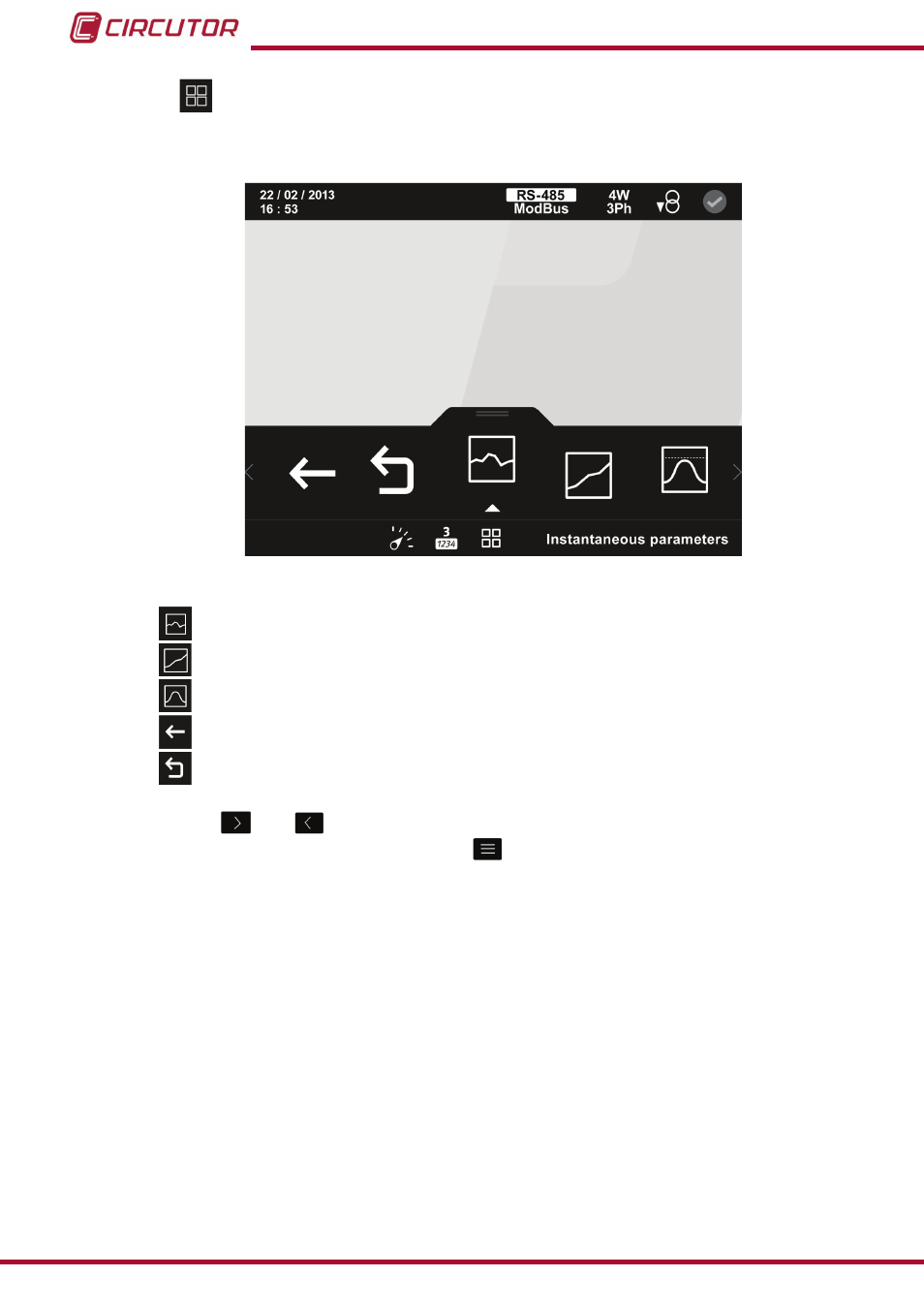
This menu allows you to view the following types of parameters:
figure 51:Default parameters display screen (display 3 parameters)�
Instantaneous parameters.
Incremental parameters.
Demand parameters.
Back, returns to the home screen of the 3 parameter display menu,
figure 50.
Main Menu, back to the main menu,
figure 25
.
Use the keys
and
to browse the various menus.
To access the selected menu press the key
.
If no key is pressed for 5 minutes, the display screen changes automatically to the default
screen, which displays the voltage measurement of 4 parameters.
64
CVM-B100 - CVM-B150
Instruction Manual
Advertising