CIRCUTOR CVM-B Series User Manual
Page 40
5�1�1�1�1�-
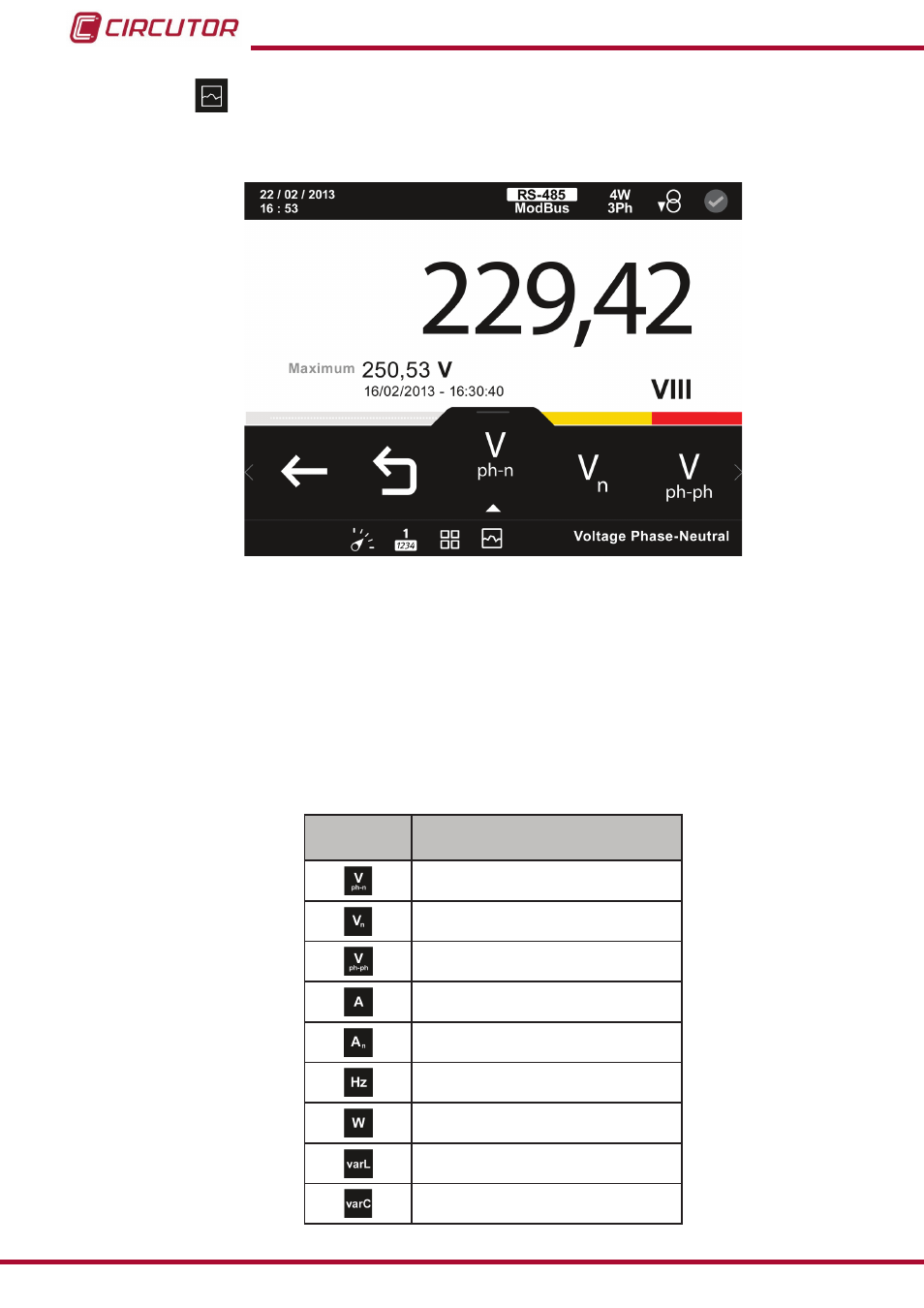
Instantaneous parameters�
On this screen,
figure 29,
you can view all the parameters indicated in
Tabla 8
.
figure 29: Instantaneous parameters (display 1 parameter)�
For each of the instantaneous parameters you can view:
The maximum and minimum value, with the date and time when it occurred.
A bar chart with the indications of the instantaneous value, maximum and minimum
values and alarms, see
Graphical representation of the parameter.
The analogue representation of the parameter.
Table 8: Instantaneous parameters�
Icon
Display 1 parameter
Instantaneous parameters
Phase-Neutral Voltage
Neutral voltage
Phase-Phase Voltage
Current
Neutral Current
Frequency
Active power
(1)
Inductive reactive power
(1)
Capacitive reactive power
(1)
40
CVM-B100 - CVM-B150
Instruction Manual