Working with kaleido-solo – Grass Valley iControl V.4.43 User Manual
Page 262
Advertising
Configuring Devices & Services
Working with Kaleido-Solo
252
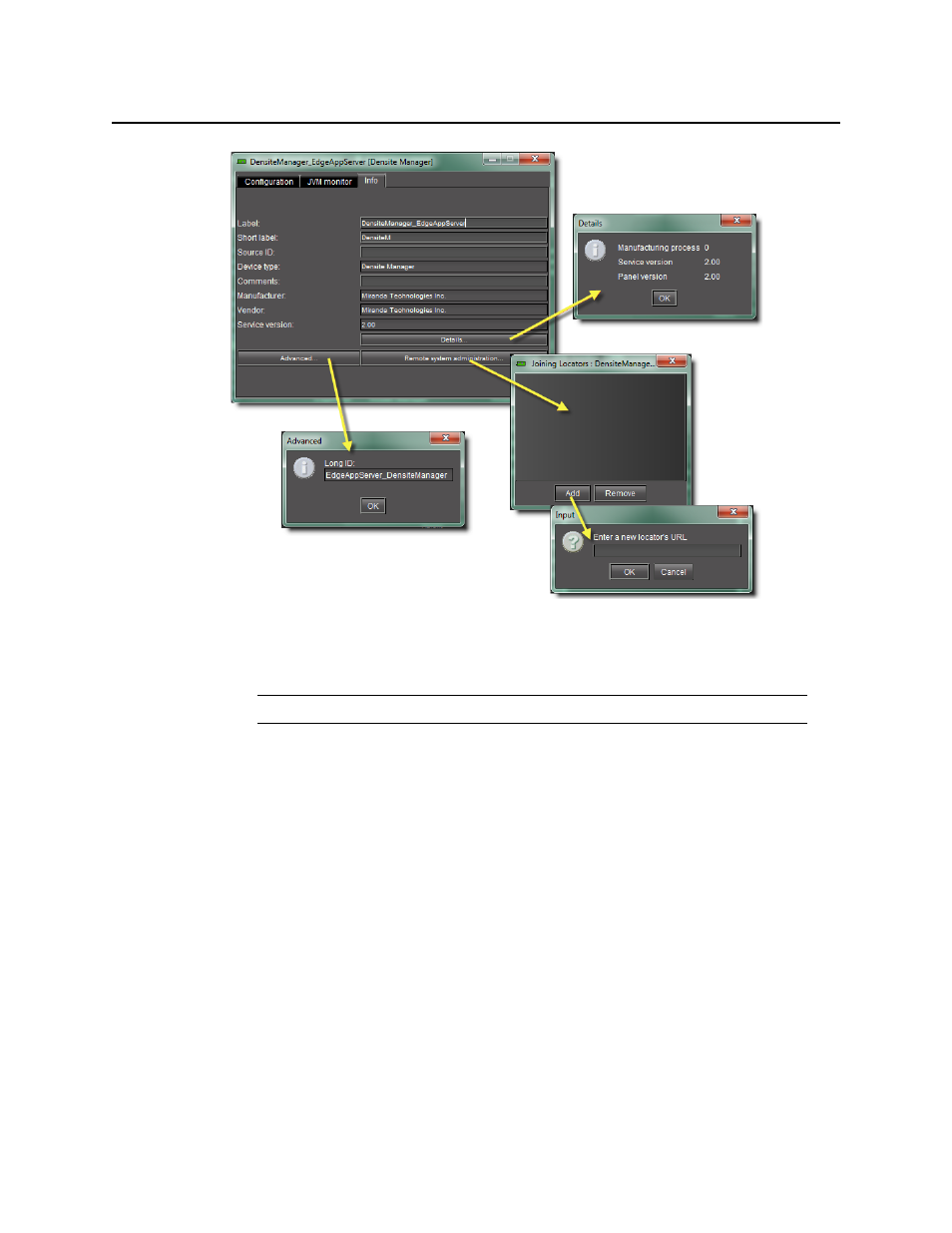
Figure 5-16
11. Type (or modify) the values in the Label, Short Label, Source ID and Comments fields, as
required.
12. In addition, you can do the following:
•
Click Advanced to view the Long ID.
•
Click Details to obtain manufacturing process, service, and panel version numbers.
•
Click Remote system administration to view, add or remove the IP address of an
Application Server running a lookup service on a remote subnet.
Working with Kaleido-Solo
For iControl to monitor and control a Kaleido-Solo device, the Kaleido-Solo must first be
added to the list of communicators in the Densité Manager.
Note: These values are typically visible in the main iC Navigator window.
Advertising
This manual is related to the following products: