PLANET WGSW-28040P User Manual
Page 131
Advertising
User’s Manual of WGSW-28040 / 28040P / 28040P4
131
Buttons
: Click to apply changes.
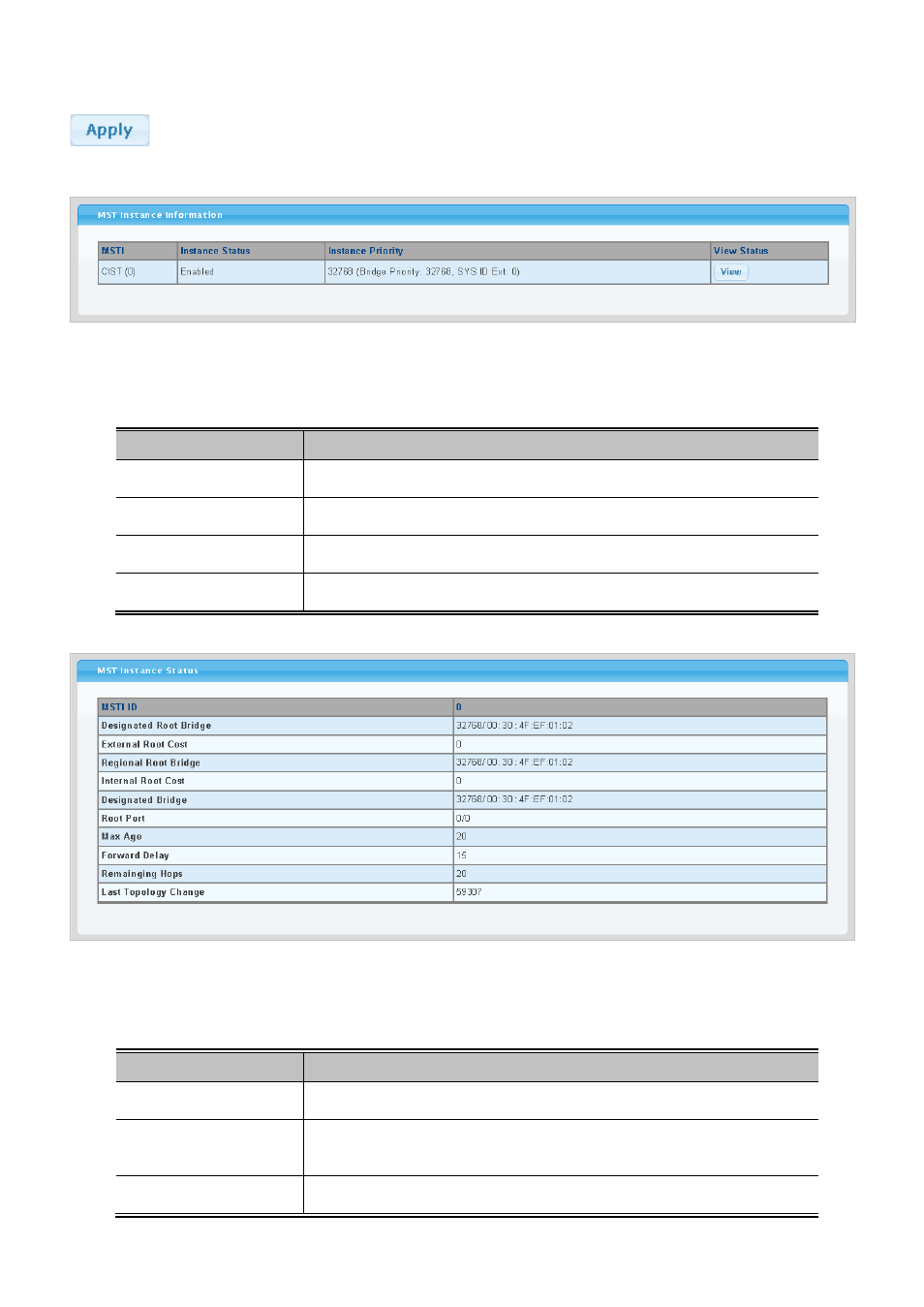
Figure 4-6-12 MST Instance Setting page screenshot
The page includes the following fields:
Object
Description
• MSTI
Display the current MSTI entry.
• Instance Status
Display the current instance status.
•
Instance Priority
Display the current instance priority.
• View Status
Click to view detail information.
Figure 4-6-13 MST Instance Status page screenshot
The page includes the following fields:
Object
Description
• MSTI ID
Display the MSTI ID.
• Designated Root
Bridge
Display the current designated root bridge.
• External Root Cost
Display the current external root cost.
Advertising
This manual is related to the following products: